helios (Dell Precision T5400)


Summary
TODO
Notes
TODO
Hardware
| Make | Dell |
| Year | 2008 |
| Model | Precision T5400 |
| Chassis | Precision T5400 |
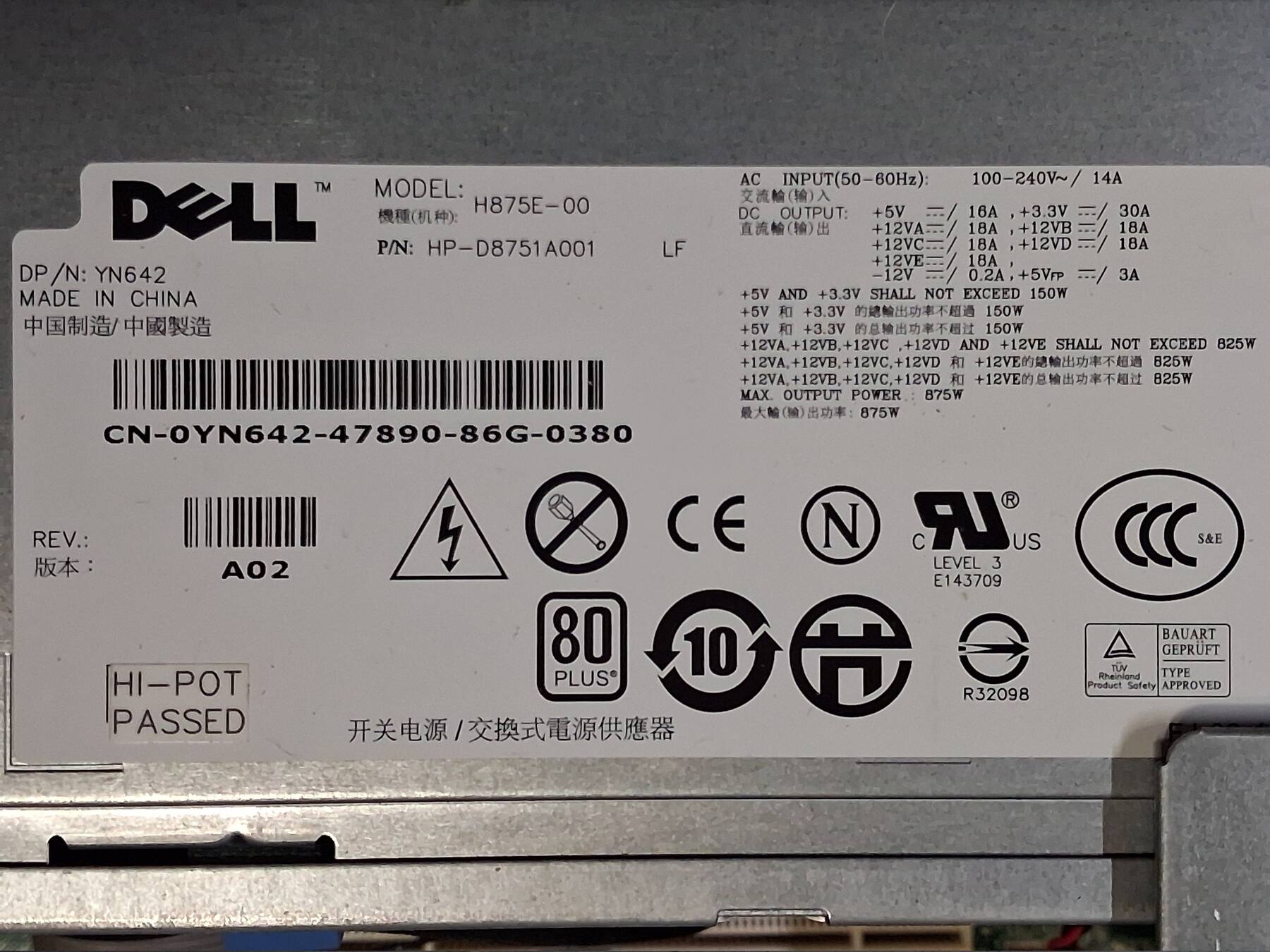
| Power Supply | 875W Dell H875E-00 |
| Processor | 2x Intel Xeon E5405 |
| Memory | 16GB DDR2-667 FB-DIMM - Hynix HMP525F7FFP4C-Y5N3 |
| Ports | Parallel |
| 2x DB-9 Serial | |
| PS/2 Mouse | |
| PS/2 Keyboard | |
| 5x USB A 2.0 | |
| 3.5mm Line out | |
| 3.5mm Line in | |
| RJ-45 LAN | |
| Graphics | BFG GeForce 8800GTX OC 768MB |
| Storage | 4x 600GB Dell Seagate Cheetah 15K.7 ST3600057SS SAS |
| Display | - |
| Int. Peripherals | Dell DPWC200 91WRC Firewire 800 |
| Adaptec 29160 Ultra160 SCSI | |
| Ext. Peripherals | - |
| Dimensions | |
| Length/Depth | 46 cm |
| Width | 45 cm |
| Height/Thickness | 17 cm |
| Weight | 19.94 kg (43 lbs 15 oz) |
Software
| Operating System | |
| Unique applications |
Log
Tossed out workstation
I grabbed this Dell and another machine (seraphim) that were being thrown out. They didn't come with drives, but seemed mostly complete.
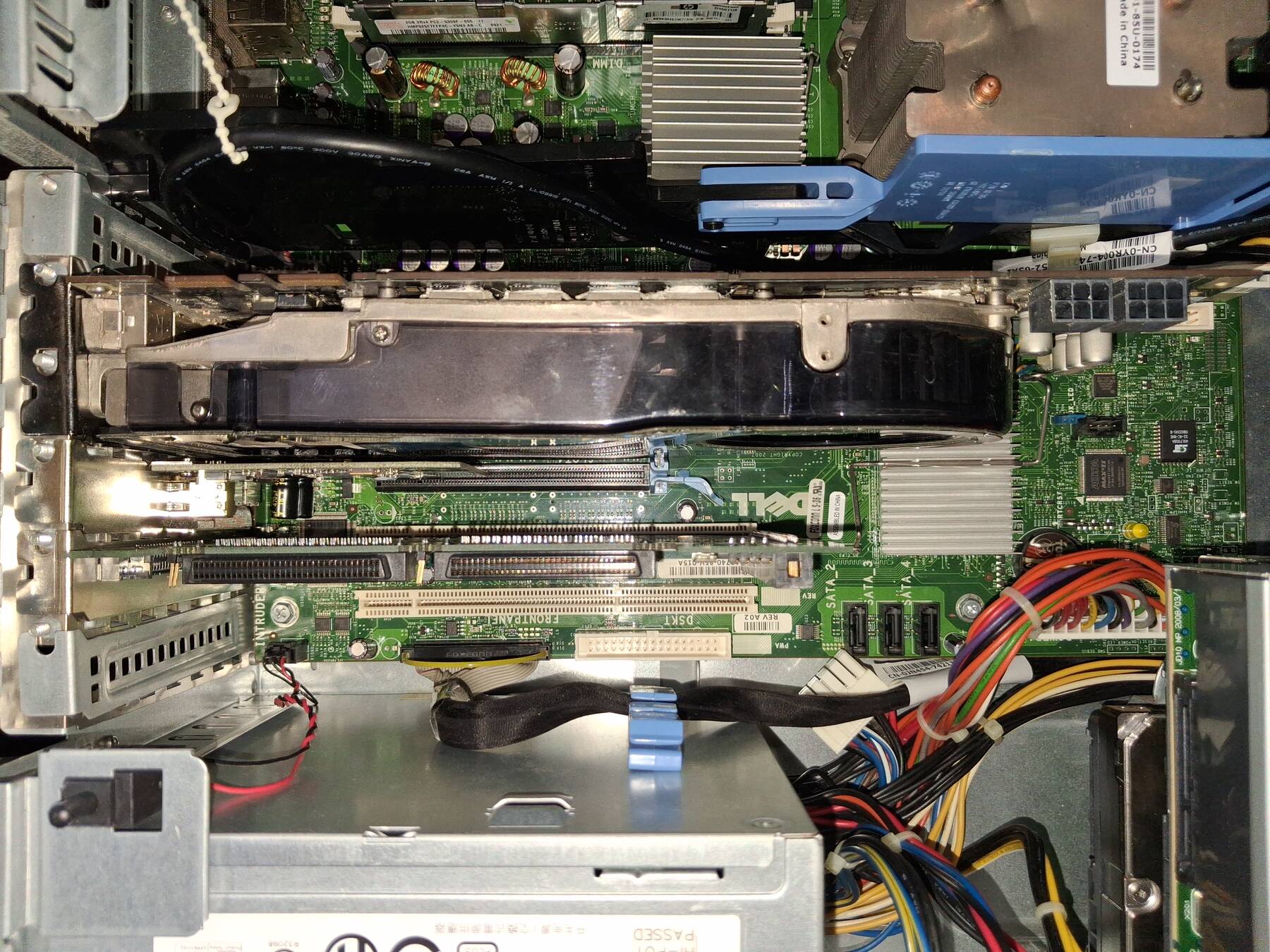
What grabbed my attention on this machine was the dual DVI, 2-slot graphics card. I sort of recognized it as a business or professional machine Dell, but it ended up more than expected.
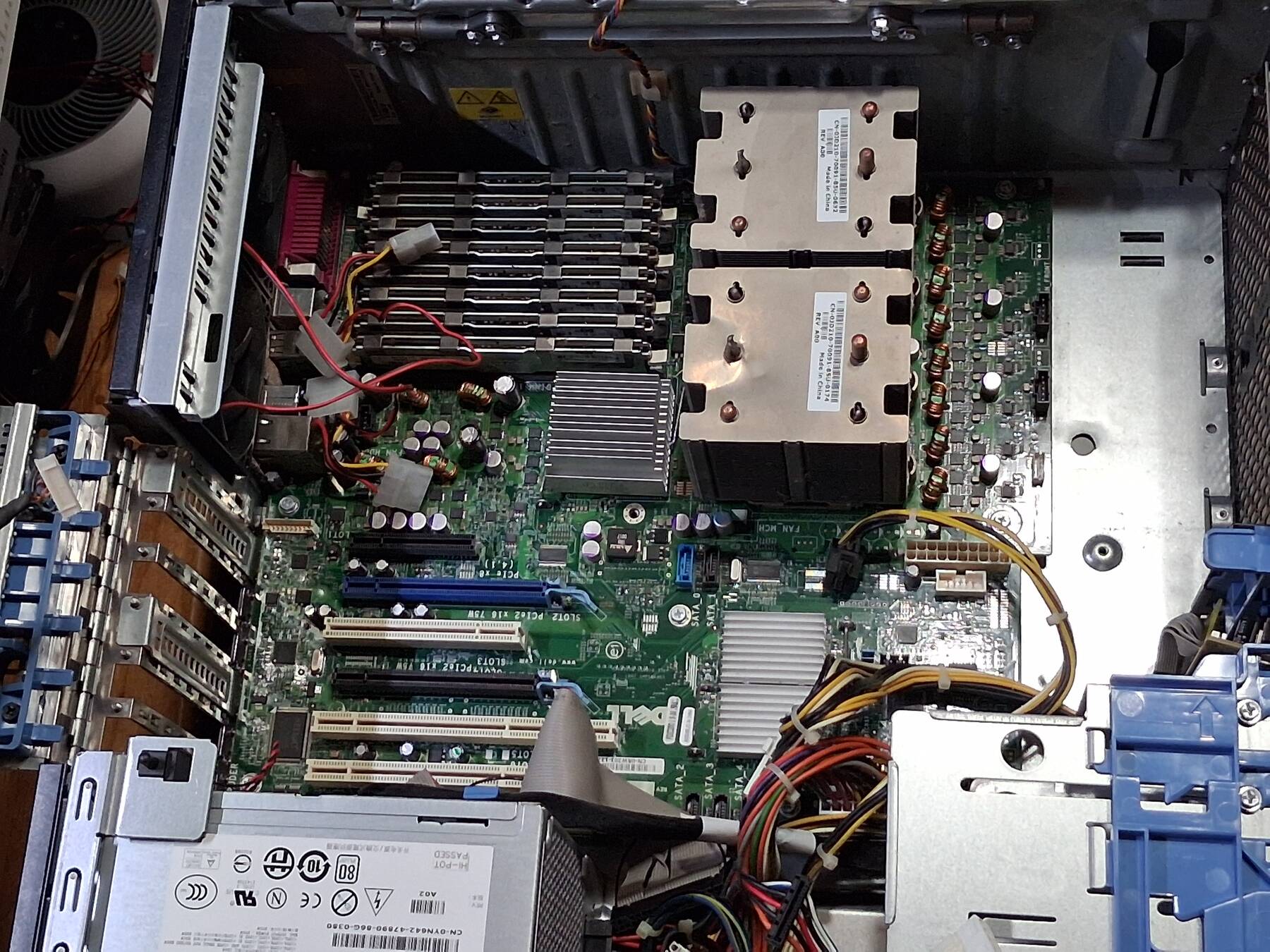
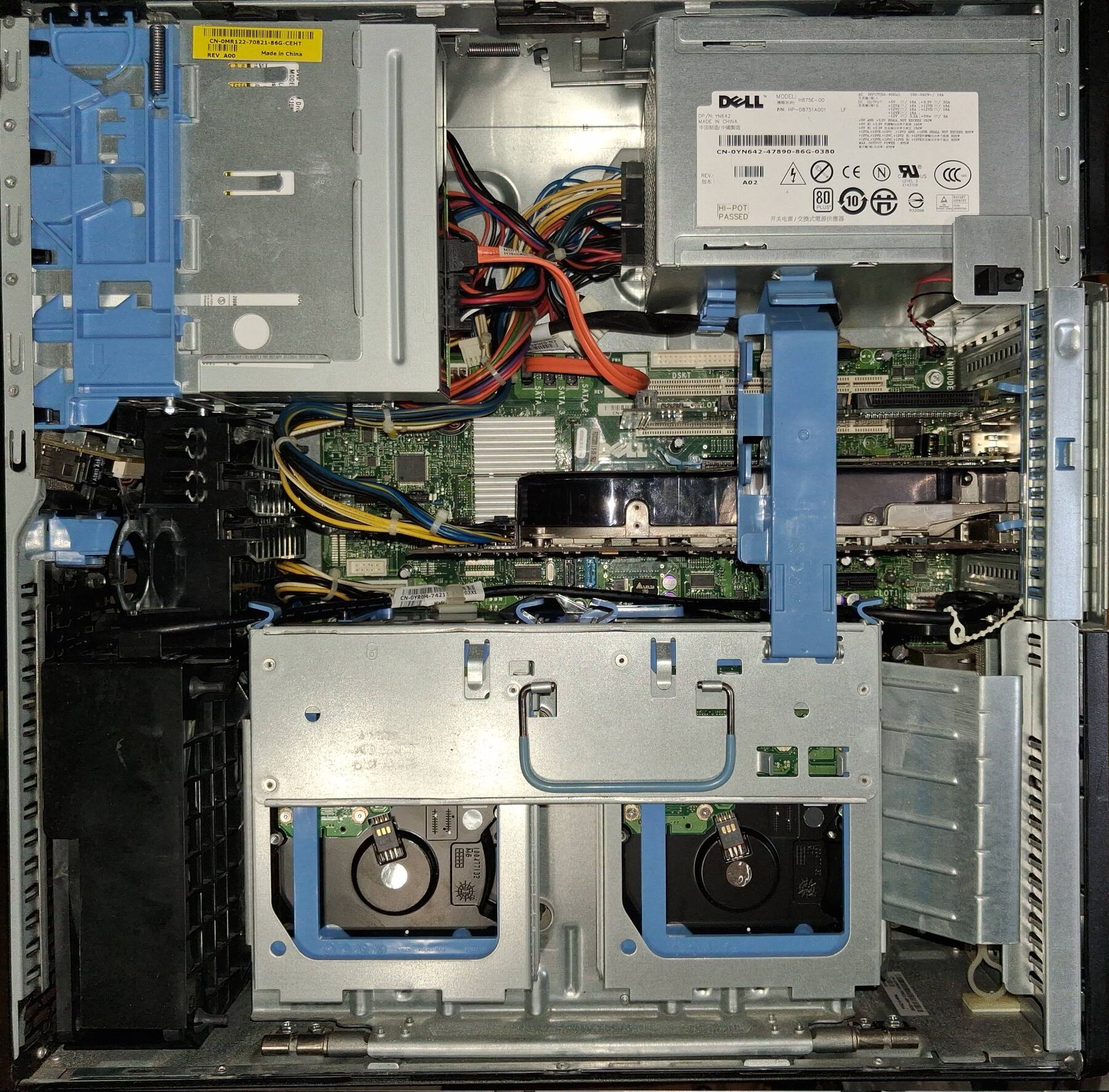
I only went as far as to open it up. I saw:
- GeForce 8800 GTX
- A pair of PCI-X slots
- Two tower heatsinks
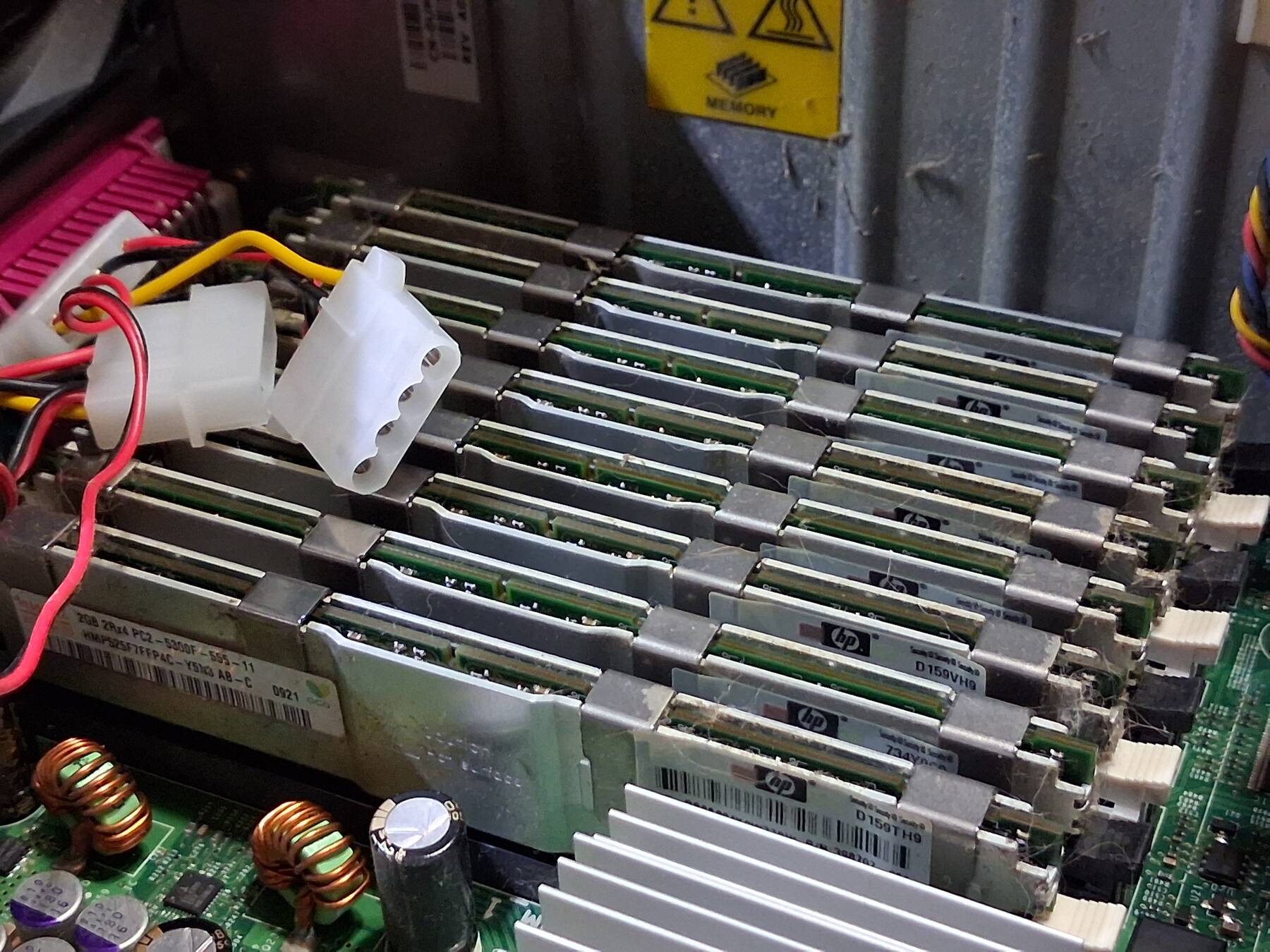
- All the RAM slots populated with 2GB sticks, giving 16GB
It seemed like more than I was expecting.
Disassembly and cleaning
This machine is built like a puzzle. For basic servicing it is tool-less. There are some weird baffles for full disassembly.
This machine was less open than seraphim, but it still had a decent coating of semi-gross dust on the flat upward-facing surfaces. Additionally it sucked in quite a bit of cat hair when it was used.
Disassembly went pretty well. No cuts, and I haven't managed to break anything that I know of.
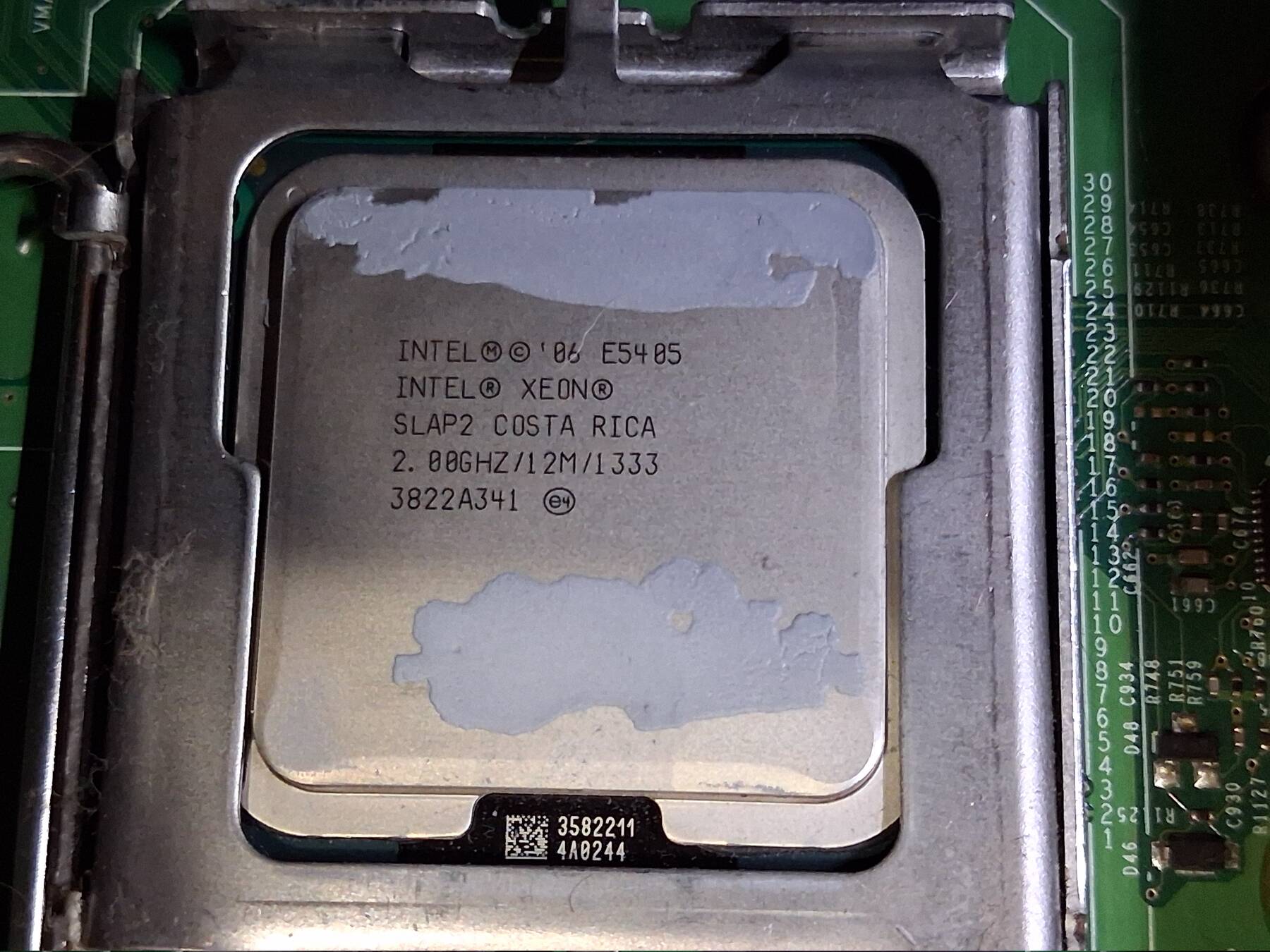
I had to pull the heatsinks to remove the board. The CPUs are a pair of Xeon E5405, SLAP2 stepping. These are the lowest end quad core CPUs that come in the machine.
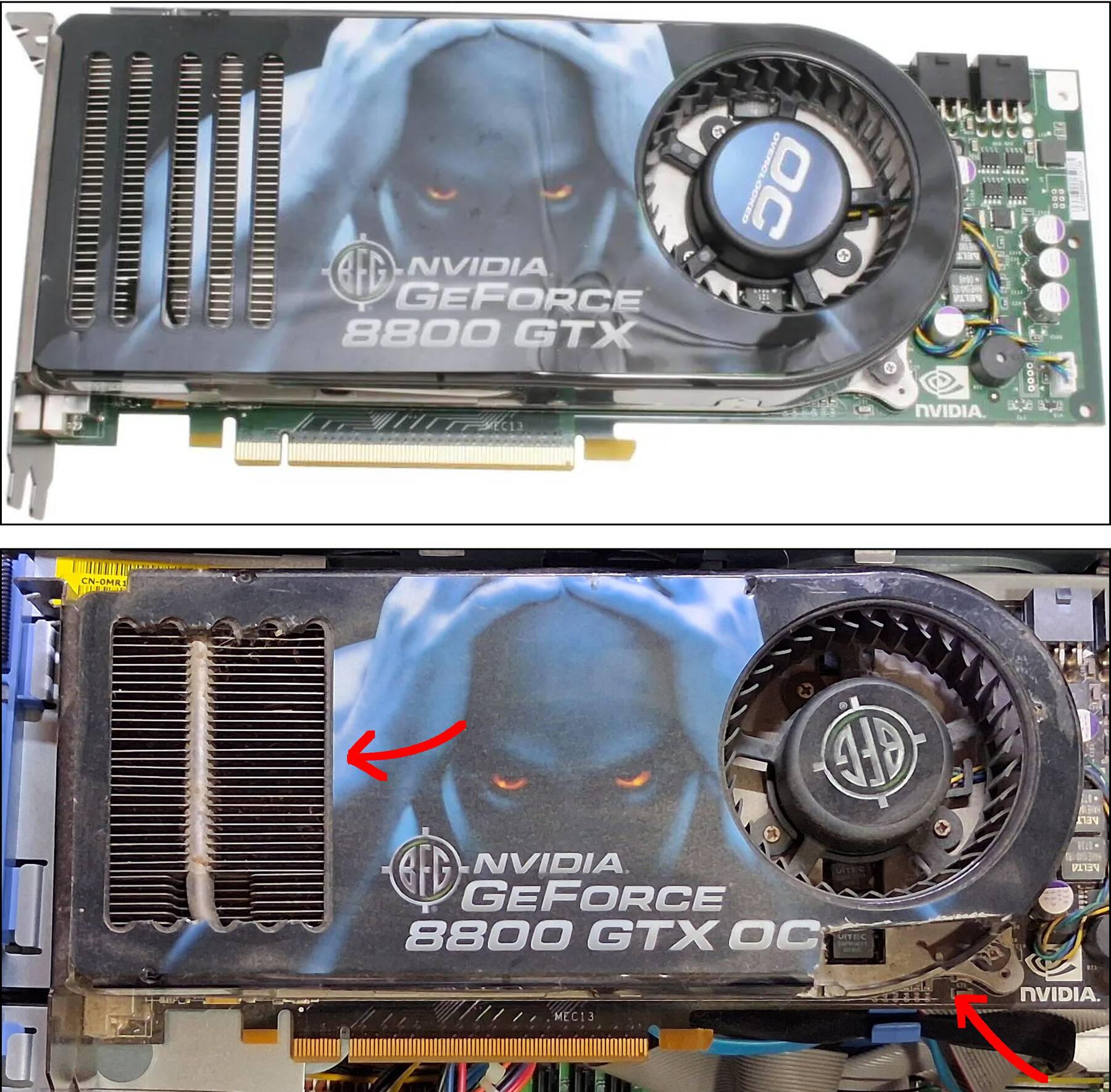
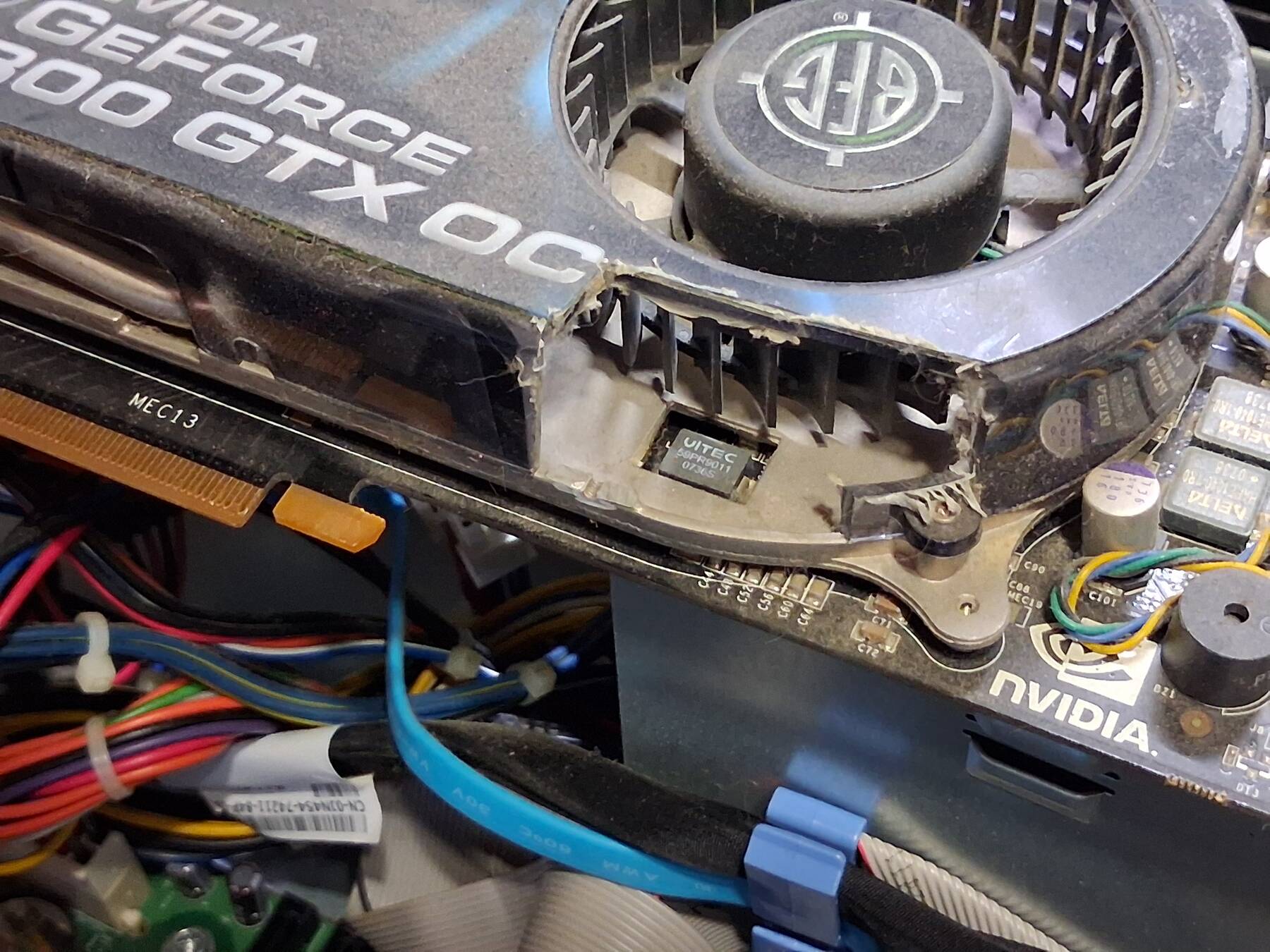
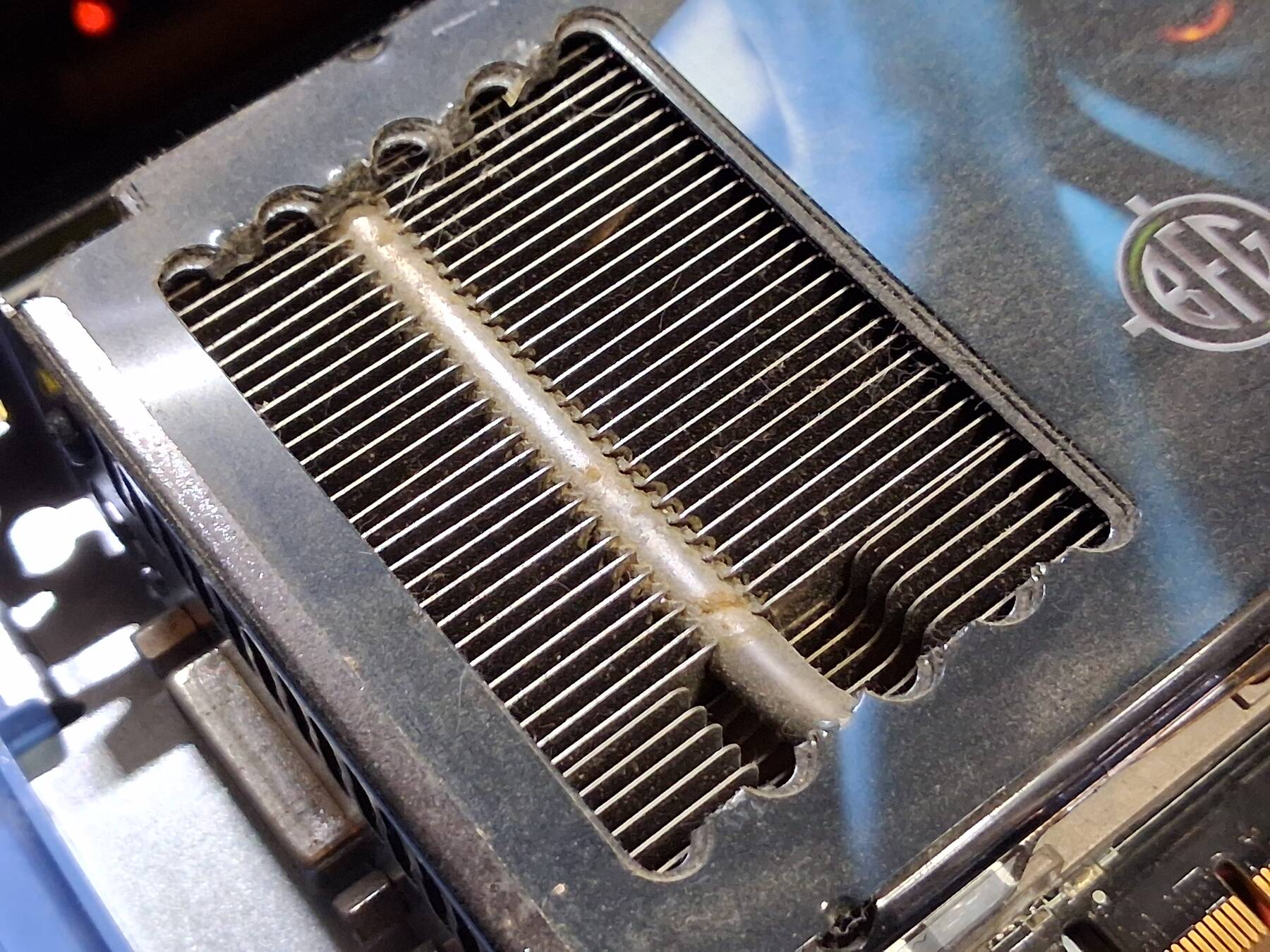
The GPU had some "modifications" done. One possibly for airflow, and another looks like some clearance issue with a different build. It is a 768MB BFG Tech GeForce 8800GTX OC, circa 2006.
- Plans for the machine
I have a bit silly idea to make a x86 Solaris machine. The Nvidia card should be supported from what I understand. There is a thread about some patches causing boot failures, but it is possible to work around, or install an older release and avoid the patch during upgrade.
Otherwise it could just be a neat Linux or Windows workstation. Perhaps running old versions (it shipped with Vista Pro which is pretty unappealing).
- Next steps
I've still got a bit of cleaning to do. Fans, heatsinks, a few plastic bits, graphics card, and the power supply.
To get it up and running I'm going to need a SAS card plus cables, and I'd like to have a couple 12Gbit SAS SSDs. I already have a set of four 600GB Dell Seagate Cheetah 3.5" drives, and a 450GB 2.5" HP drive. I'm considering a IBM ServeRAID M1215 since it seems like a good fit.
I'll need at least one 5.25" drive bay adapter to get all 4 drives mounted. The smaller drive or SSD might need some creative mounting solutions.
Dell makes a 5.25" hard drive cage (WH216). It has a fan, and takes up both 5.25" bays. It only holds one drive though. It looks like they 3.5" part could have another riveted on top, but I don't see any way to source them other than buying two. Prices right now make that unlikely.
The previous owner added a couple 80mm exhaust fans that I think I'll want to replace. Would like to get something PWM controlled, and some adapters for the special Dell fan connector.
- Potential upgrades
- Xeon L5430 (rare) or L5420. These are 50W CPUs (current ones are 80W), but still offer a performance boost. A pair of them would run me $20-30. I'm not entirely sure on compatibility, but I'm okay with experimenting. Xeon E5450 would be more of a boost, but keeping the same 80W TDP. I want to stay away from the 120W models, and it also my understanding the faster 1600 MT/s FSB models are not compatible.
- 32GB Kit. Lots of options on ebay for $40.
- Quadro 4000 2GB with SDI Option card. These are pretty cheap, $20-30, and the option card isn't too bad.
I think the SDI option card would have to sit in the other 16x PCIe slot even though it has no connections. This limits me on high speed networking options.
I don't have any ideas for the PCI-X slots other than a SCSI adapter.
It might be nice to get a USB 3.0 card depending on software support.
First POST, Melting MOSFET
I finished cleaning up the parts, and started assembly. A few confusing bits, but a little guessing, and a little referencing sorts everything out.
I went ahead and put the four 3.5" drives in place. That was a bit of a mess. Dell doesn't consider the floppy drive position suitable for a hard drive in the desktop orientation. You can't change orientation without buying a new plastic insert. I just put a drive there anyway, it rattles a bit, but that seems fixable. I used some metal 5.25" to 3.5" adapters for the final drive. The positioning was messy until I realized the plastic part I wasn't sure about aligns all the drives. This is just a test fit since I don't have a SAS controller yet.
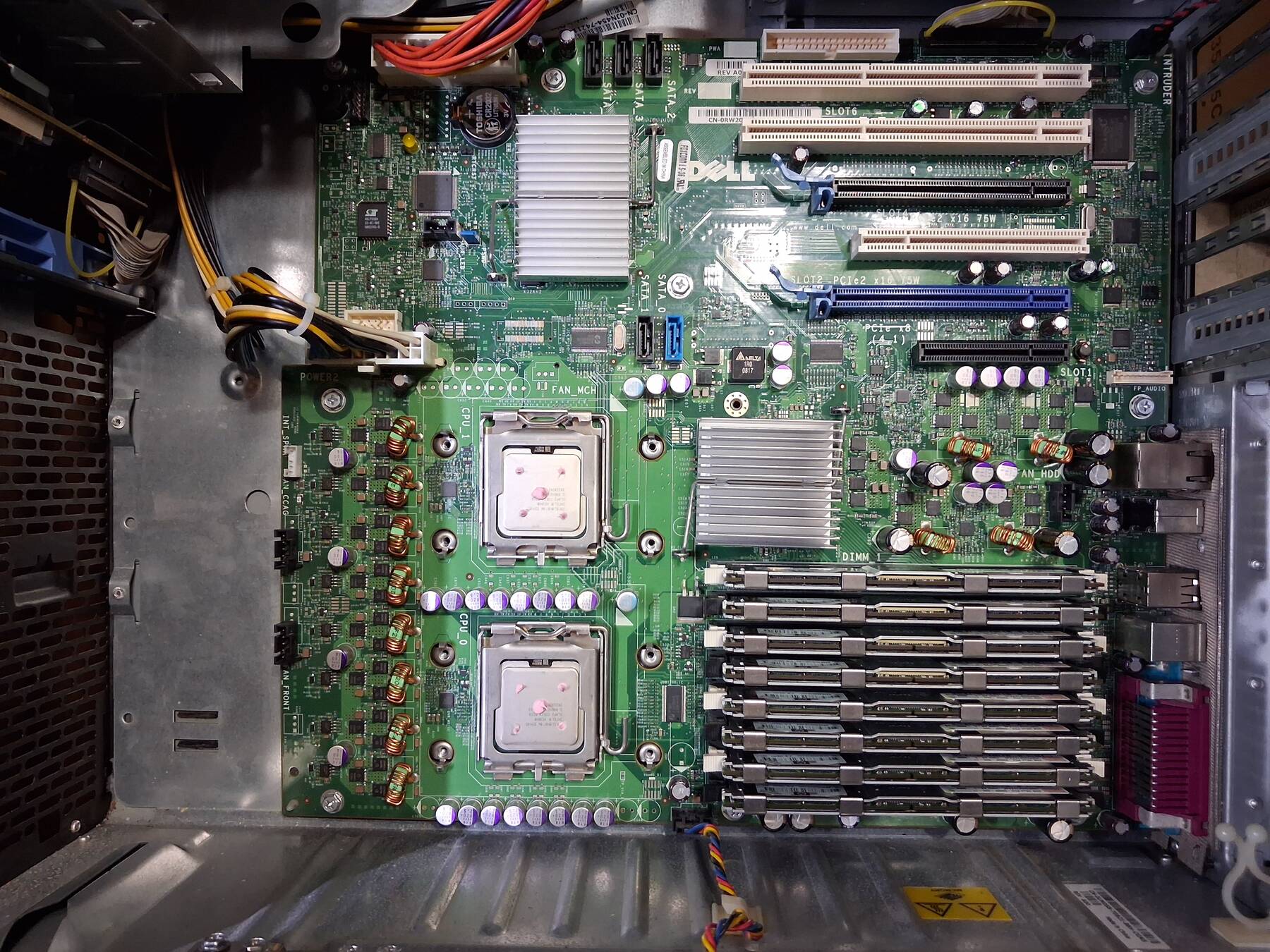
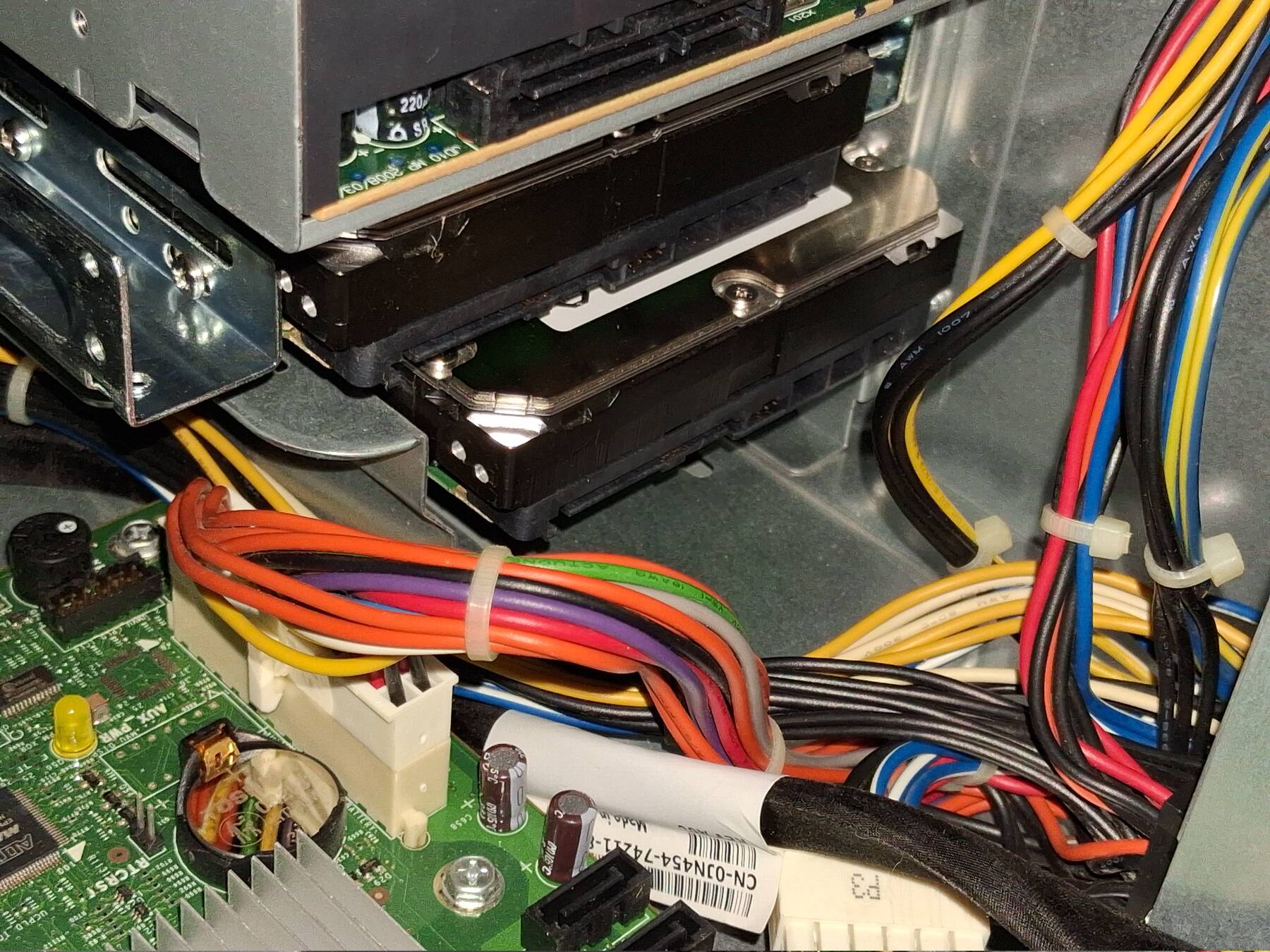
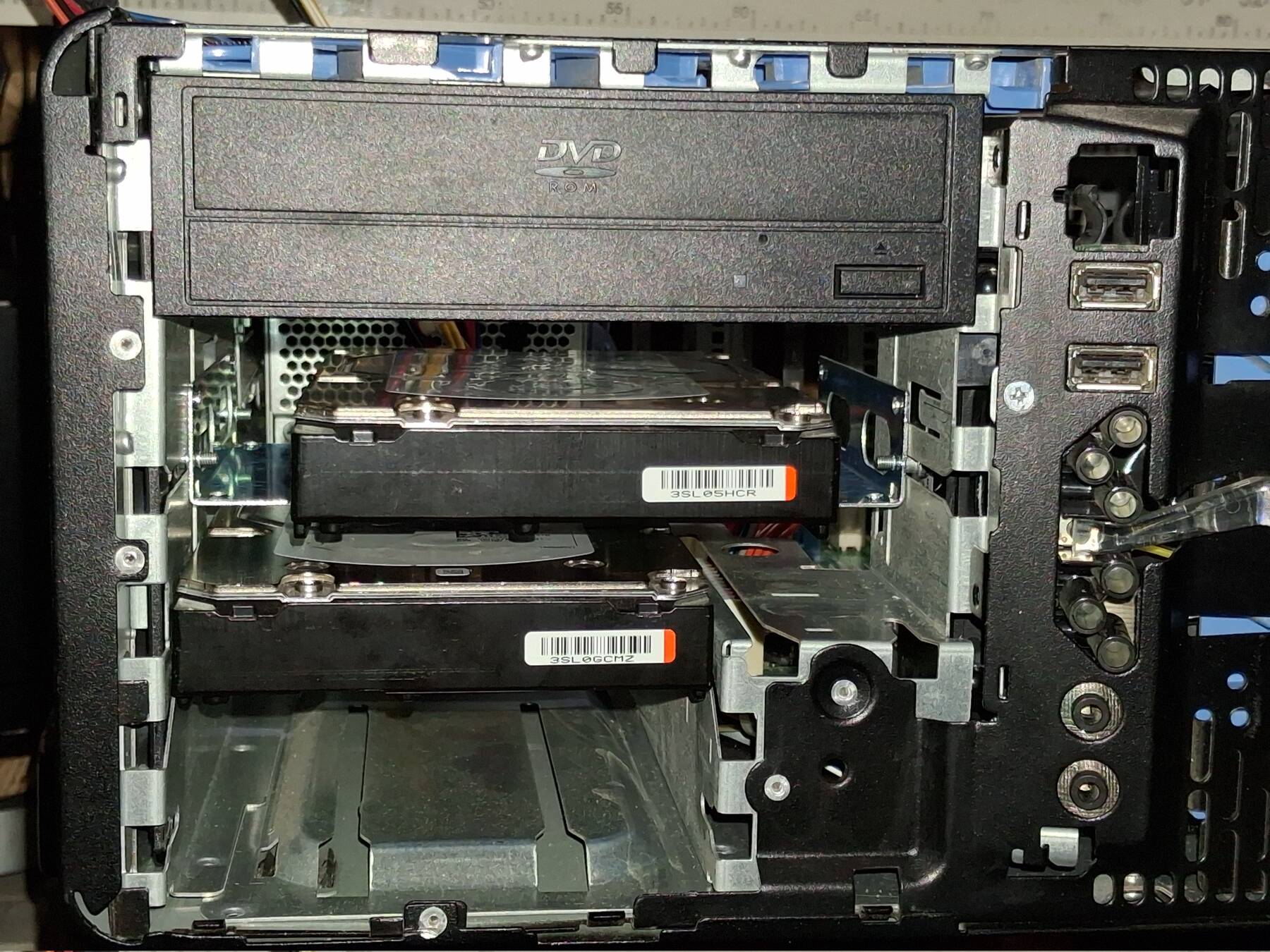
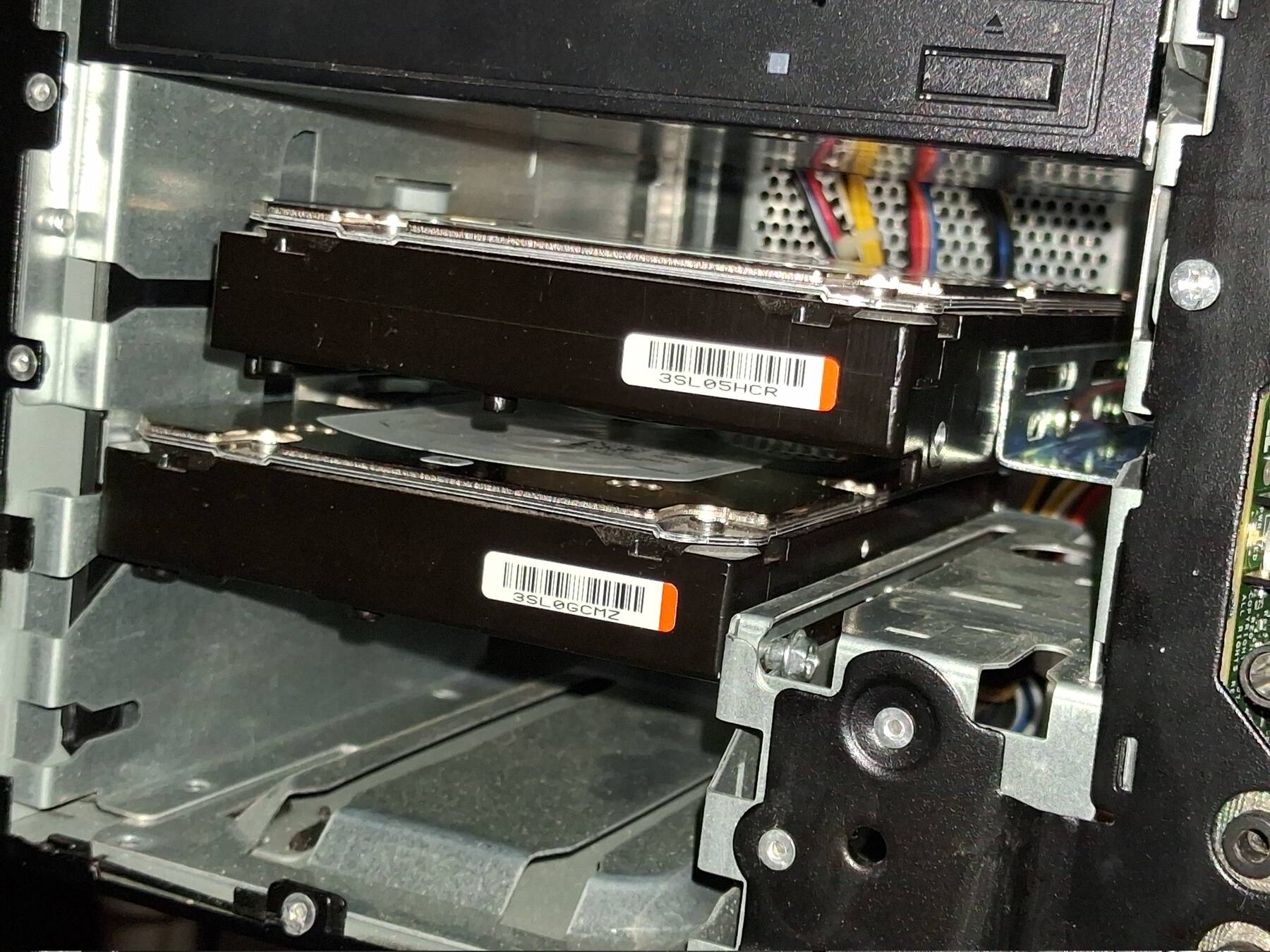
The machine powered up when I plugged it in. It has BIOS A05. Both Xeons, and all the RAM came up. Dell BIOS is unique. I started a Memtest86+ run. Things seemed to be going fine. Power draw was crazy, 250W idling in BIOS, and 333W after a bit in Memtest.
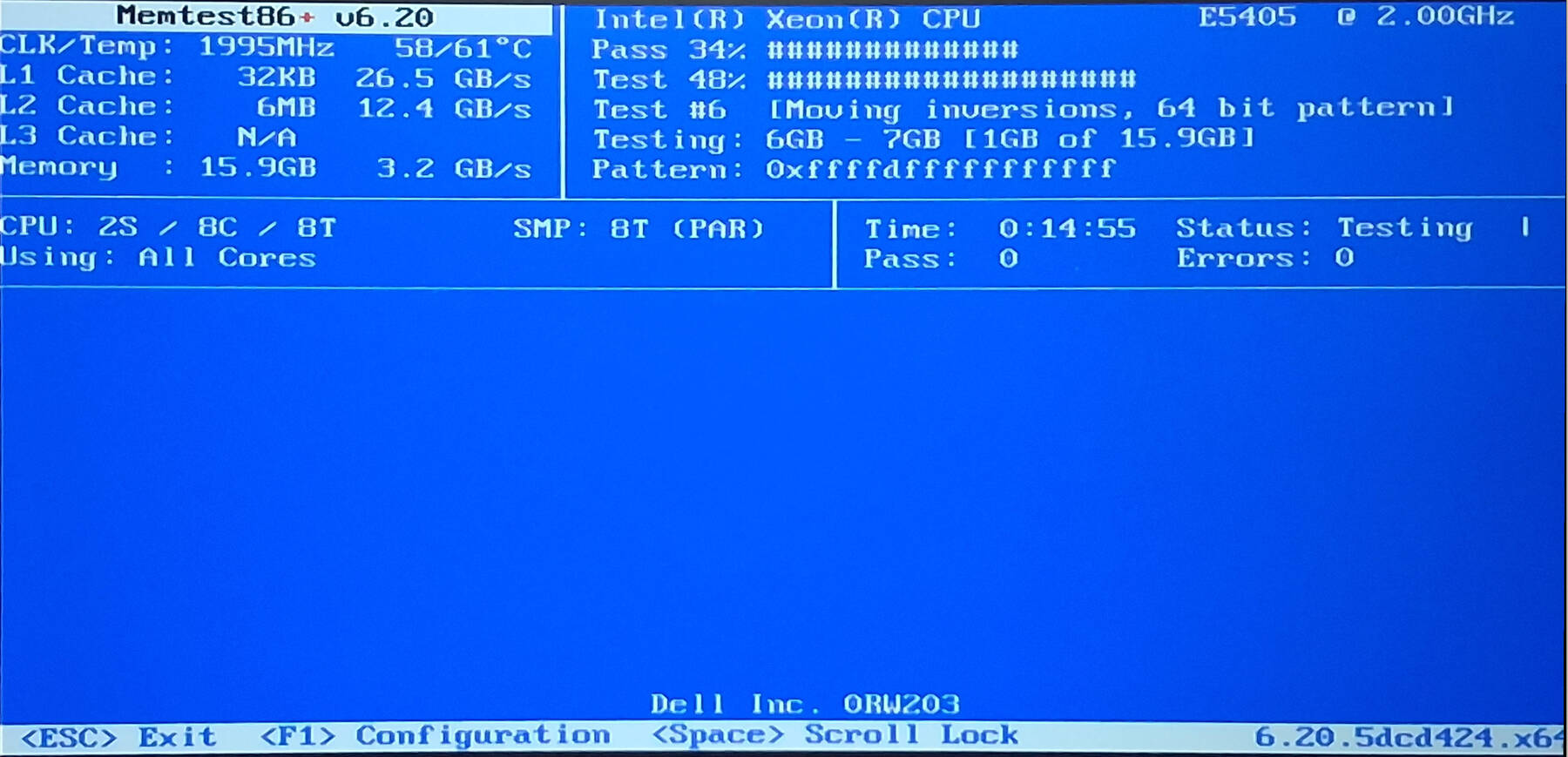
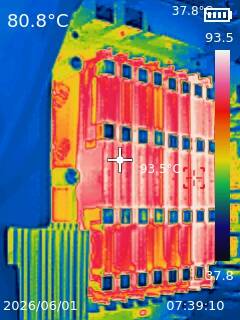
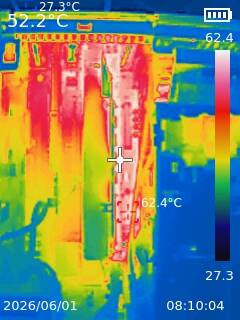
The machine shut down about 2/3 through the test. The power LED was blinking amber, and the diagnostic lights had 1 and 3 blinking. This indicates "power supply or power cable failure". I replugged the machine twice, and each time the fans spun, shut off, and it blinked more. Each time I got a slight whiff of something.
The third time I had the side drive cage opened up and the RAM exposed. I saw a puff of smoke come up almost right in the middle of the RAM.
I let everything cool down, and started pulling and inspecting the sticks. Can't see any fault, and none of them smell.
I started looking around, and see this CPU VRM MOSFET has melted, and possibly its neighbor. That puts an end to testing for today.
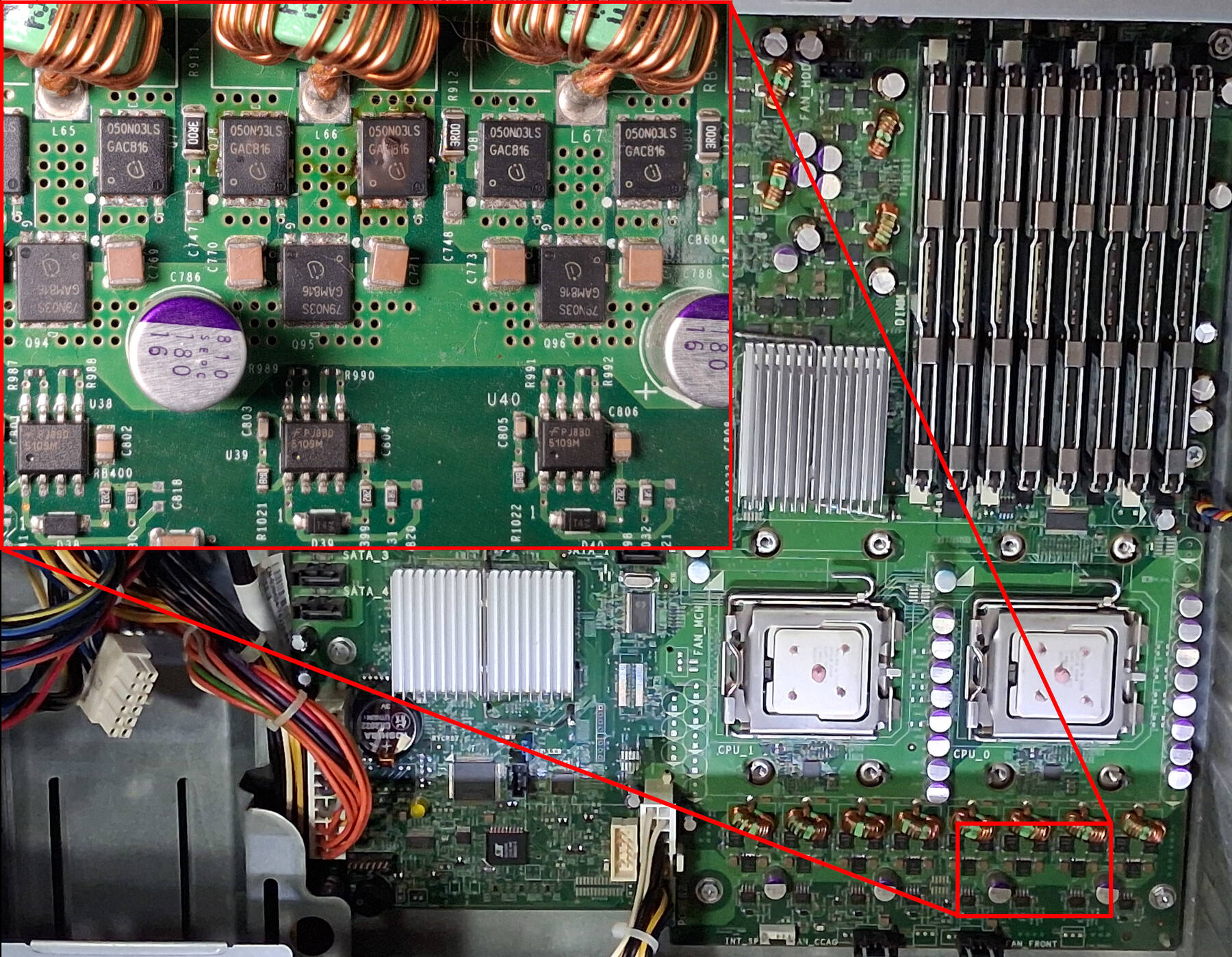
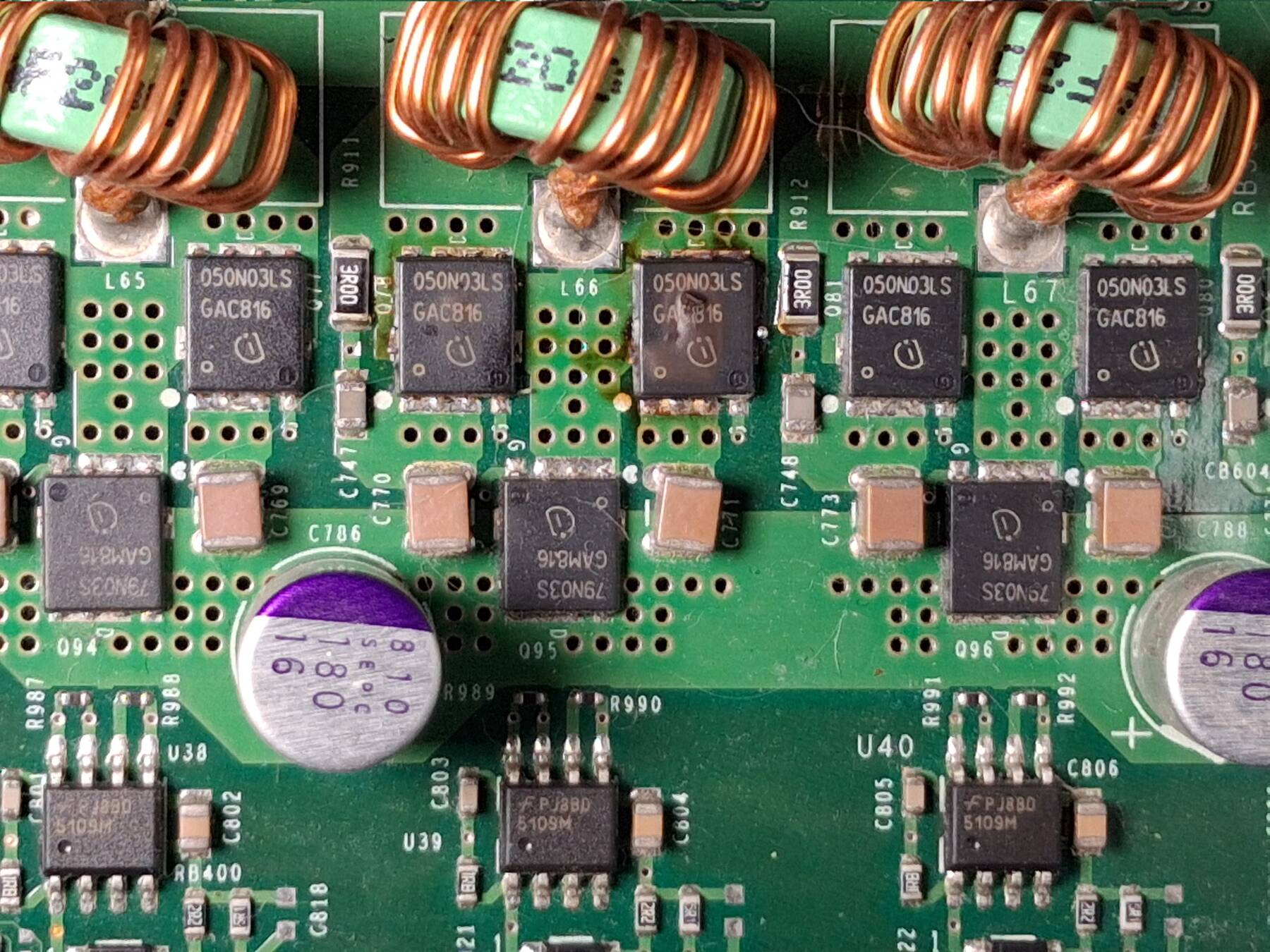
This machine might still be recoverable if it is just the MOSFETs. I'm worried the CPU or socket could be damaged as well.
Next time I need to:
- Try to check power supply voltages
- Inspect CPUs and Sockets
- Remove the MOSFET and see if the short goes away
- Check for shorts before and after installing RAM
If everything checks out I might try briefly testing without the MOSFET.
Power supply check
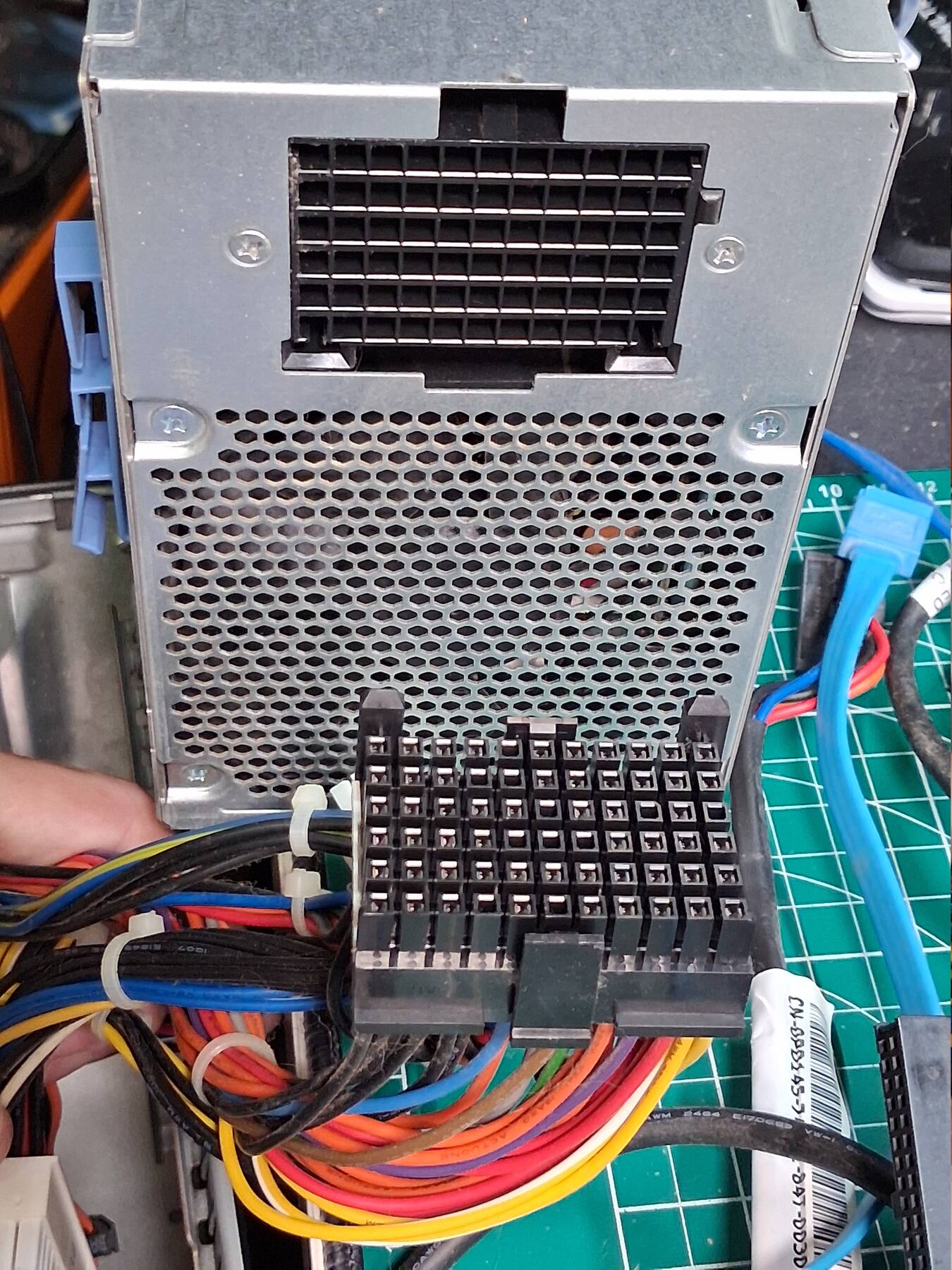
The power supply uses non-standard ATX pinout. The user guide has pinouts, and the wires are color coded for easy identification. It was happy to power on with PSON shorted to common, and no load.
All the voltages checked out fine. The 12V rail sits a bit low (11.85V), but it has quite a few and they were all like that.