seraphim (Phenom II + ATI HD 5670 Crossfire)

Summary
A trash pickup, pretty much a 2010 or so time capsule, but without any hard drives.
Notes
TODO
Hardware
| Make | Custom |
| Year | 2010 |
| Model | Gigabyte GA-890FXA-UD5 Rev 2.1 |
| Chassis | Antec Two Hundred V2 |
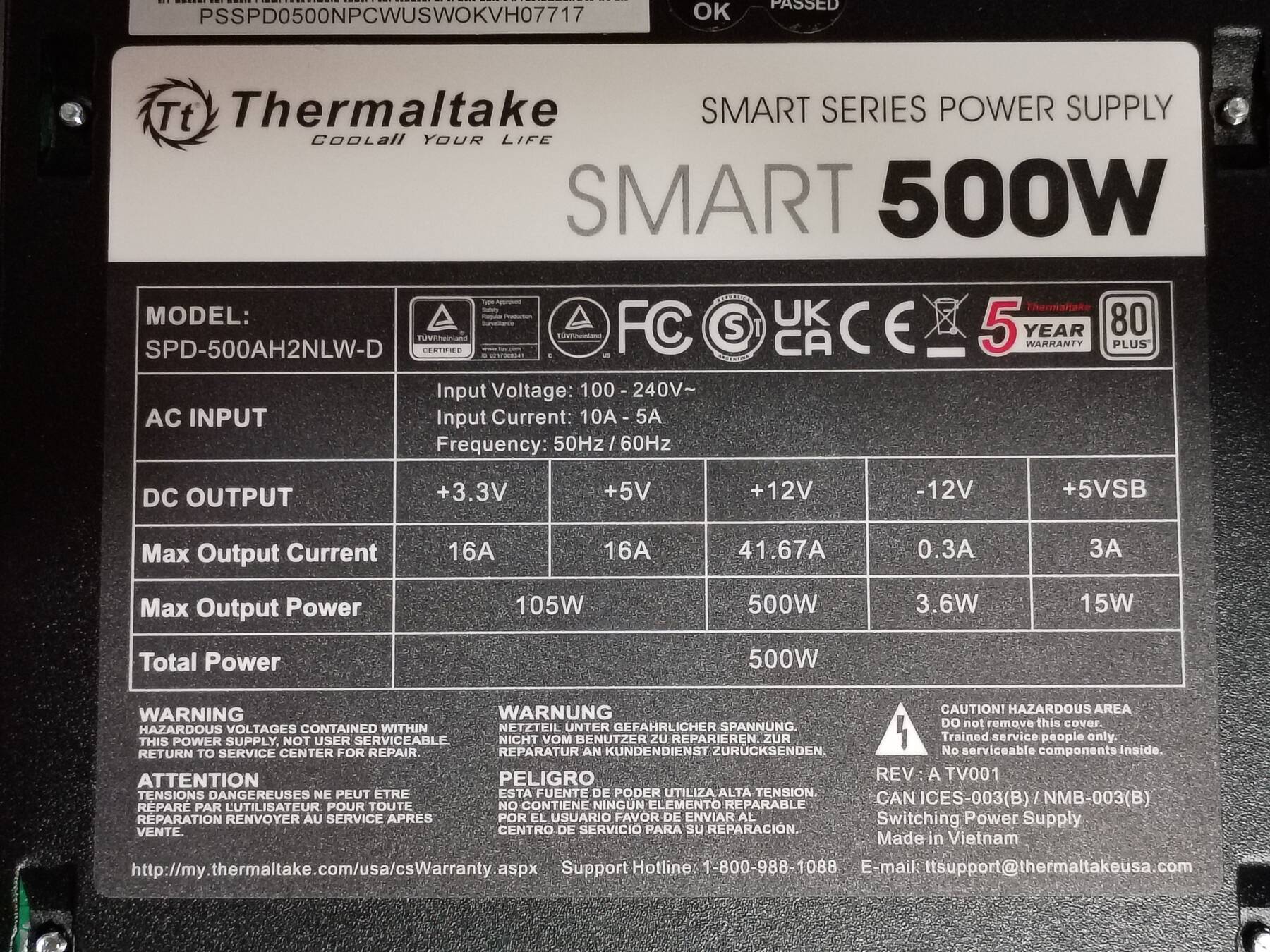
| Power Supply | 500W Thermaltake SMART SPD-500AH2NLW-D |
| Processor | AMD Phenom II X6 1100T |
| Memory | 16GB DDR3 1333 Patriot PGV38G1333ELK |
| Ports | PS/2 Combo Keyboard/Mouse |
| Optical S/PDIF out | |
| Coaxial S/PDIF out | |
| 6-pin Firewire | |
| 4-pin Firewire | |
| 6x USB A 2.0 | |
| 2x USB A 3.0 | |
| 2x eSATA USB A 2.0 Combo | |
| 2x RJ-45 LAN | |
| 4x 3.5mm 7.1 Surround | |
| 3.5mm Line Out | |
| 3.5mm Mic In | |
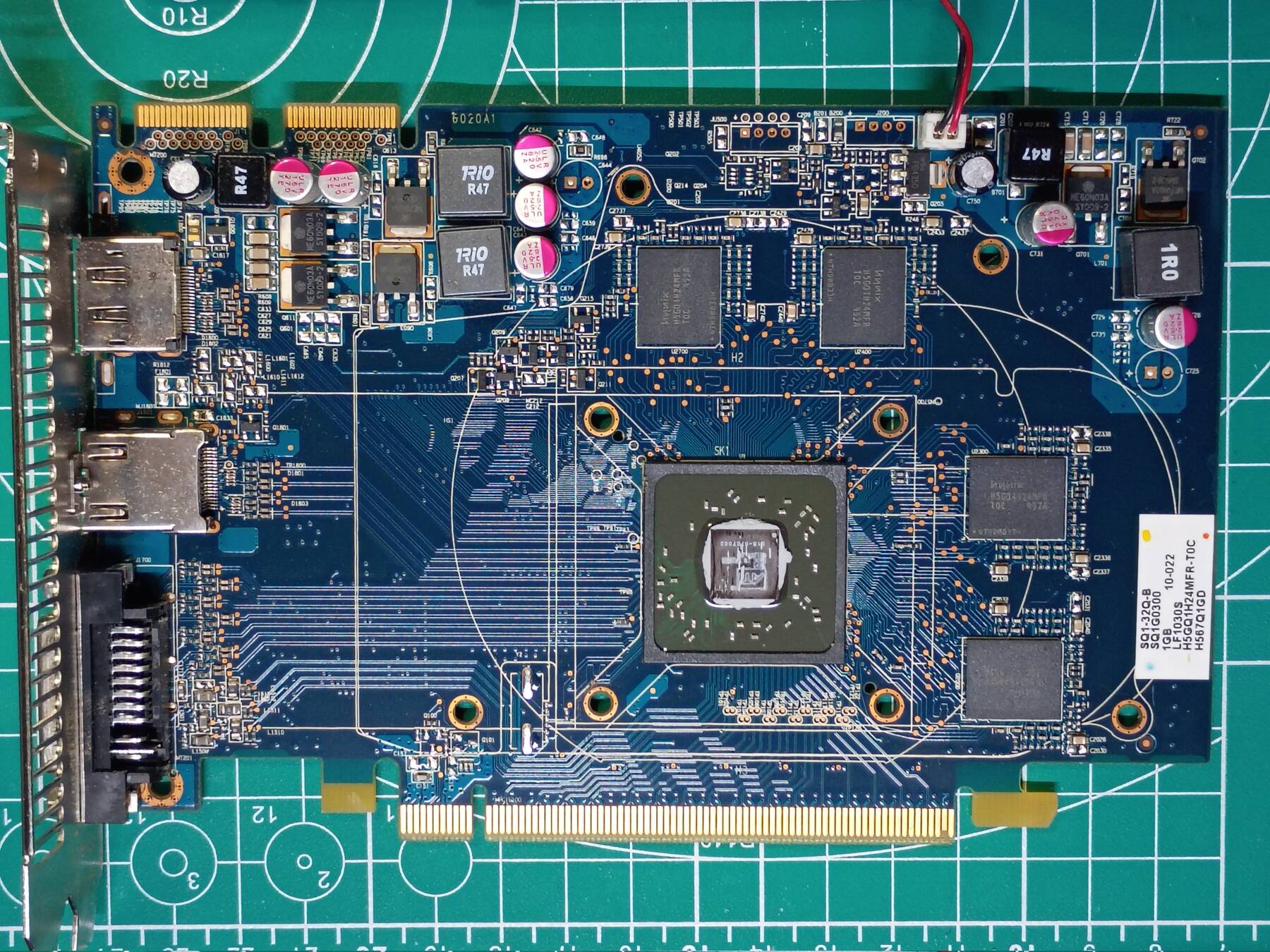
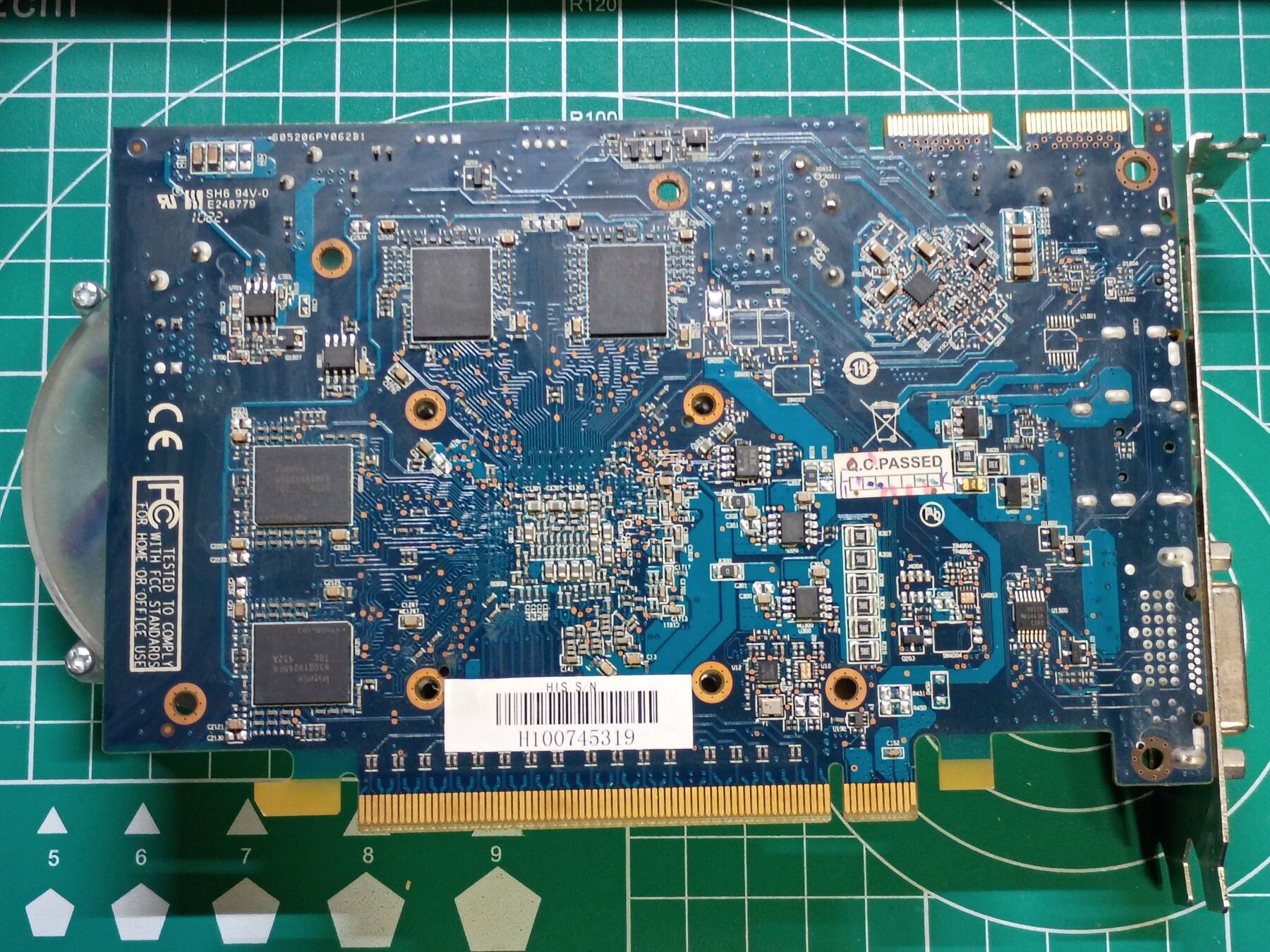
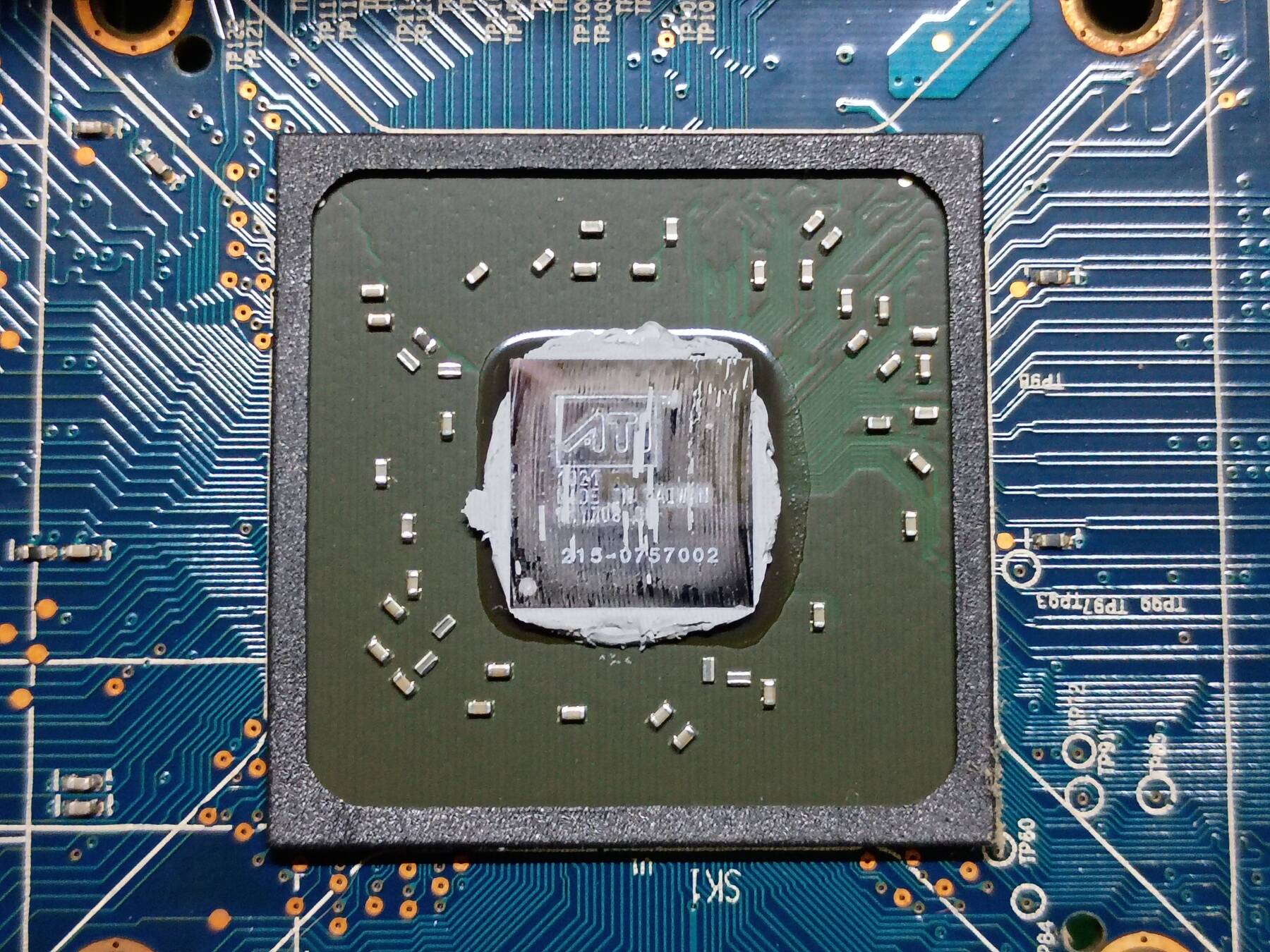
| Graphics | 2x HIS Radeon HD 5670 IceQ 1GB DisplayPort |
| Storage | 128GB Samsung 830 SATA SSD |
| 128GB Digiera CAS100 SATA SSD | |
| 3x 500GB Western Digital VelociRaptor WD5000BHTZ | |
| Asus BW12B1ST 12X Blu-ray Burner | |
| HP bd340i 12X Blu-ray Burner | |
| Display | - |
| Int. Peripherals | Realtek RTL8111D Gigabit Ethernet |
| NEC D720200F1 2-port USB 3.0 | |
| JMicron JMB362 2-port 3Gbps SATA | |
| Gigabyte SATA2 (2x 3Gbps SATA, IDE) | |
| TI TSB43AB23 3-port Firewire 400 | |
| Realtek ALC889 Audio Codec | |
| Ext. Peripherals | - |
| Dimensions | |
| Length/Depth | 48 cm |
| Width | 19.8 cm |
| Height/Thickness | 45.5 cm |
| Weight | 14.61 kg (32 lbs 3.4 oz) |
Software
| Operating System | |
| Unique applications |
Log
Old machine being tossed out
I got this along with a Dell Precision T5400 that some folks were tossing out. All the storage drives removed, but otherwise it looks original to the 2010 era or so.
The machine looked garage kept, and had a open fan vent on top so a lot of crud fell inside, but fortunately everything was dry and easily brushed off.
Unfortunately this machine was setup with only exhaust fans, and the card readers, and probably optical drives (yet to inspect) got caked with cat fluff and dust. Other than the fans, the machine was pretty easy to clean out. I did a full disassembly, brushed a lot of stuff, and used a bit of force air.
The graphics card and processor pairing feels a bit weird. I built a similar machine in early 2011 (Phenom II X4 965, 2x HD 6870), and my processor was worse, but graphics cards seemingly much better. It is not clear to me if there was some price or performance advantage using these two mid-range cards in crossfire.
I'm really stoked to have a crossfire machine again. The nice thing about these cards in they should be relatively quiet and low power. I might even trade out the 1200W supply for a 500W.
The other cool part of this build is the massive Cooler Master Hyper Z600 heatsink. My machine from back then also had a massive tower heatsink, the Scythe Ninja 3, but this has a more striking design.
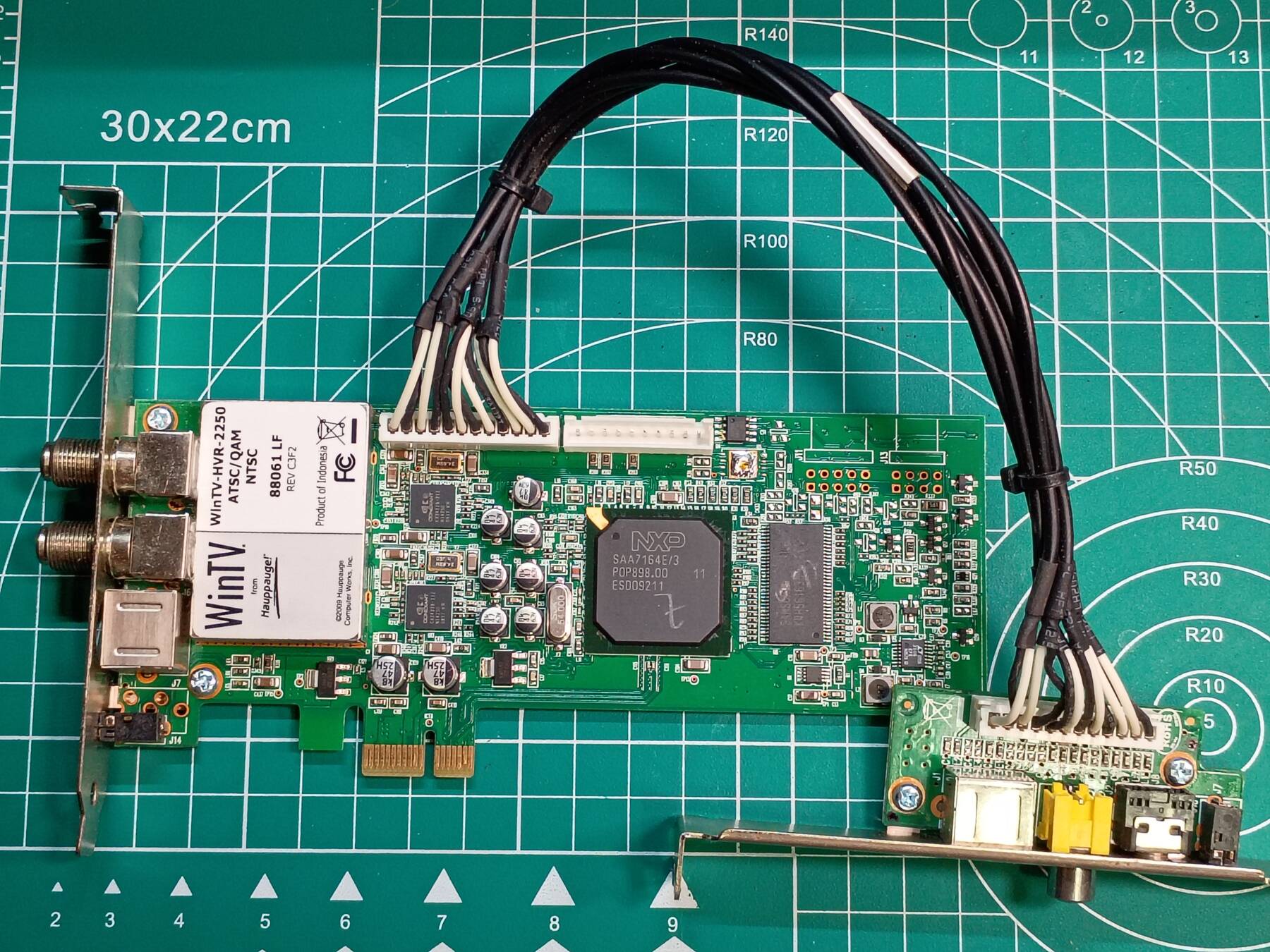
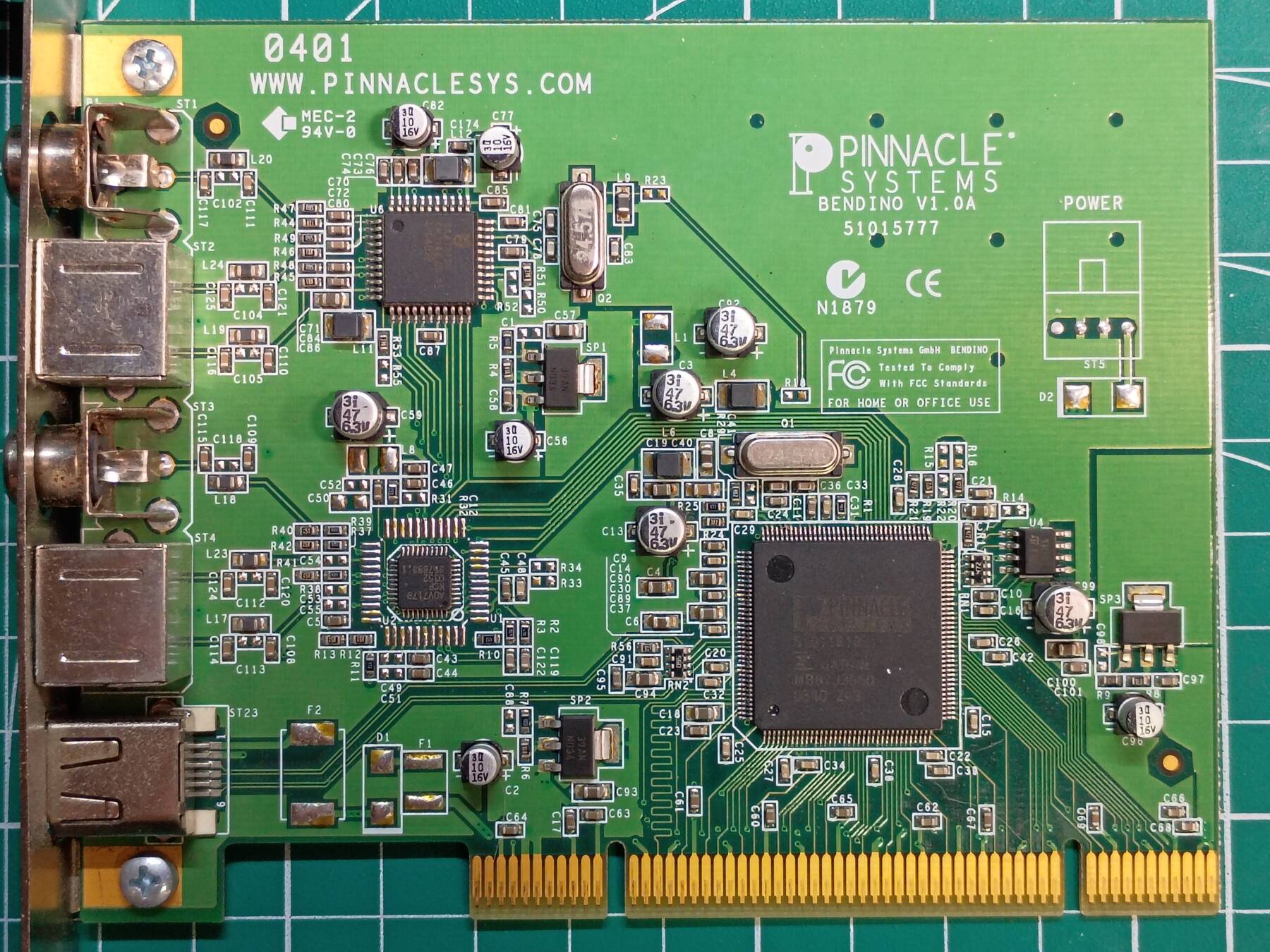
The other cards in the machine are a PCIe TV tuner, and a PCI analog capture card. There were a couple blu-ray drives, and a combo floppy/card reader. This case also features a SATA interconnect for hot-plugging 2.5" drives.
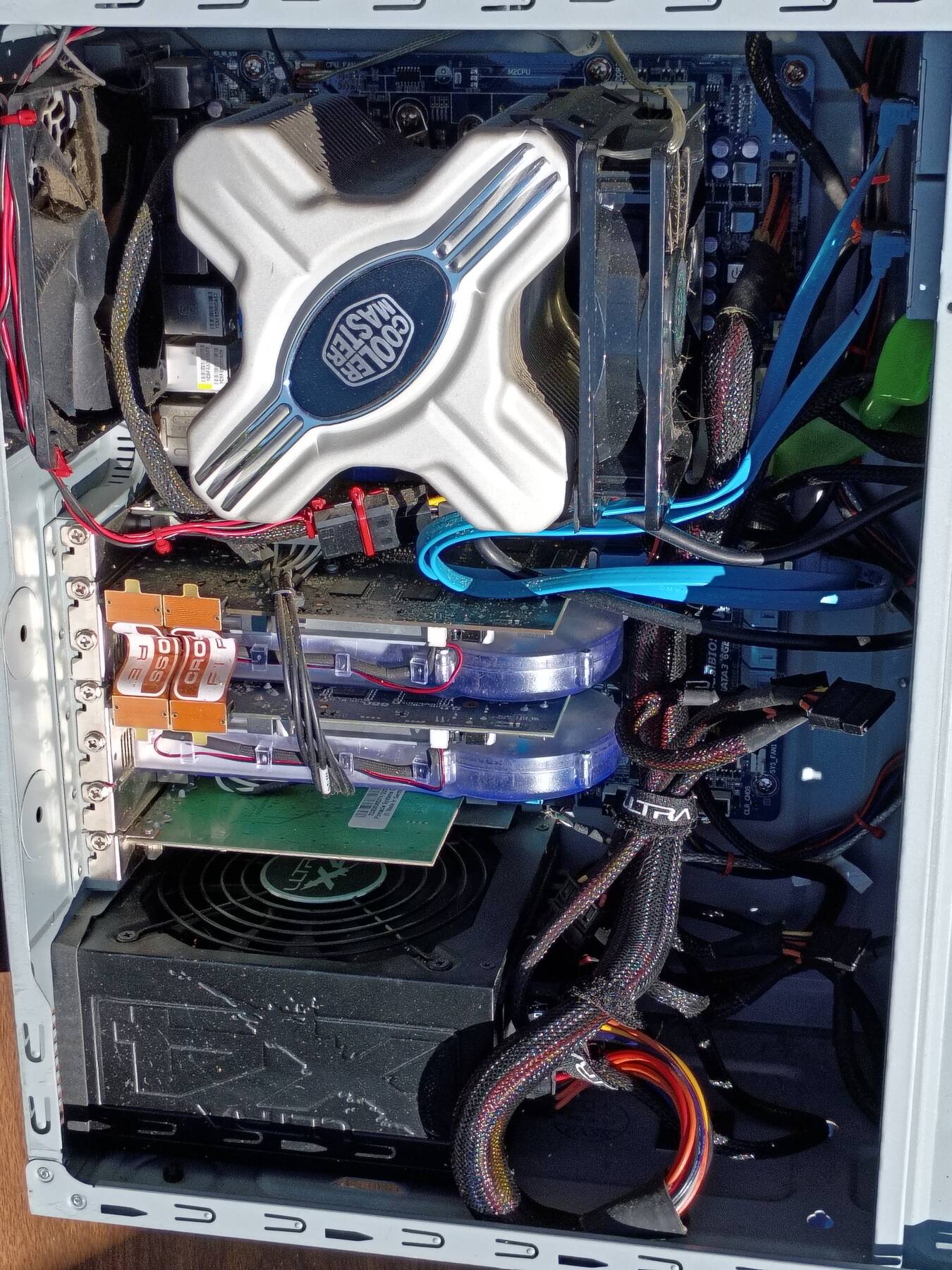
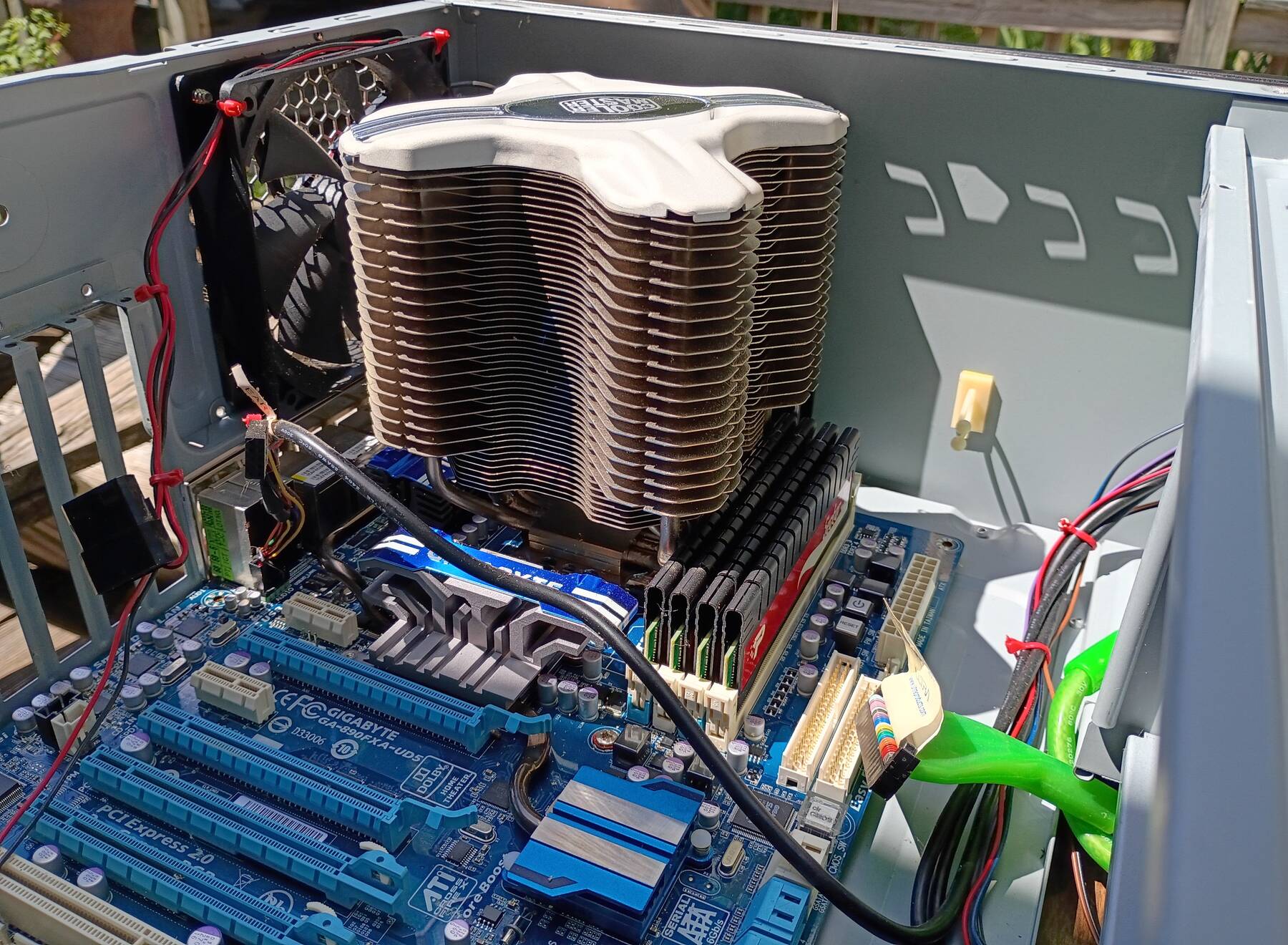
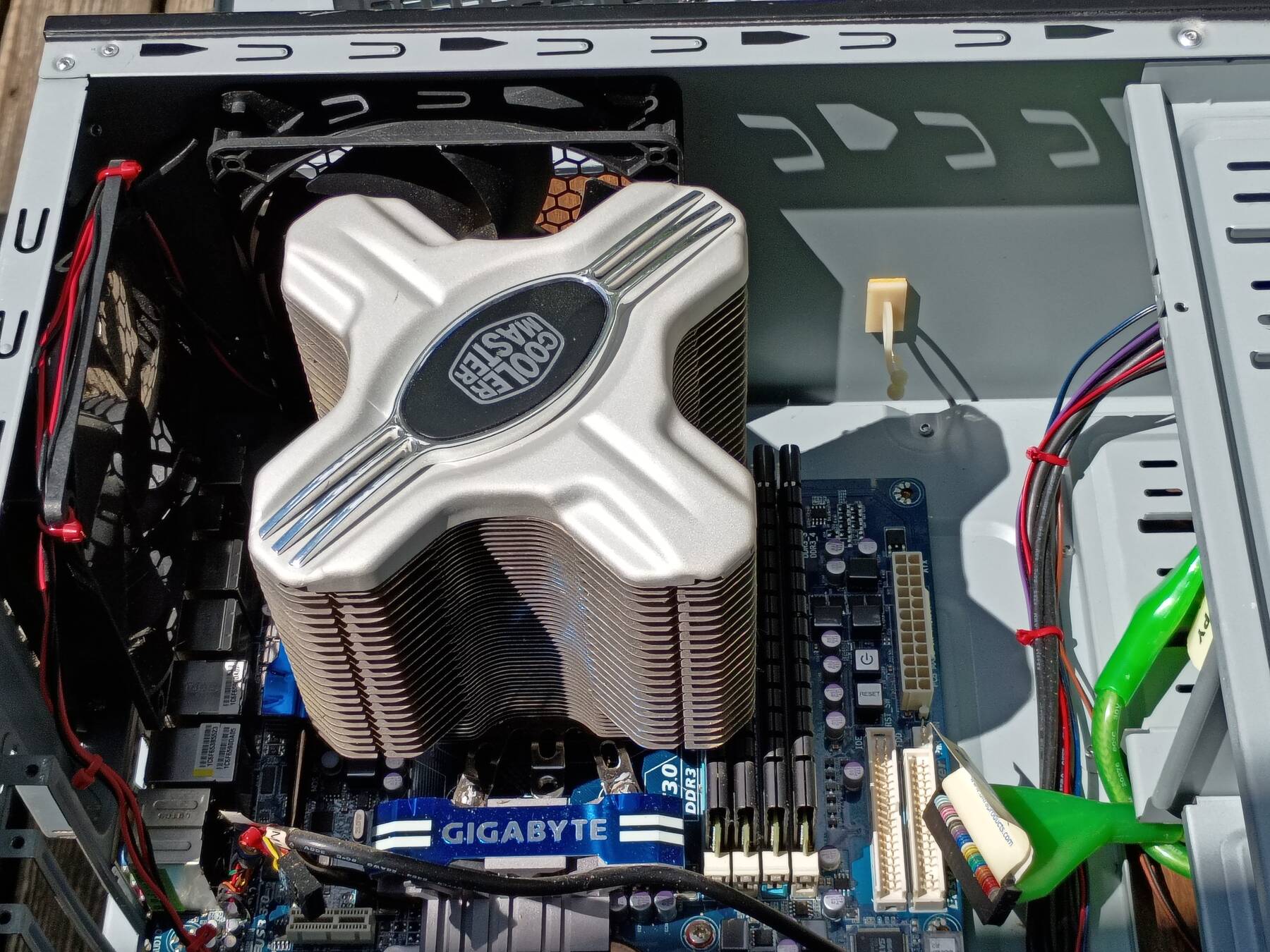
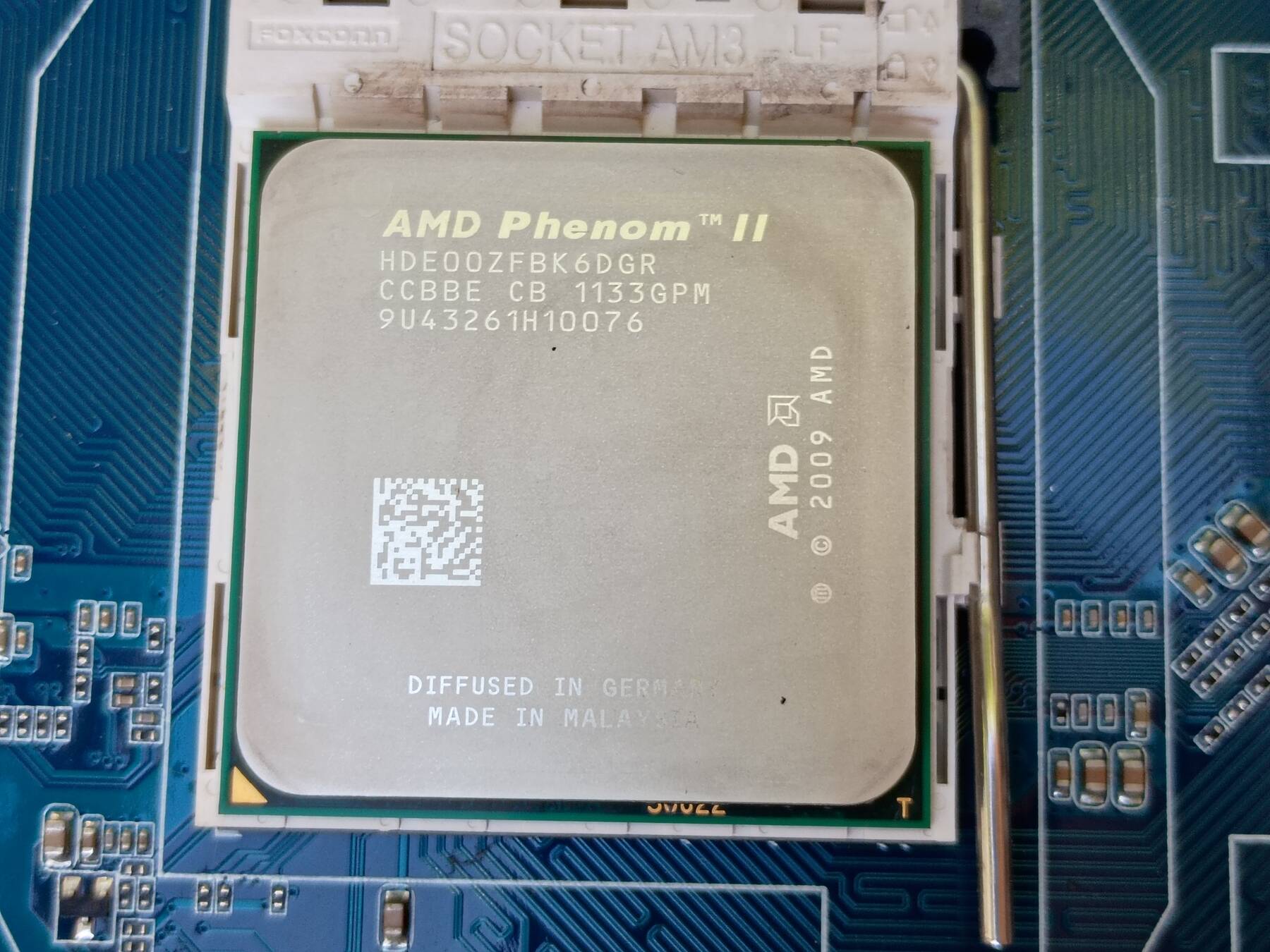
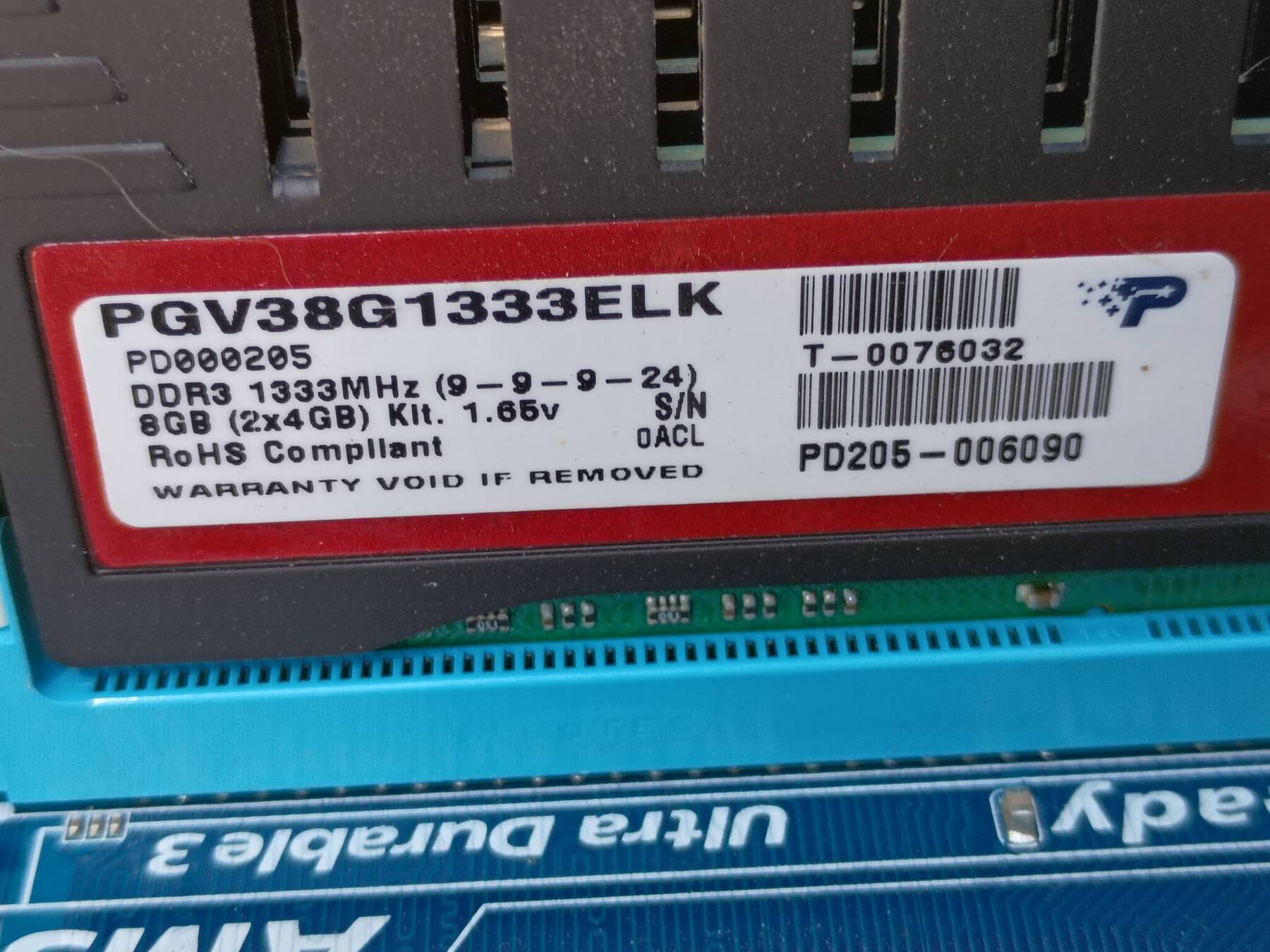
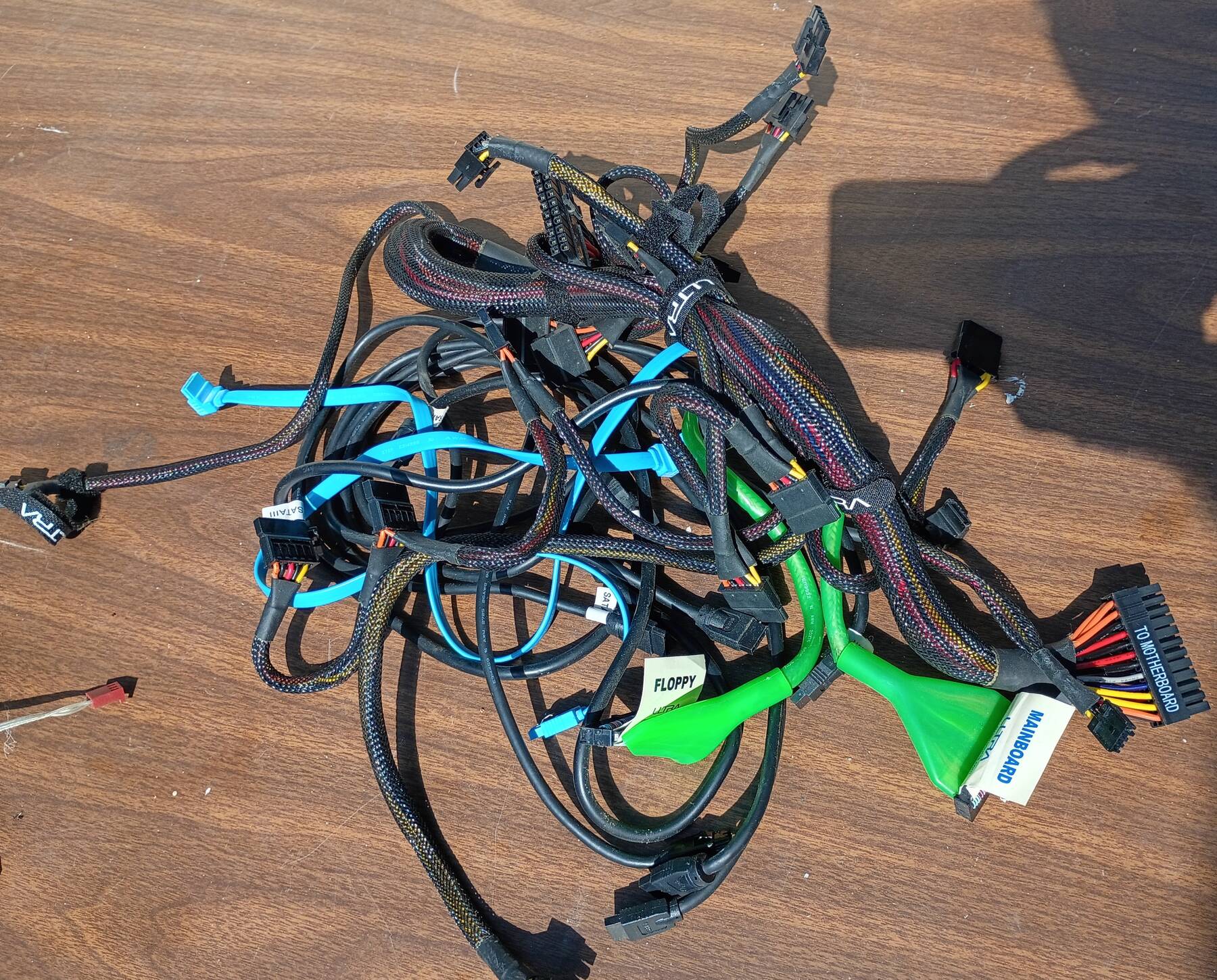
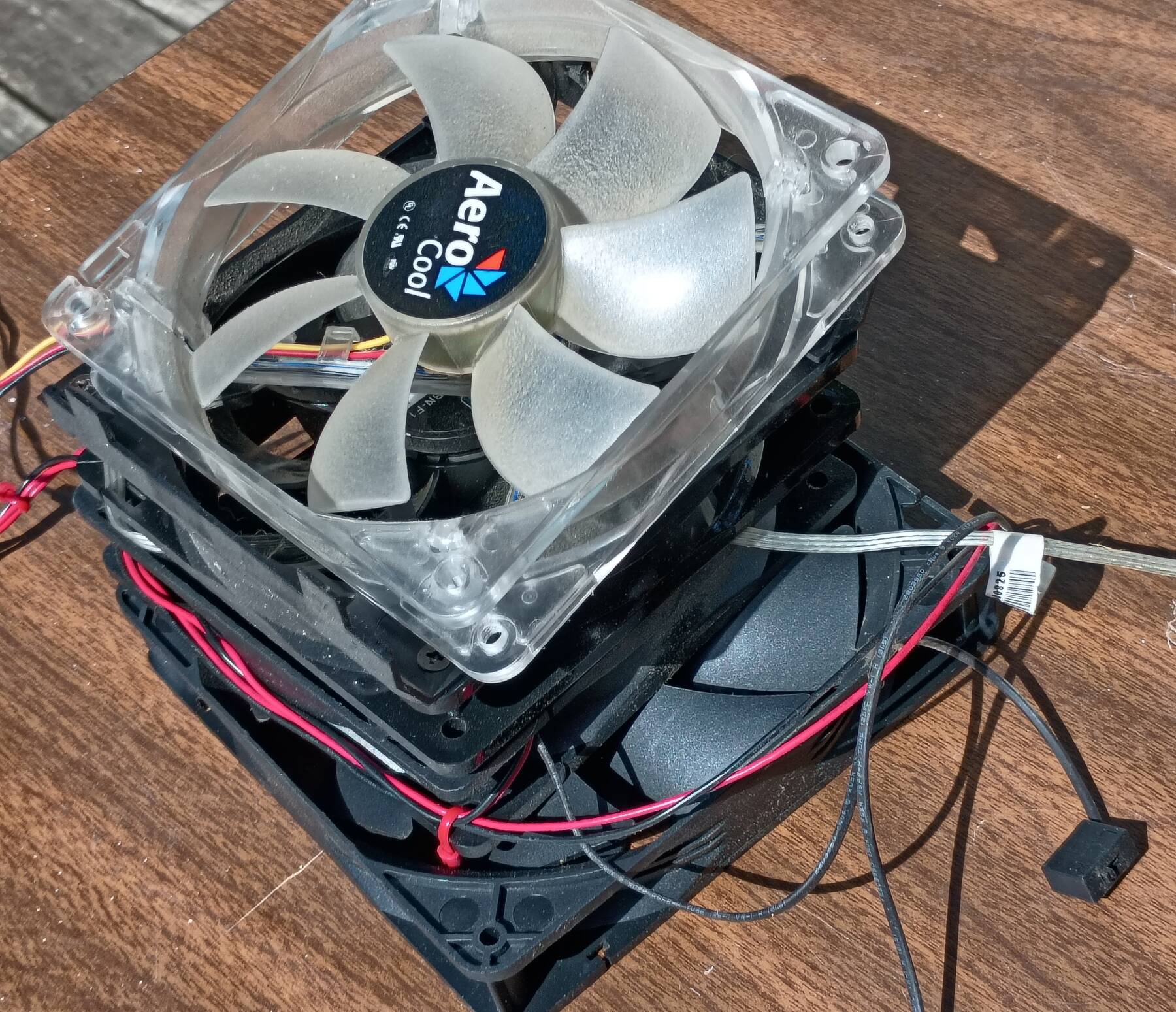
Today I got everything disassembled. Cleaned the case, and dusted most things.
I still need to:
- wipe down the cables
- clean out the GPU heatsinks
- clean or replace all the fans (3x120mm, 1x140mm)
For drives, I think I have at least two 500GB WD VelociRaptors in their 3.5" icepack carriers. I also have a period correct 128GB Kingston SSD. Pretty sure I want to install Windows 7 for crossfire support.
GPU clean up and testing
I got the fans, and cables cleaned up since the last entry. The ones with 3-pin connectors seemed fine, but I didn't have a tester for the Antec molex ones. I tried melamine foam on the case to try and hide where I removed stickers, but it didn't help much. It did help with a bit of white overspray on the top panel though. Might have to go back and clean/polish it a tiny bit.
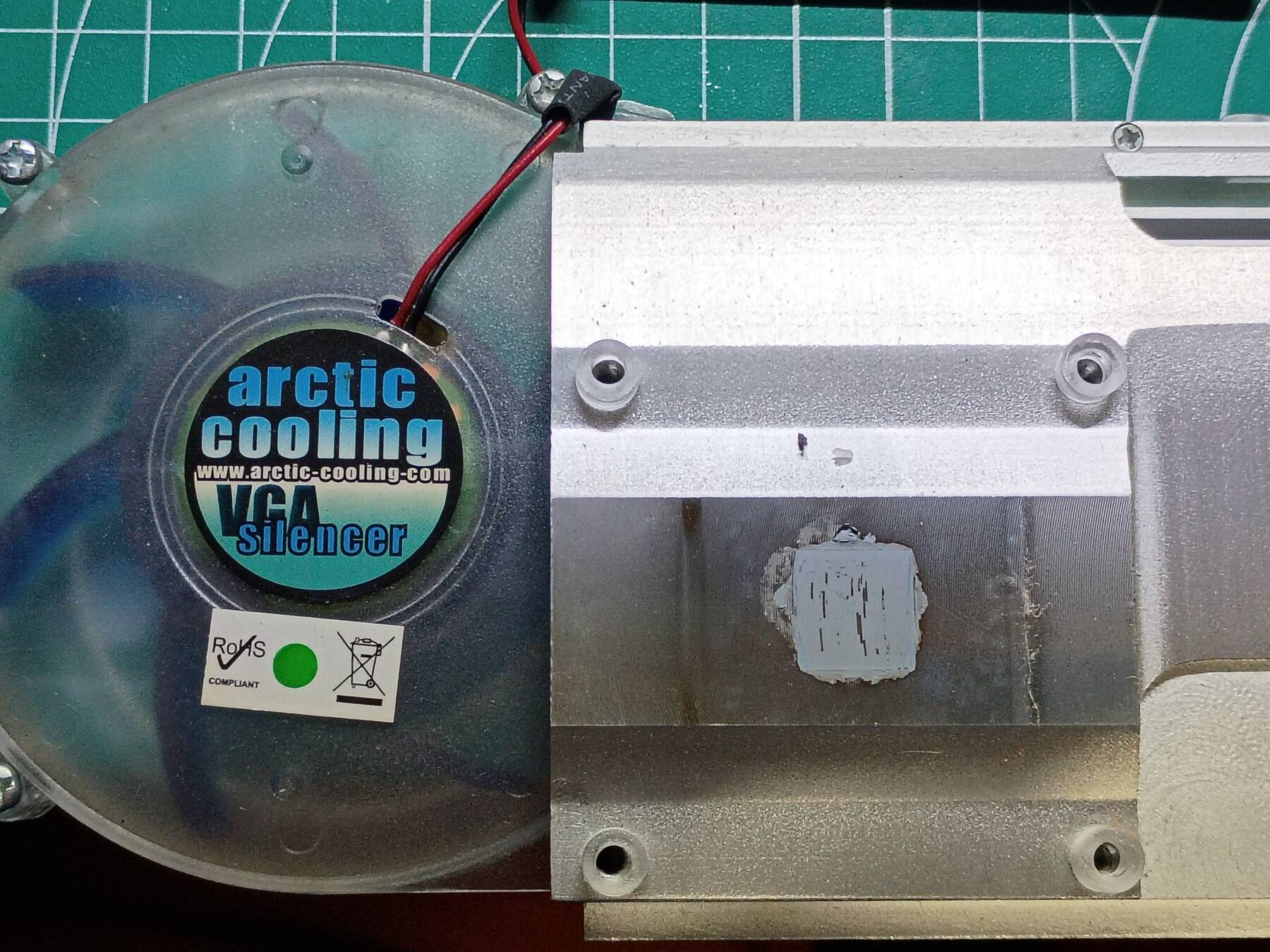
I disassembled the two HIS IceQ Radeon HD 5670. Circuit boards and heatsinks got cleaned up inside and out. Fans were oiled. New thermal paste applied.
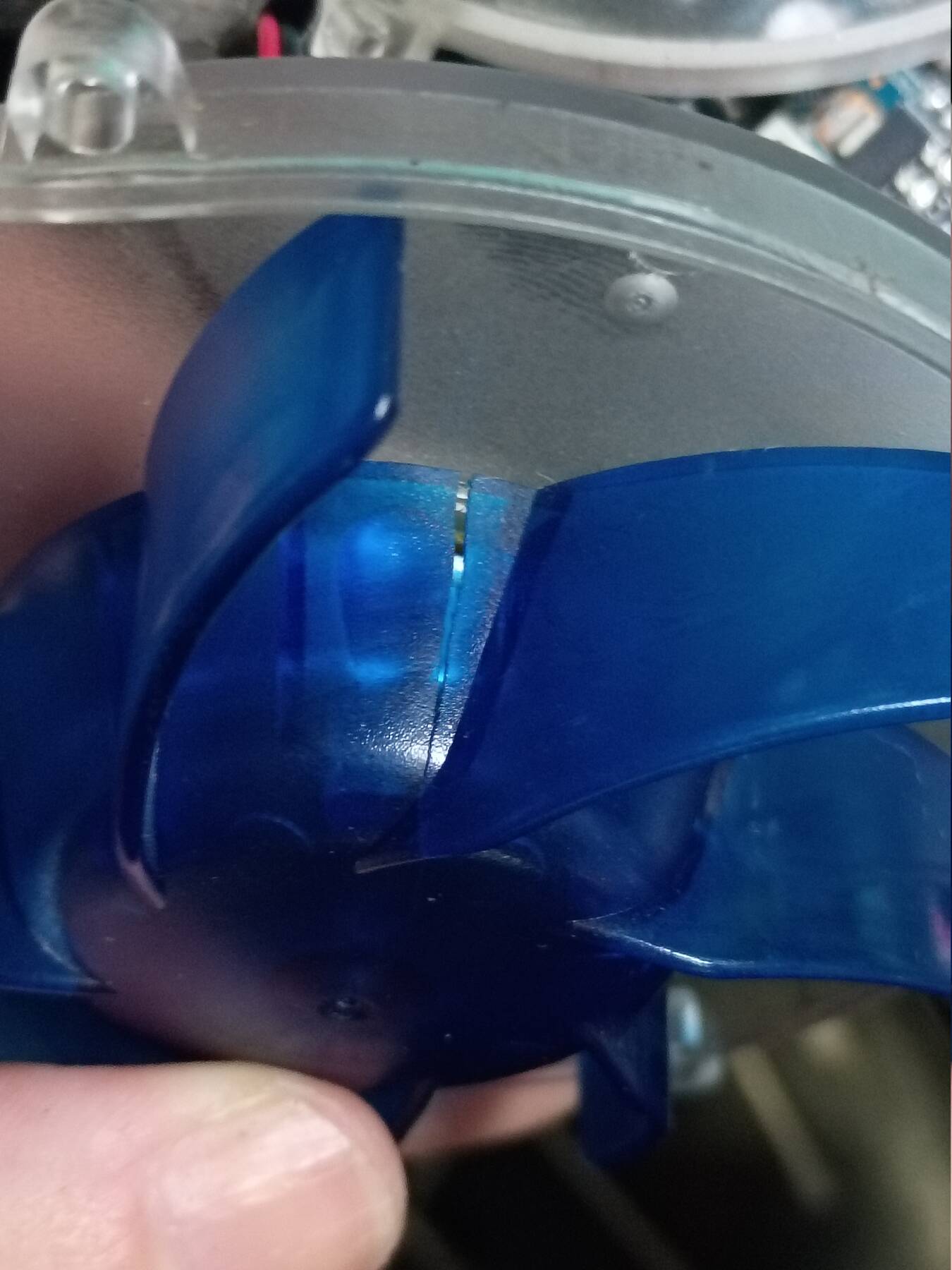
One of the fan bodies has a crack down the side, but it is still functional. No other physical issues noted.
I put each of them on my i5-4670K ITX test bench. The first didn't POST, but eventually Linux showed up. When I went to check UEFI, the CSM was already enabled. I set it to prefer external graphics, but then it didn't display anything when I tested the next card. I removed the card, went into UEFI again, noted the GPU preference was reset, and changed nothing, then powered it off. Now they both show the POST screen.
I ran the Doom 3 (dhewm3) timedemo with each card (1920x1080, ultra settings). They both achieved 58 FPS. There were several obvious stutters during the demo, but most of it was fluid. Definitely felt like a few graphics enhancements were missing as well, but I would have to compare with a newer GPU. Without VSync on, one got 86 FPS.
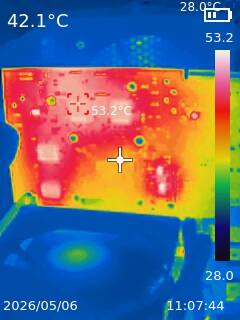
lm-sensors can read the card temp. Seems like a pretty decent Linux card. Under a thermal camera the hottest things are the RAM chips, and they are only about 53°C.
Some assembly
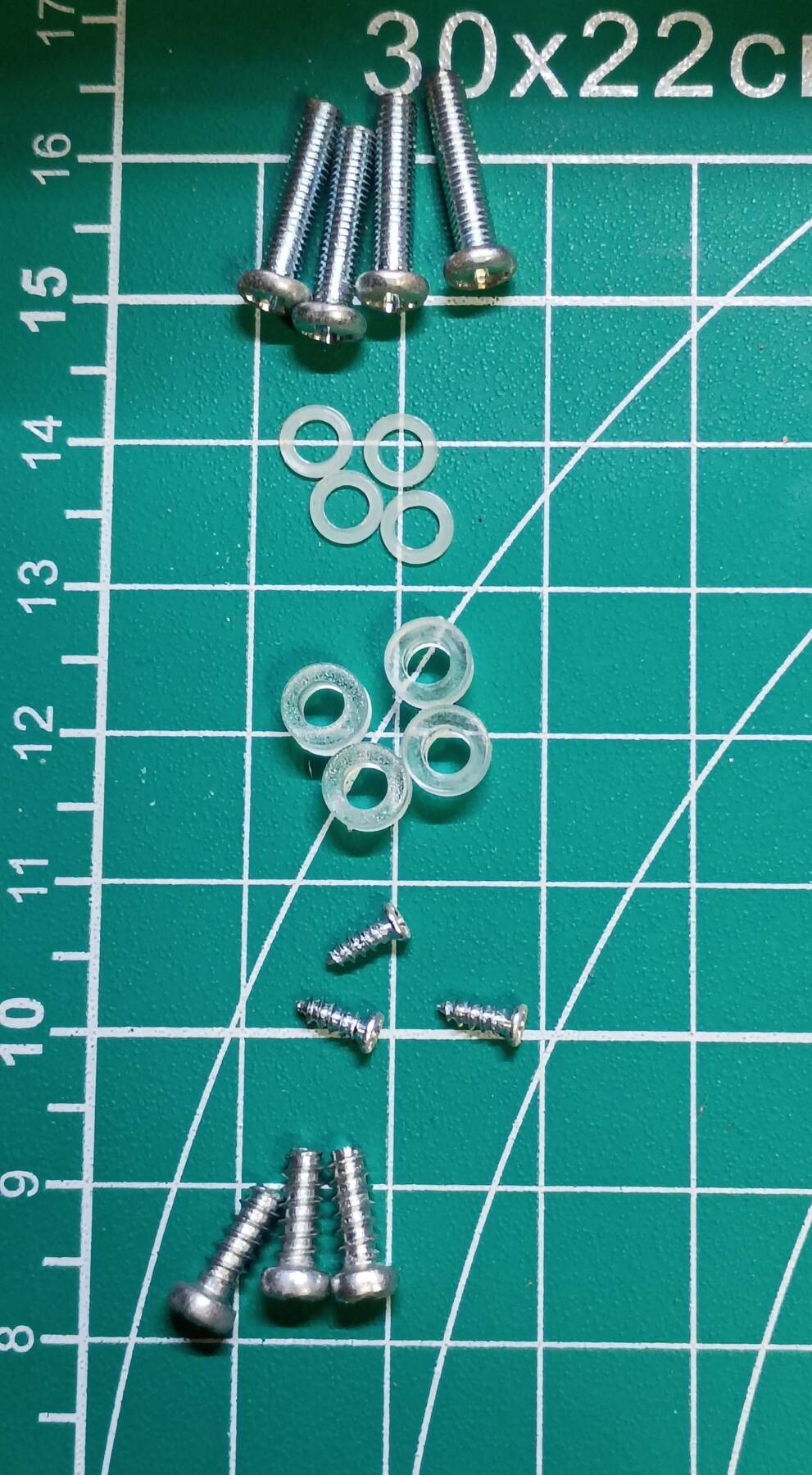
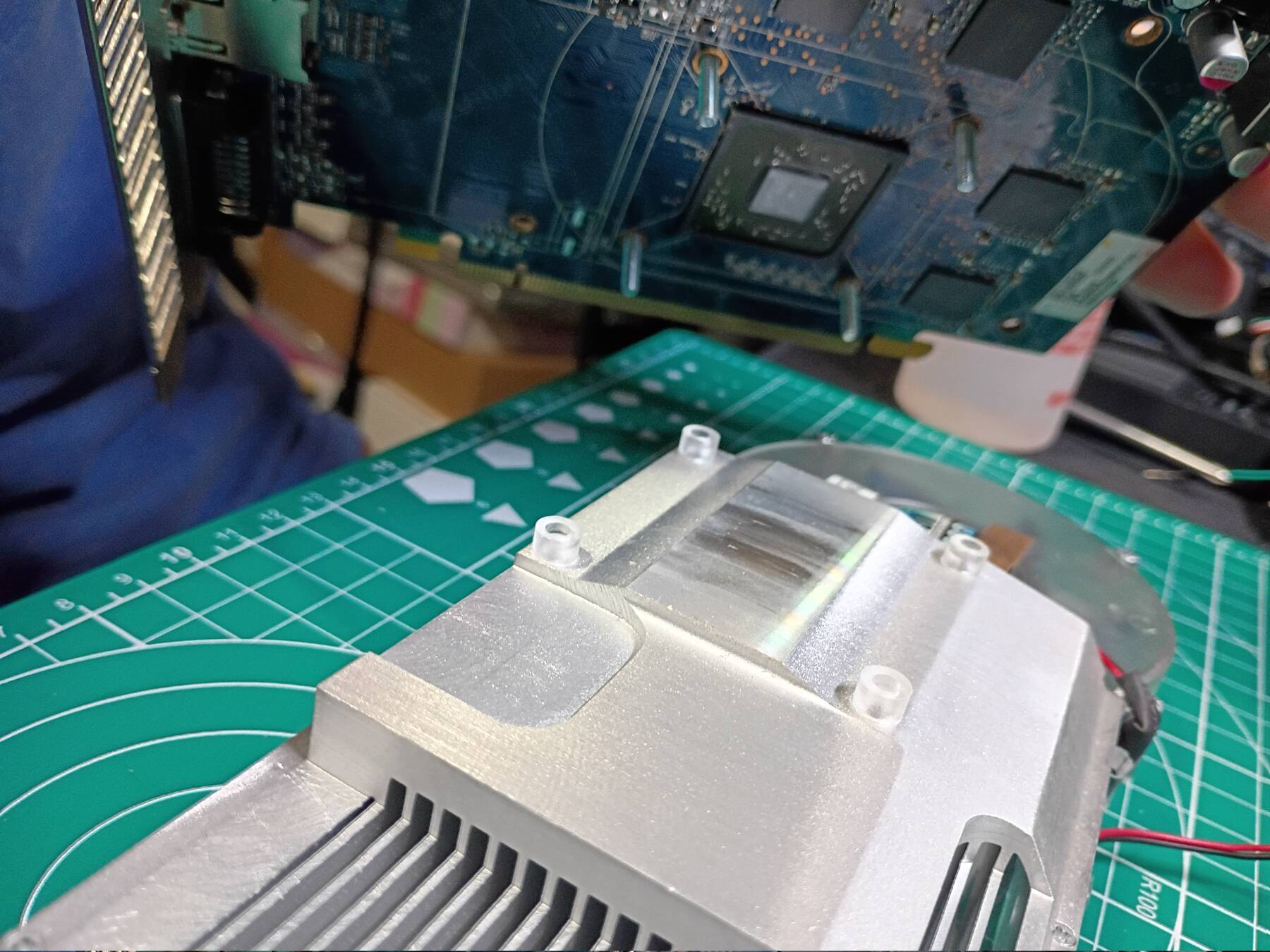
I went over the motherboard, installed the heatsink wrong (forgot about the under mounting bracket, and used some plastic washers for a minute until I realized why it was loose), then installed it right. Decided I should do a test outside the case since it was easy to setup. It posted immediately.
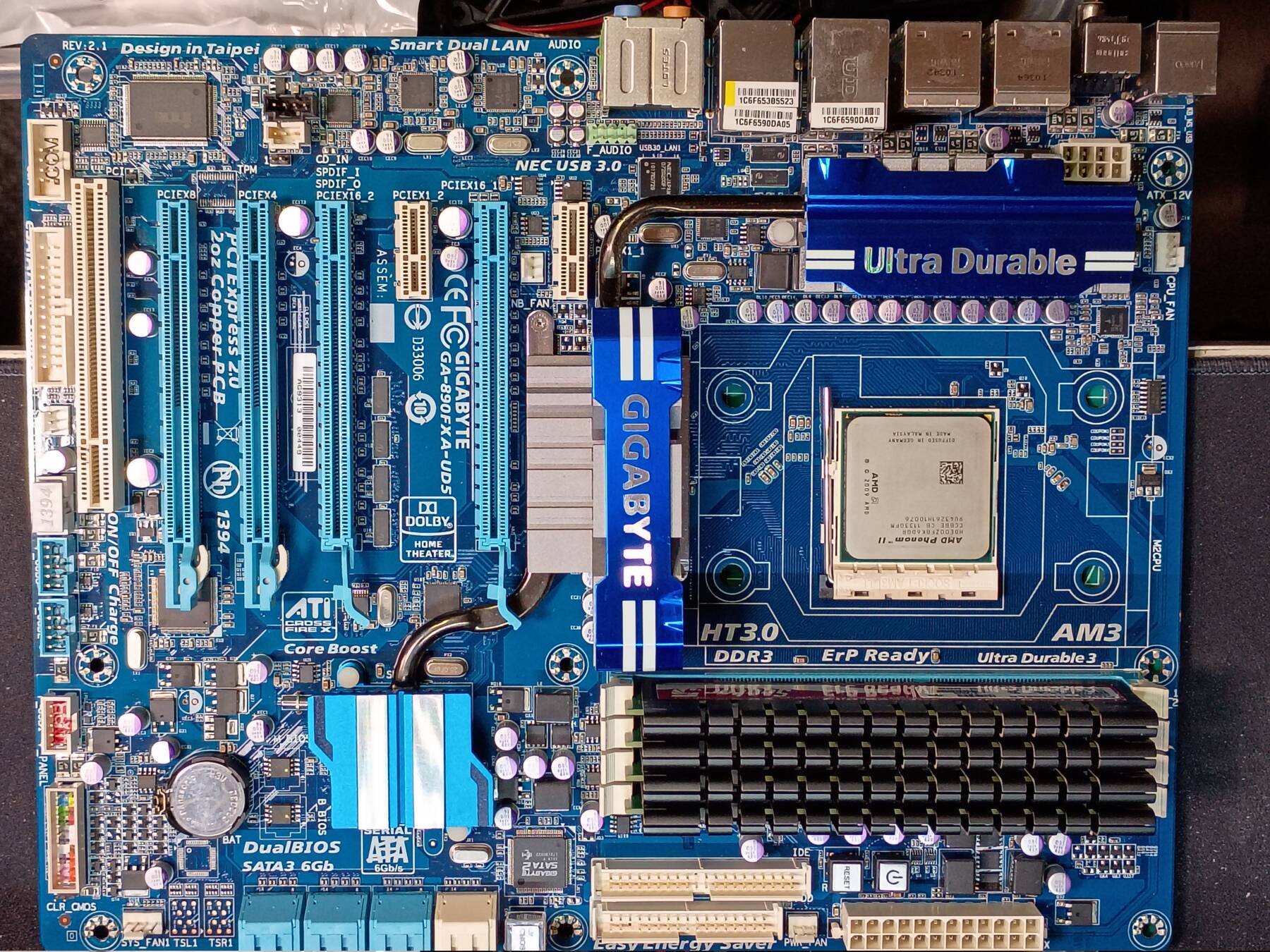
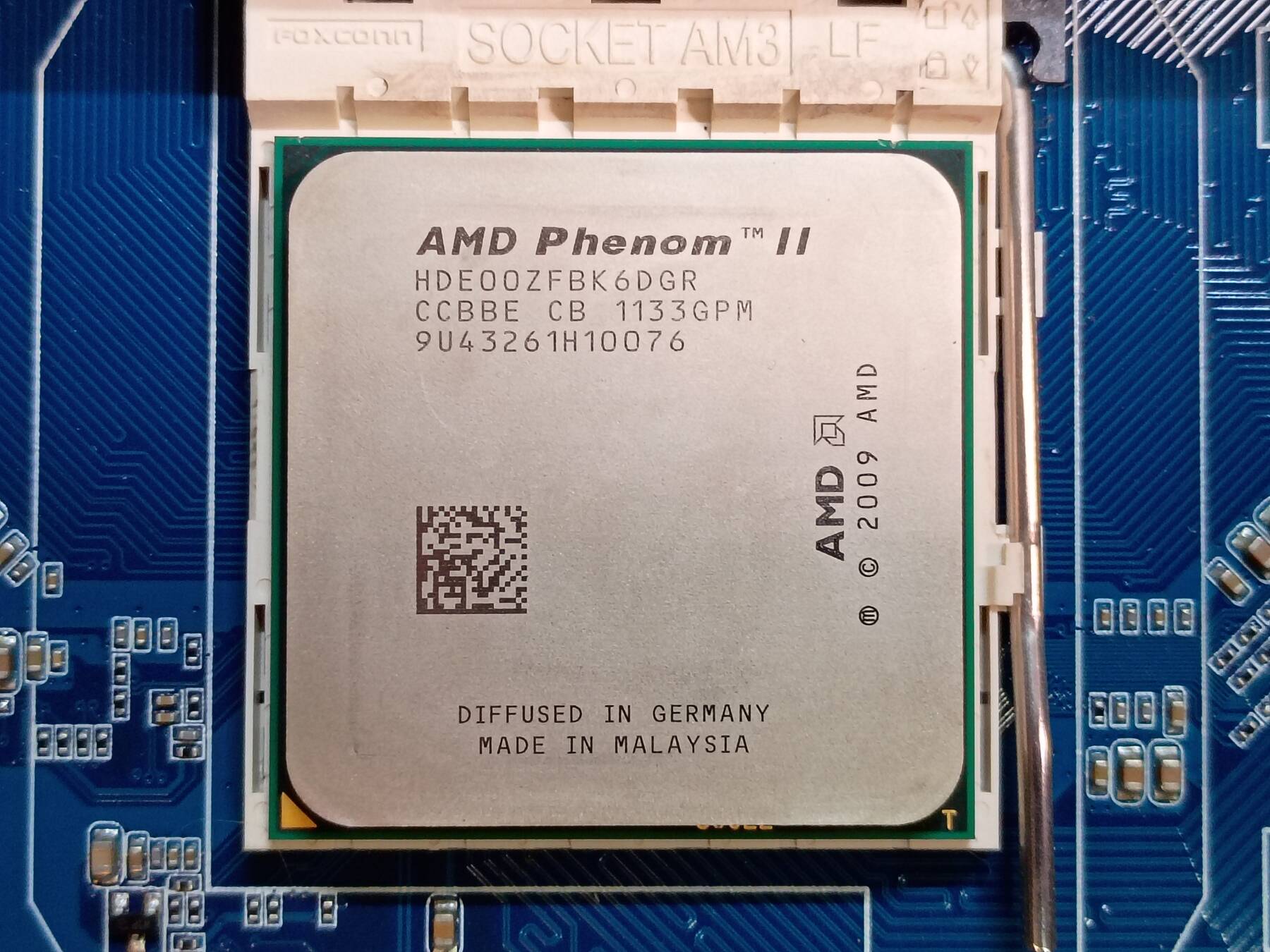
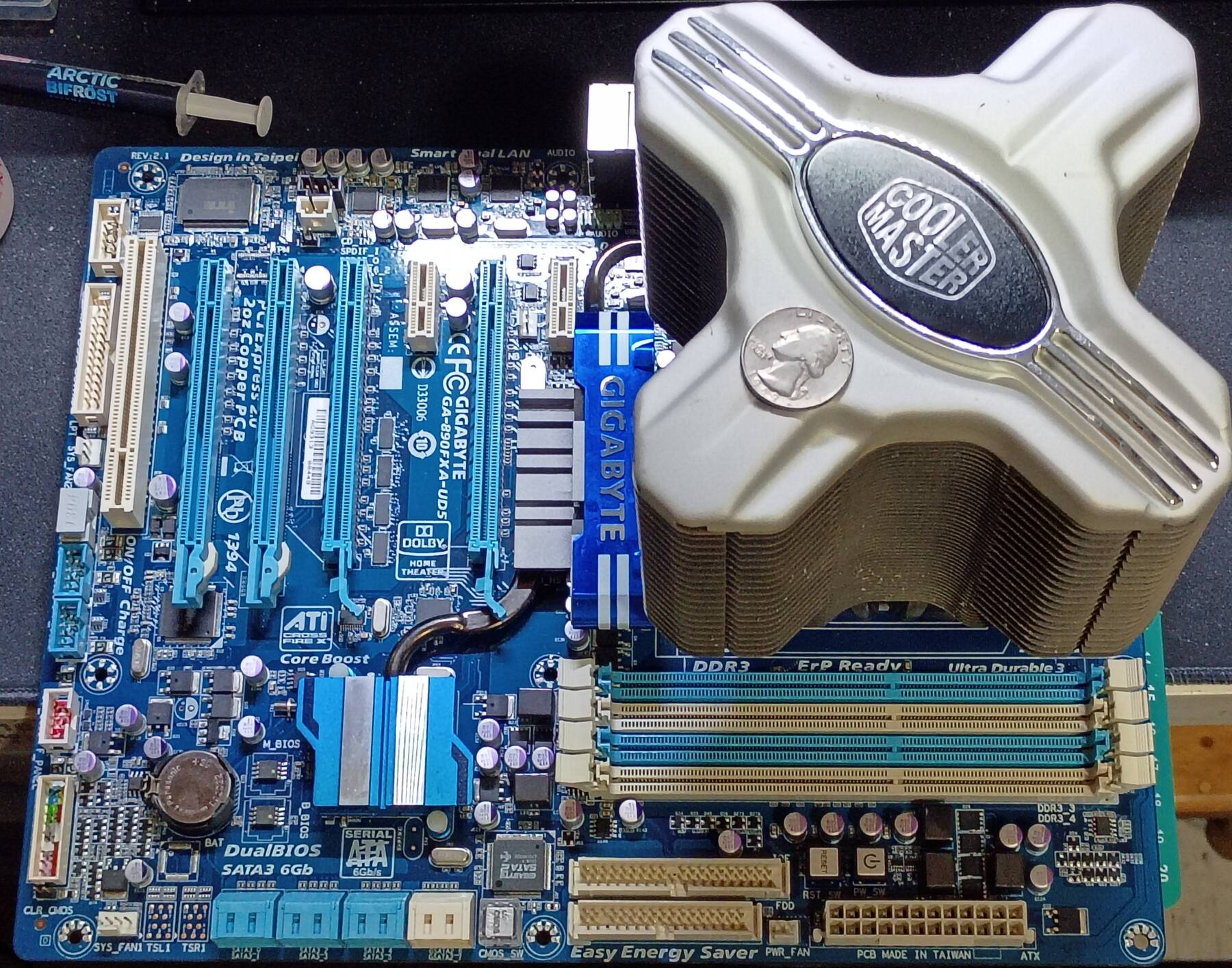
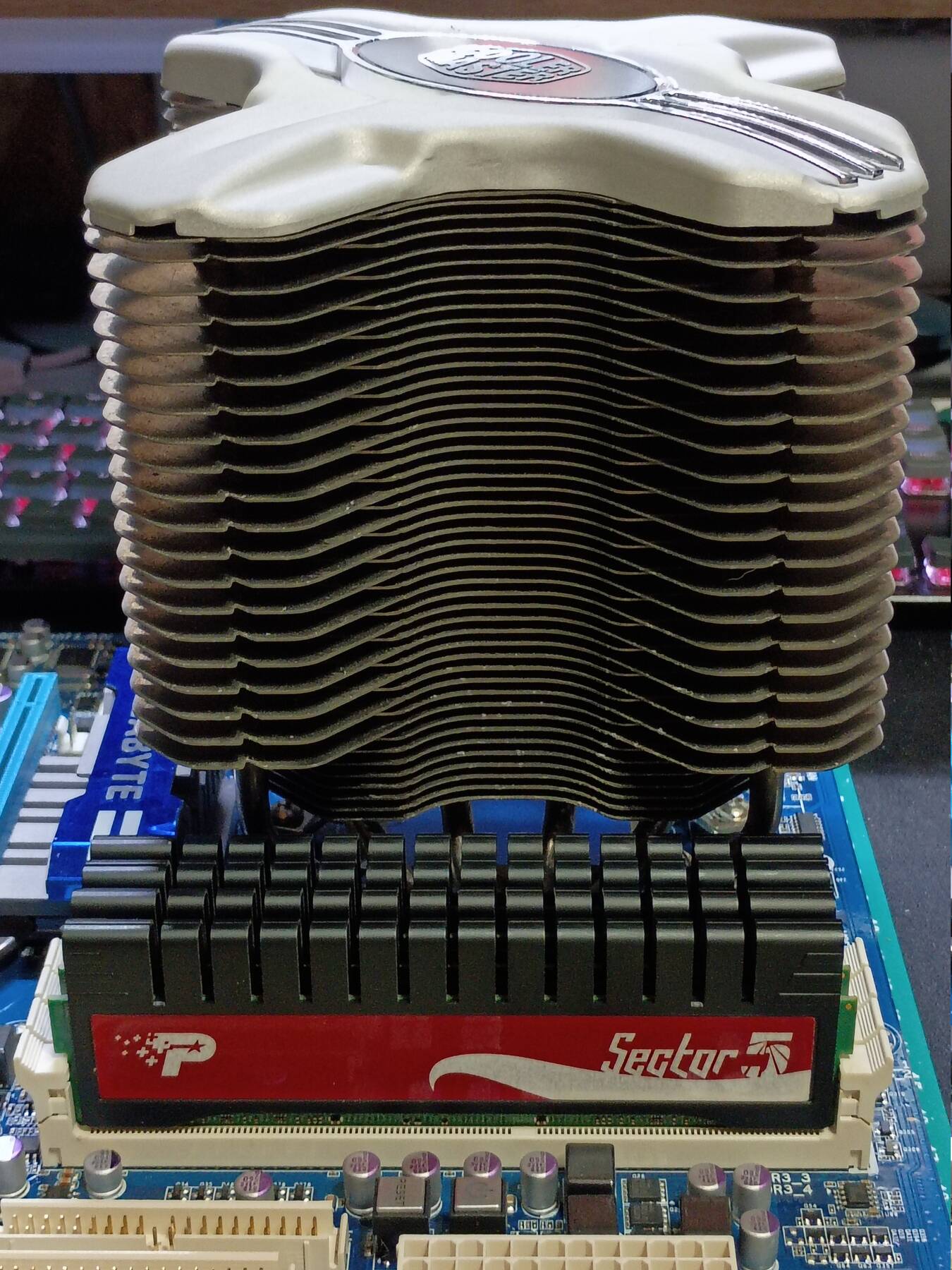
This has the old blue Award BIOS. Not a lot going on. I configured the RAM based on its sticker (DDR3-1333 9-9-9-24 1.65V). All the SATA ports are reflected as 'IDE Channel #'.
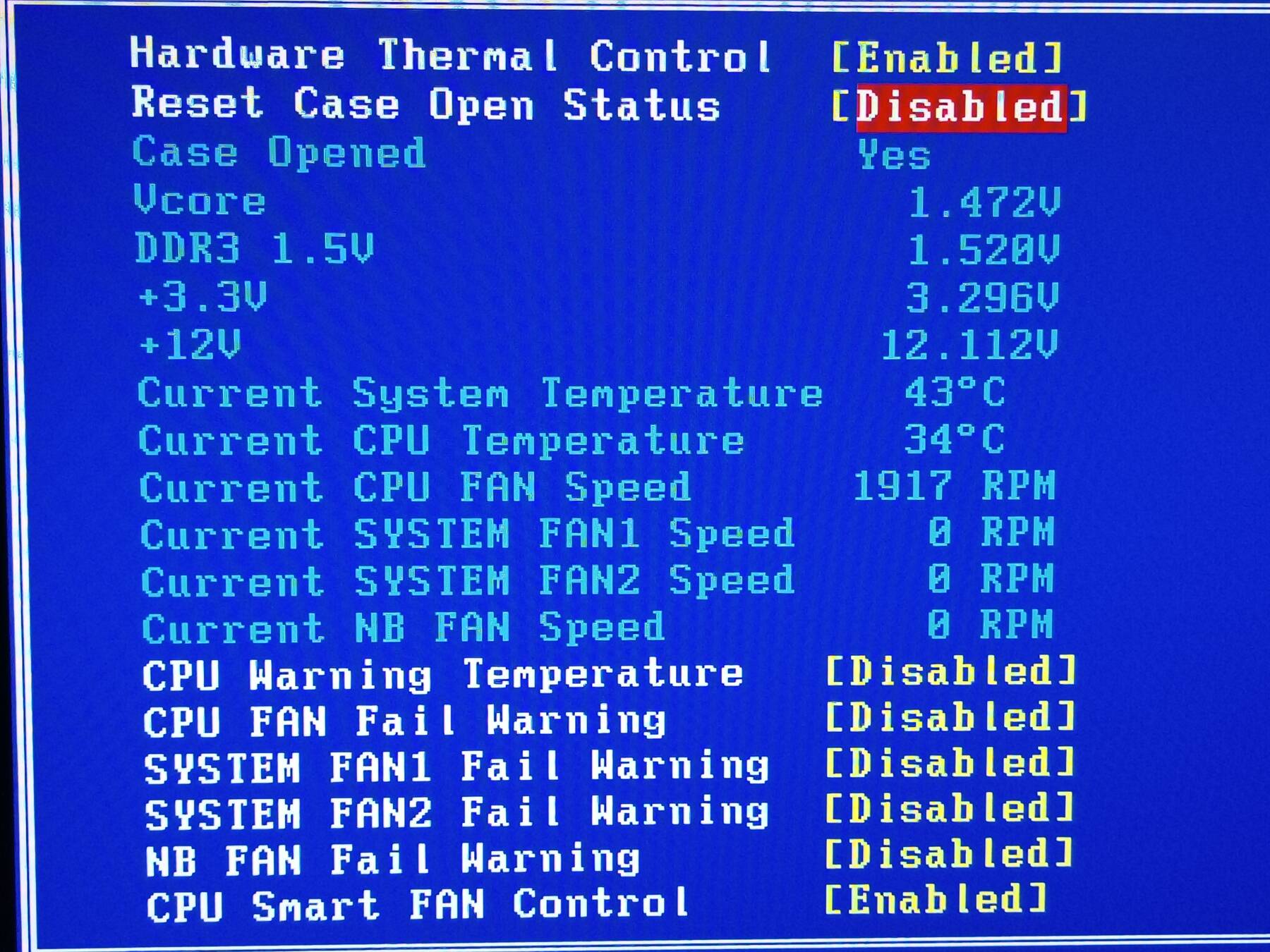
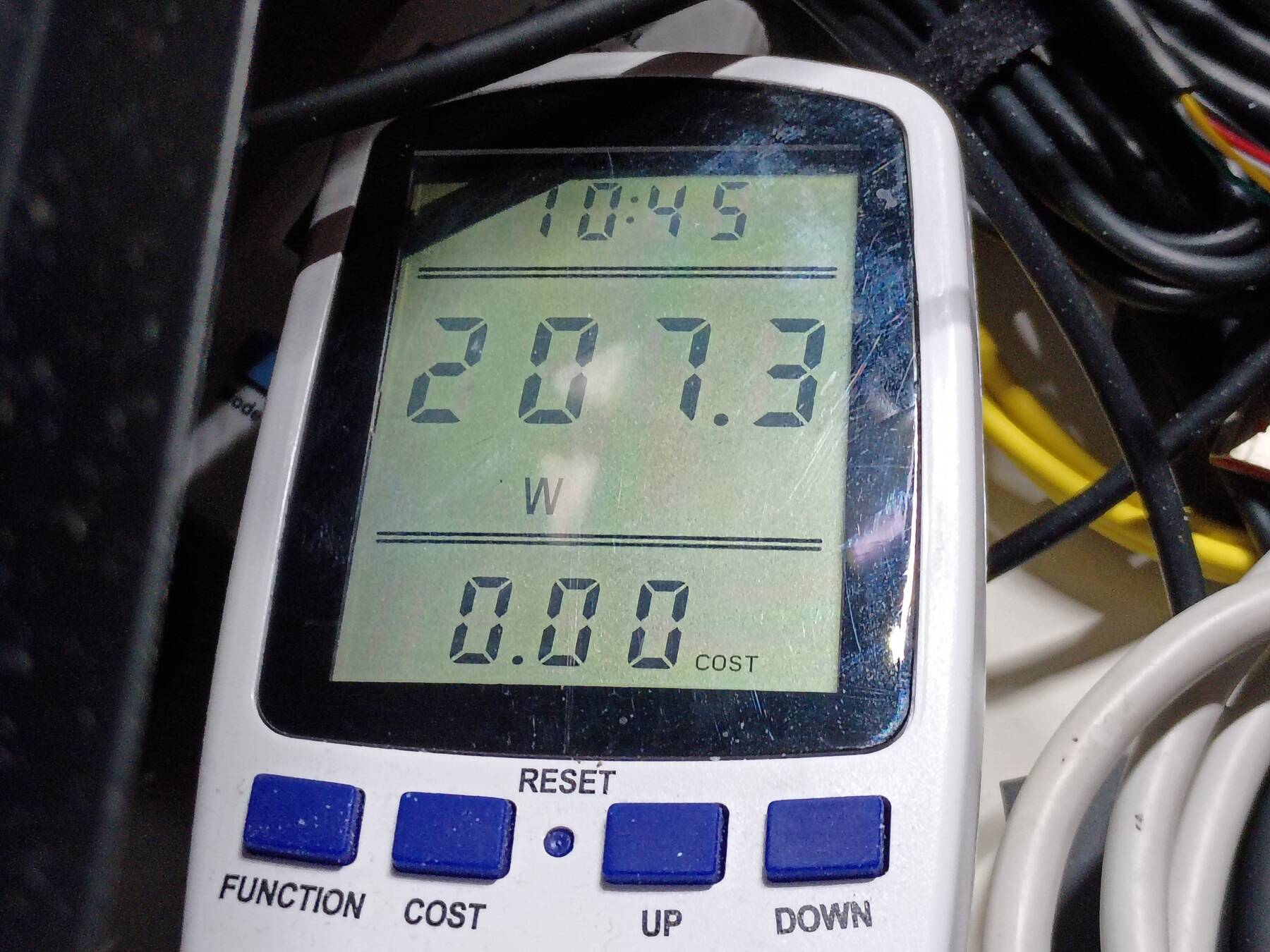
I ran Memtest86+. Things seem reported correctly except the reported memory bandwidth seems low (probably due to single threaded operation) at 3.93 GB/s. Power draw is sitting around 208W. Feels a bit high with only one graphics card, but the motherboard is pumping out quite a bit of heat on its own.
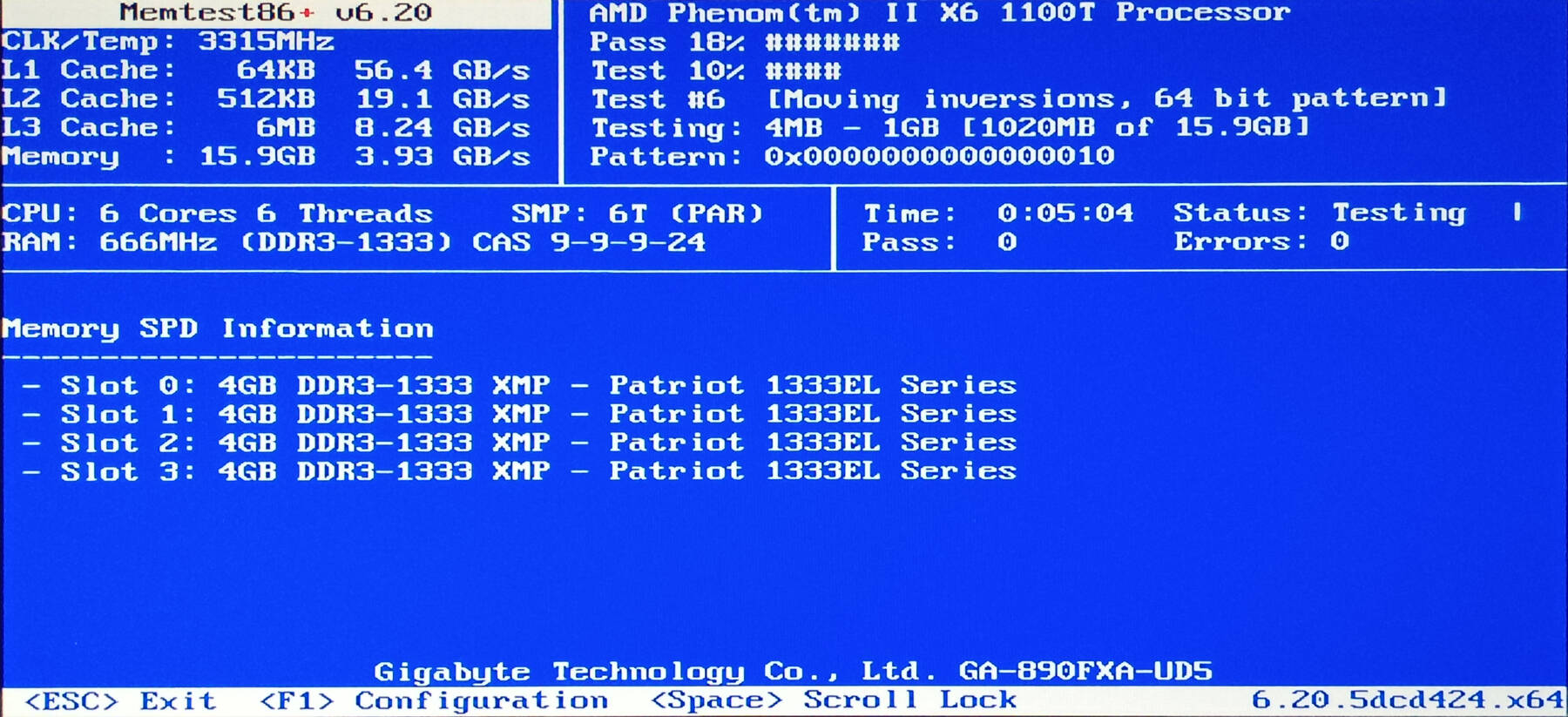
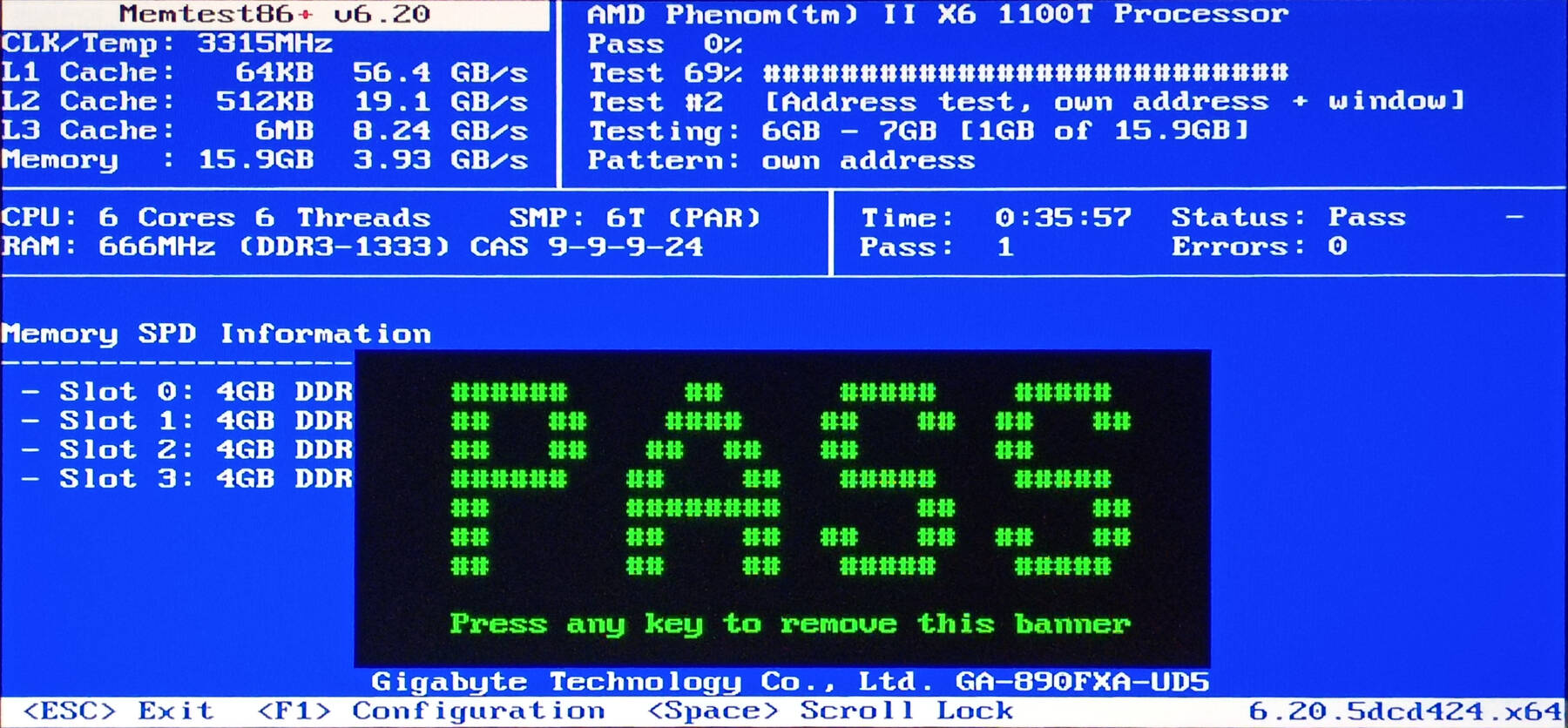
So far the only concern is the CoolerMaster Hyper Z600 fan clips. They need some rubber or foam strips where they contact the heatsink to prevent rattling.
I really like that this motherboard has integrated power/reset/cmos buttons. Also despite using blue LEDs for those, and the cooler fan, they are pretty subtle. Not the glaring bright blue LEDs you see today.
I used Newegg's power supply calculator with similar specs, and it suggests 500-600W. I'll need to run some load tests once I get the full build completed.
Seems to be some weirdness about soft-rebooting. Doesn't POST when I alt+ctrl+del, or when I exit BIOS. I updated BIOS from F5 to F6, and now it seems to be resetting properly.
More Assembly. Fans.
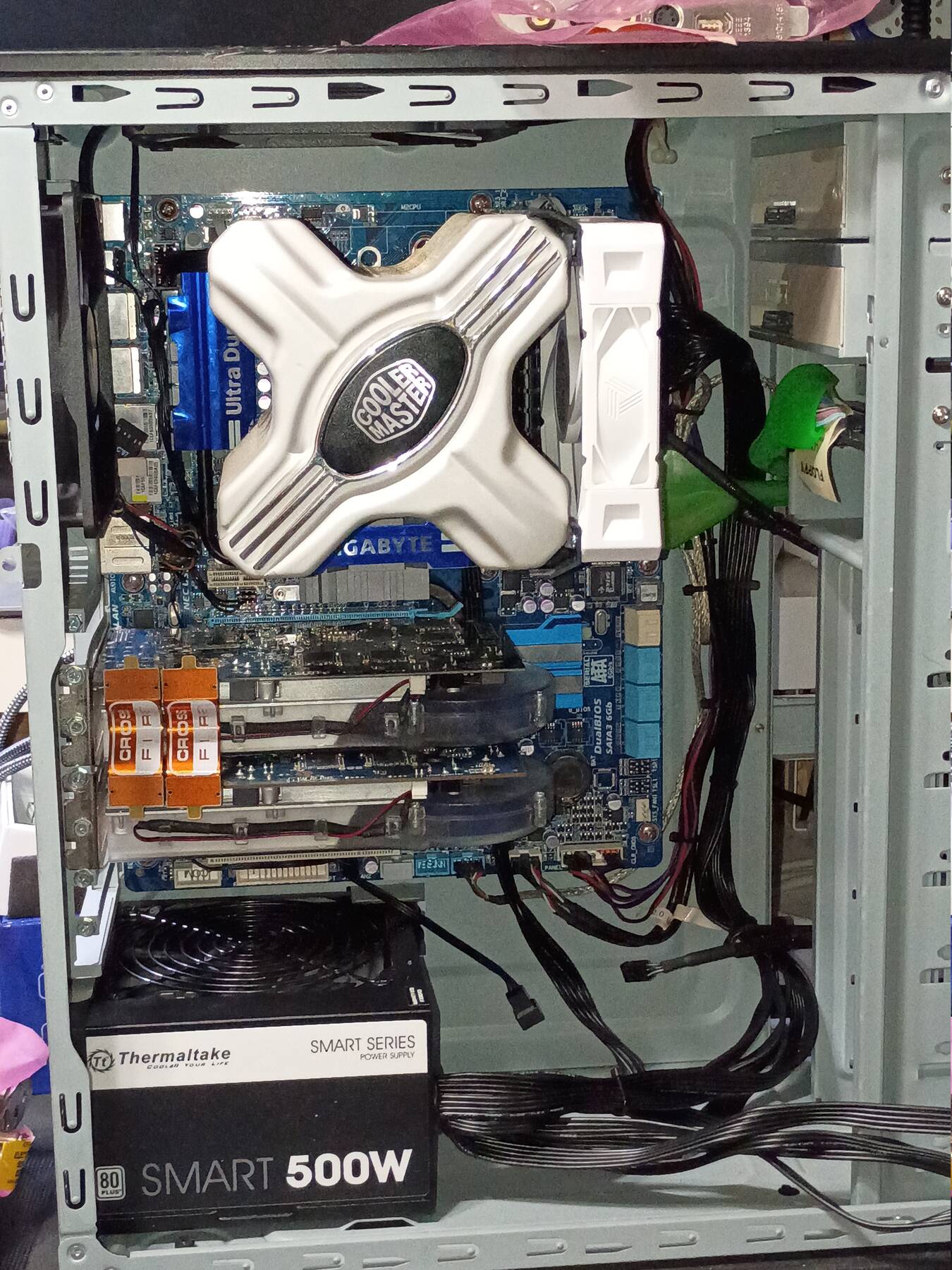
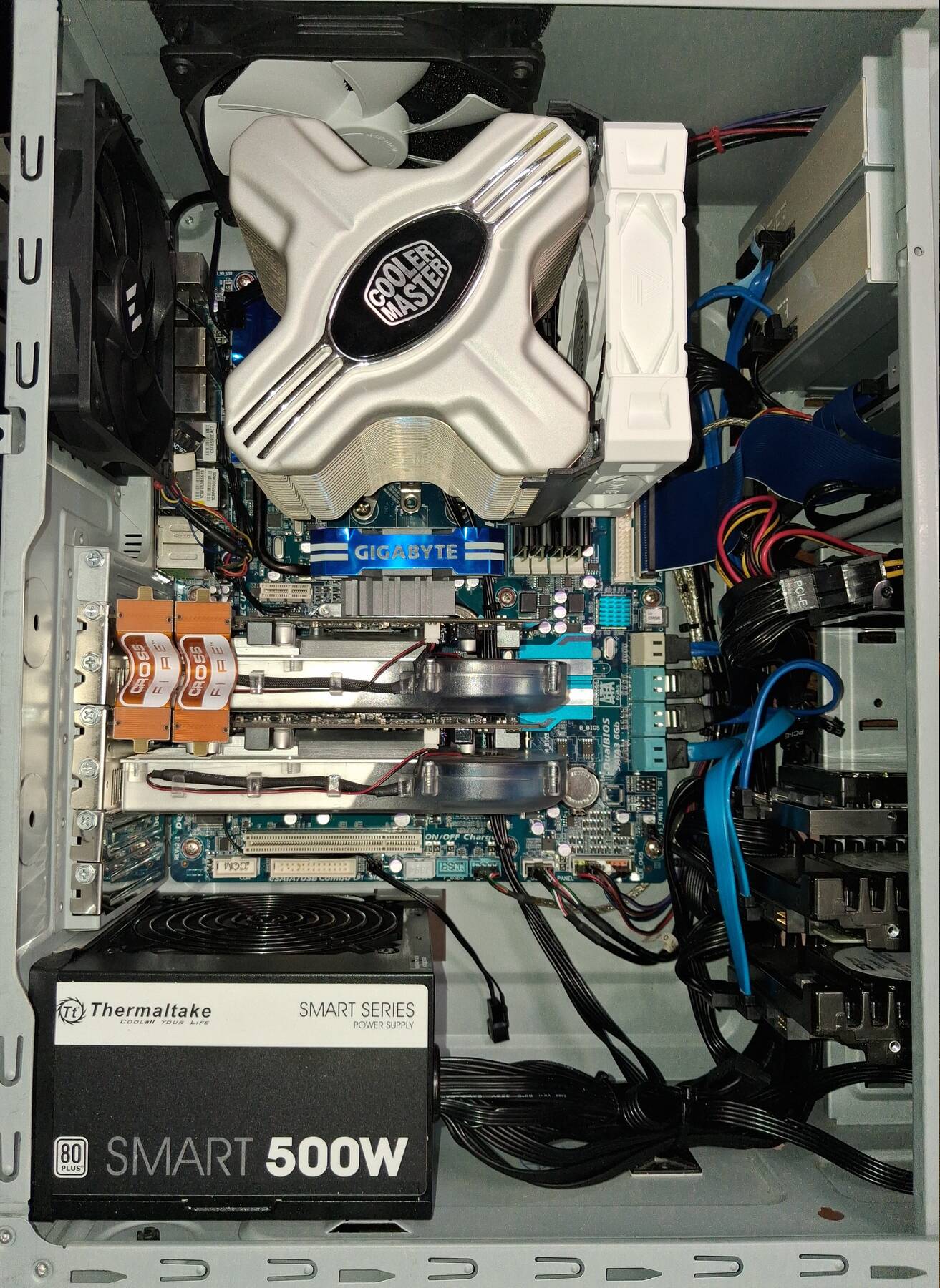
I put the PSU, motherboard, and graphics cards in the case.
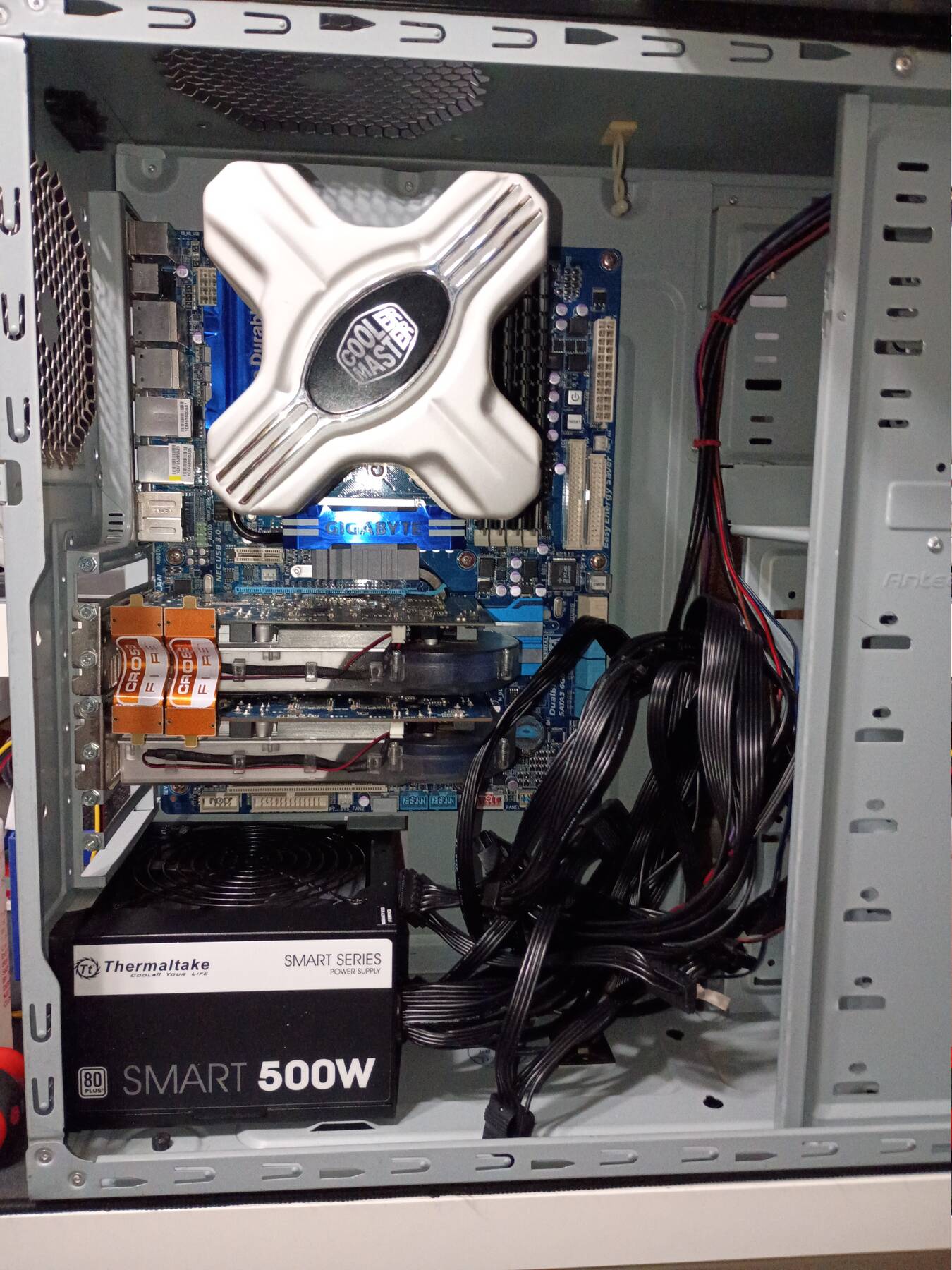
Time to figure out the fan situation.
I want some filter material on the top exhaust, and the side intake (front intakes are already covered).
Original exhaust fans were Antec molex style with the 2-speed switch.
Fans needed:
- 2x 120mm front intakes
- 120mm side intake
- 140mm top exhaust
- 120mm rear exhaust
- CPU fan
- maybe a motherboard fan (something to direct air around RAM, NB, and VRMs)
Fan Headers on Motherboard:
- CPU_FAN (4-pin, PWM control)
- SYS_FAN1 (4-pin, no PWM?)
- SYS_FAN2 (3-pin, sense)
- PWR_FAN (3-pin, no sense)
- NB_FAN (3-pin, sense)
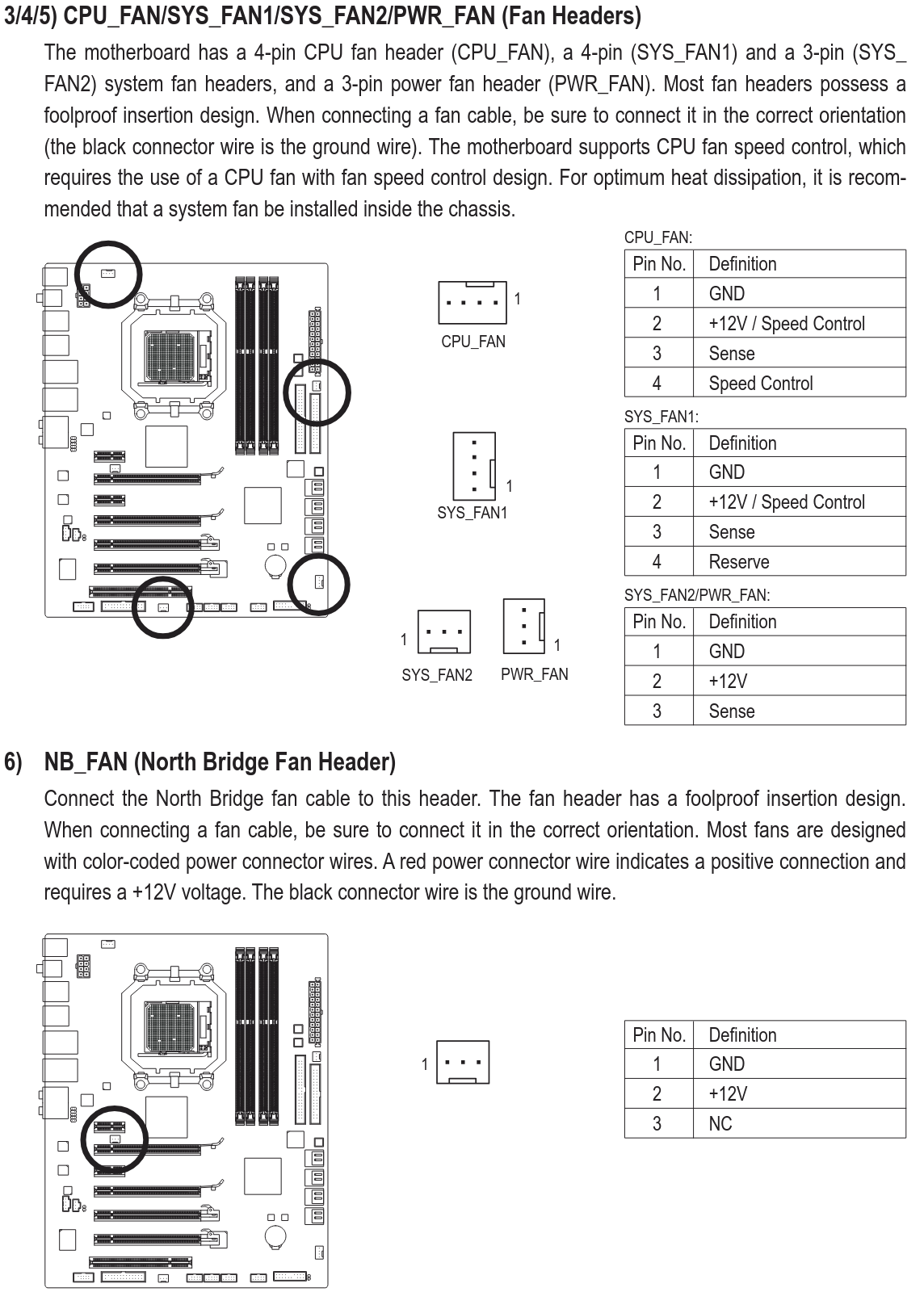
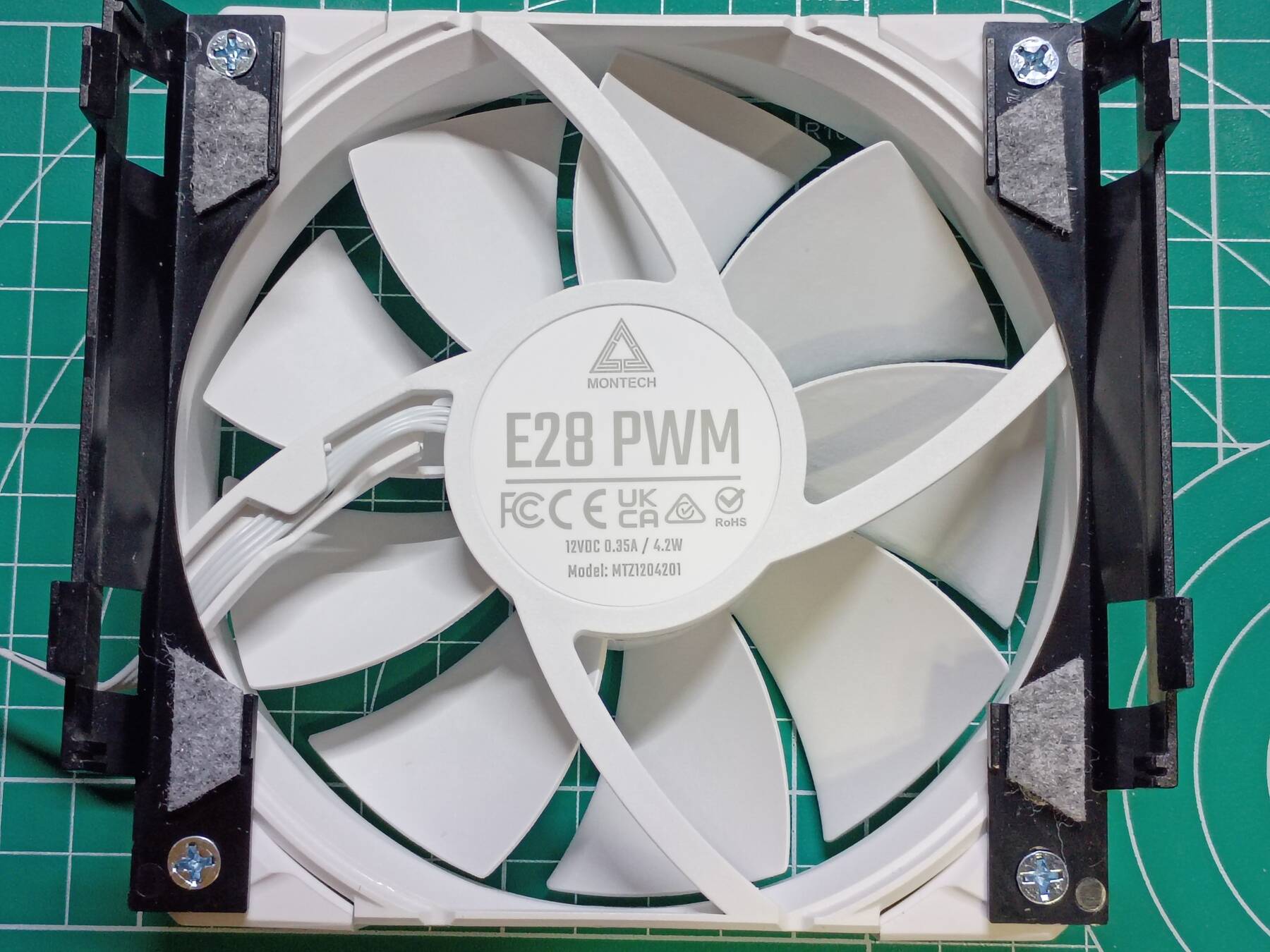
After a little bit of fan testing and a matching game, here is the fan setup:
| Fan | Position | Power source |
|---|---|---|
| Sama SF100 | Front intake | SYS_FAN1 |
| Sama SF100 | Front intake | PWR_FAN |
| Montech E28 PWM | CPU fan | CPU_FAN |
| Fractal Dynamic GP-14 | Top exhaust | NB_FAN |
| Zalman ZT1225ASL-SL | Rear exhaust | SYS_FAN2 |
| Zalman ZT1225ASL-SL | Side intake | SYS_FAN2 (stack) |
I got the fans in place, routed a few cables, and placed the 5.25" drives. This build is going to need a lot of SATA power (9 total I think), but my supply only has four. I have a PCIe 6-pin power adapter that adds two, or I might just rely on molex to SATA adapters.
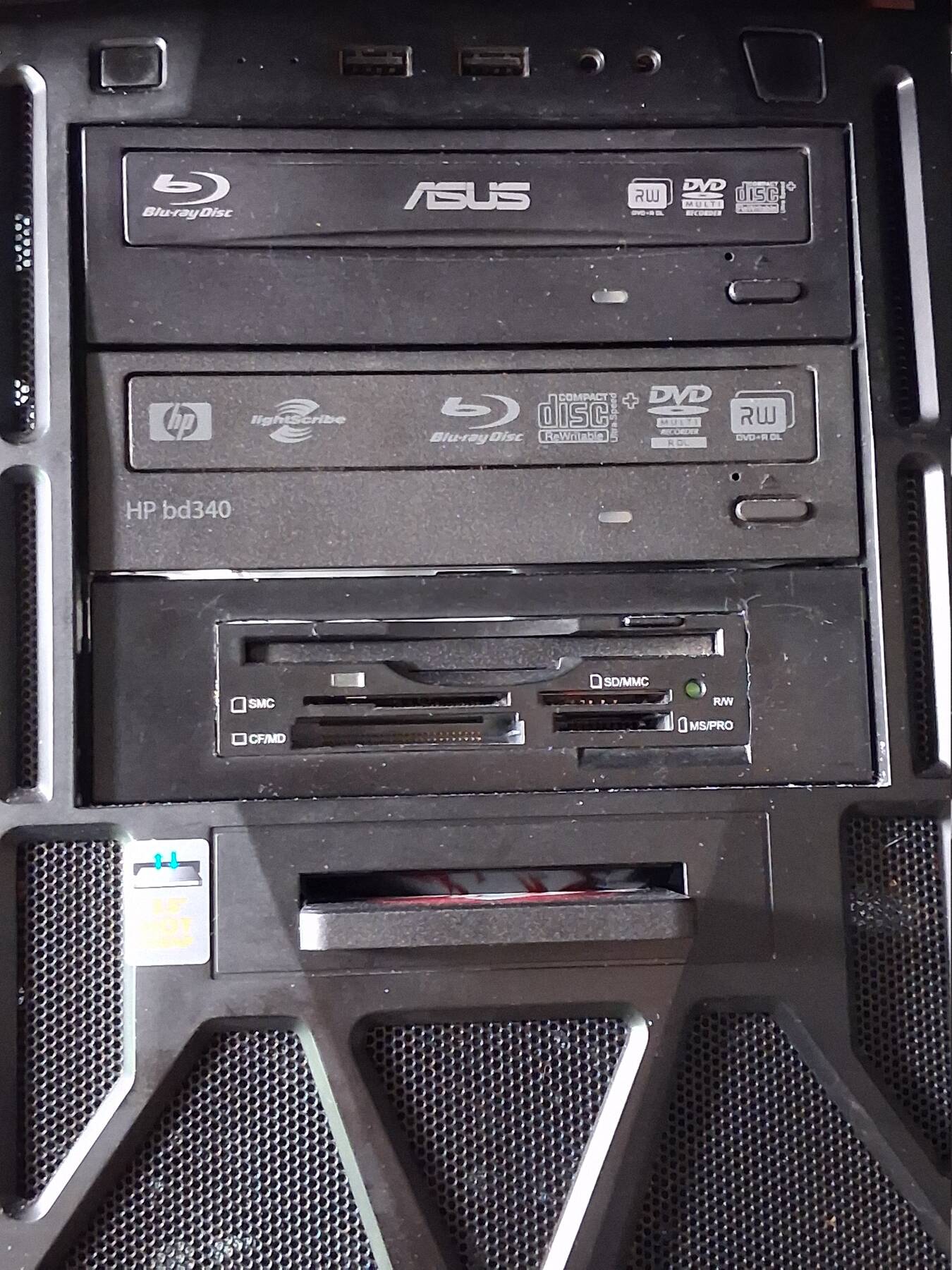
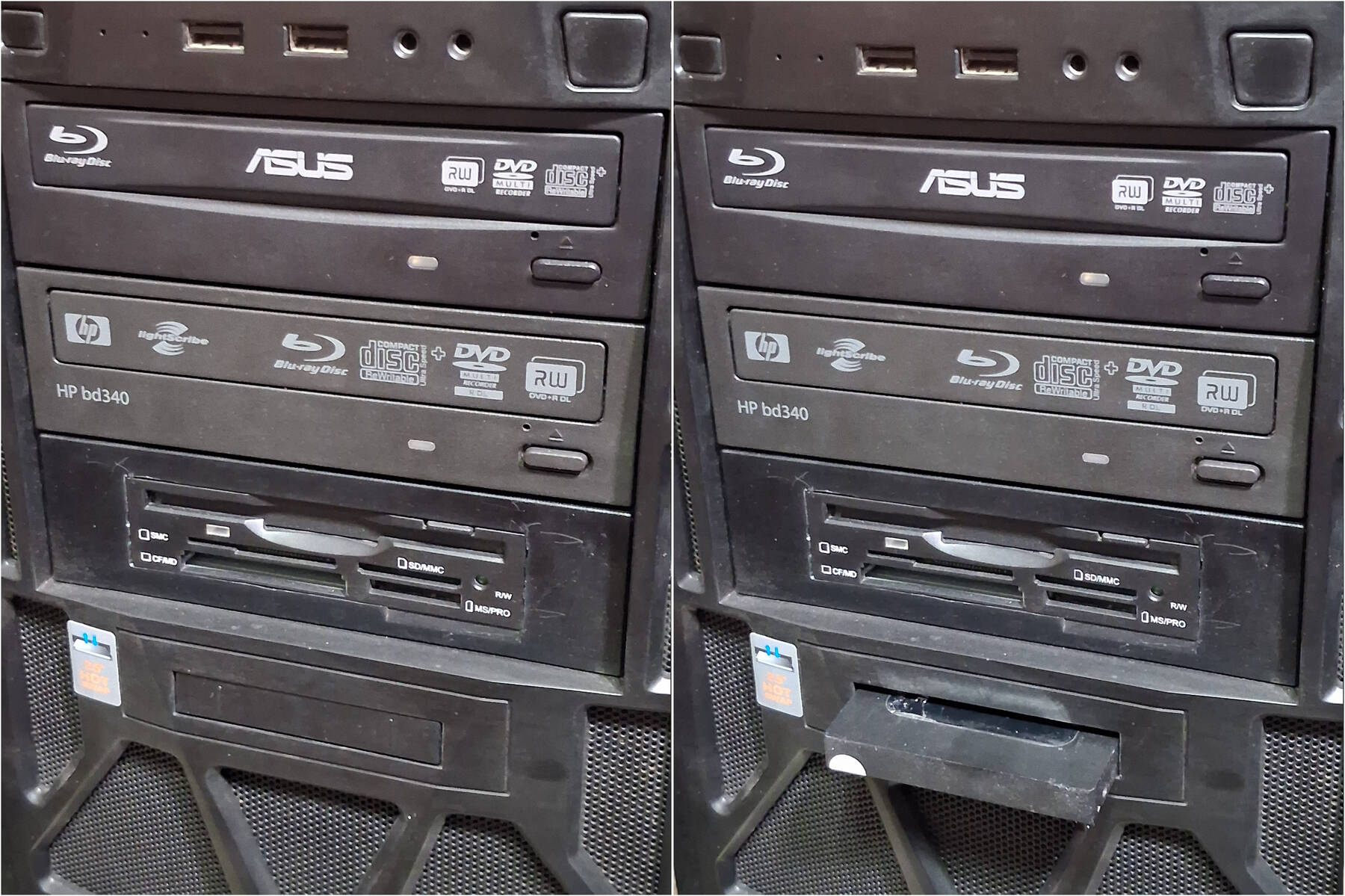
The optical drives that came with the machine are:
- Asus BW12B1ST - 2011 12X Blu-ray Burner
- HP bd340i - 2010 12X Blu-ray Burner with Lightscribe
Dust wasn't too bad, they have a slight labyrinth around the tray door so most dust just got packed there. I put them back in for now, but I don't really have a blu-ray application in mind. Might swap them for a DVD drive.
I took a look at the two other cards in the original build. They are:
- Pinnacle Systems Bendino Studio AV/DV 500-PCI
- There's a driver on The Retro Web for Windows up to Vista
- Not much other info. Composite/S-Video in and out. Firewire.
- Hauppauge WinTV-HVR-2250 ATSC/QAM NTSC Tuner
- A little interesting because it has two independent tuners
- Seems to have Linux support
For now they are staying out of the machine.
Linux test install
Installed Debian 13 on a Seagate ST500DM002 500GB drive. Spinning drives are so slow. I also put in a couple 500GB WD VelociRaptors, that I might run a few benchmarks on.
It didn't seem to like the "Green LAN" BIOS setting. The RTL8111D NICs were not detected until I disabled it.
Power usage isn't as severe as Memtest86+ despite having all the fans, and an extra graphics card installed. Seems to hang around 150-160W with bumps up to 180W during the install.
I ran the dhewm3 timedemo again (previous test was with the graphics card on a modern machine). This time I also tried maxing out anti-aliasing. Same 1920x1080, Ultra Settings.
With 16x AA, 38.3 fps. Without AA, 73.5 fps (compare with 86 fps on i5-4670K). I'm not sure AA is 16x, the log appears to reflect that, but when I restart dhewm3 the setting was lowered to 8x.
Running KDE Plasma, idle power draw is around 137W. The dhewm3 timedemo peaks around 210W. Running stress with 6 cpu workers hits 260W. Even so this Z600 cooler keeps the CPU at 42°C. VRM and Northbridge area was up to 64°C near the passive heatsinks.
A couple chips (DU3 and DU4, near the JMicron JMB362, maybe '6612' is the number on them) hit 90°C so I might consider little heatsinks for them.
Drives installed
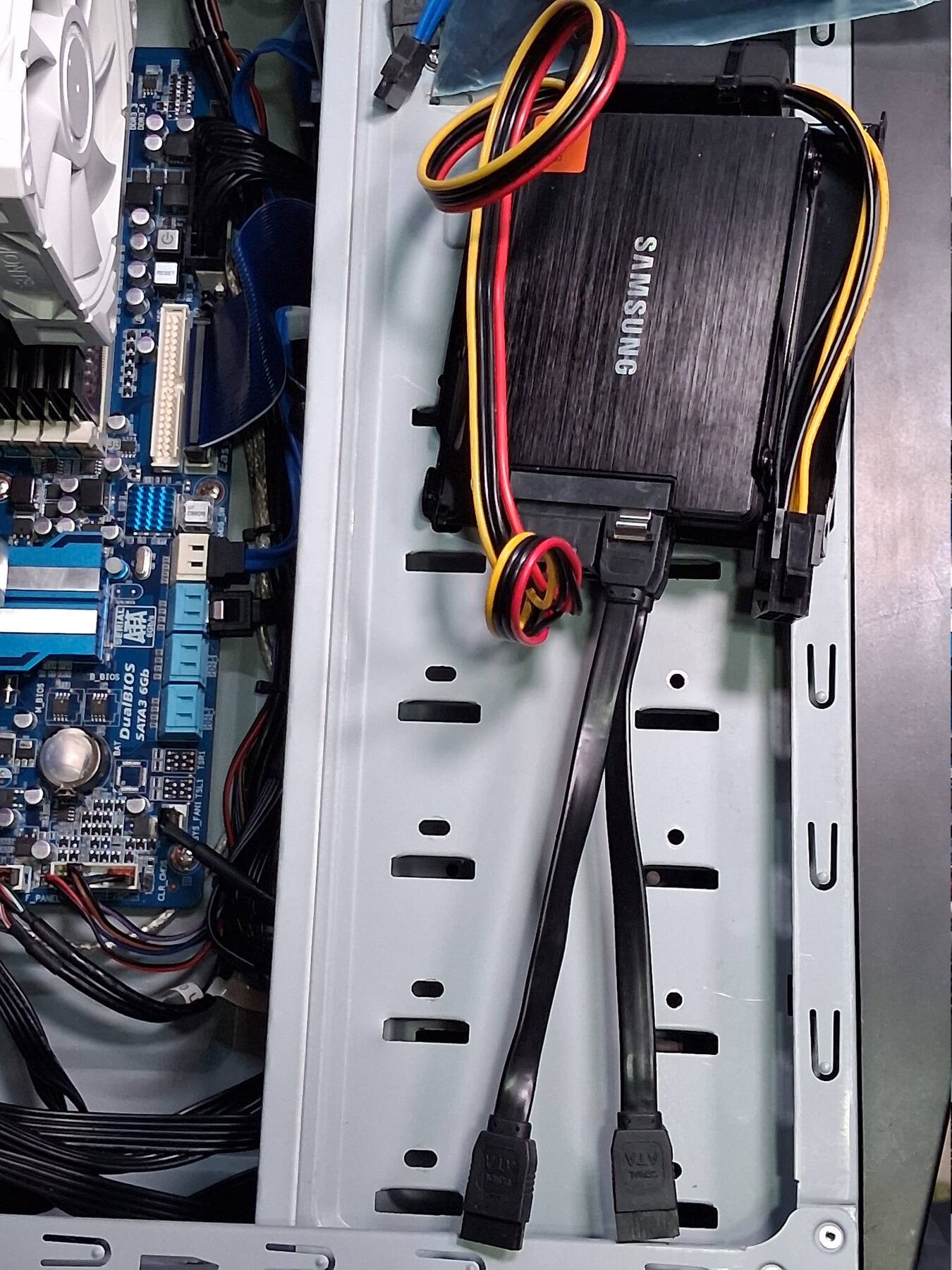
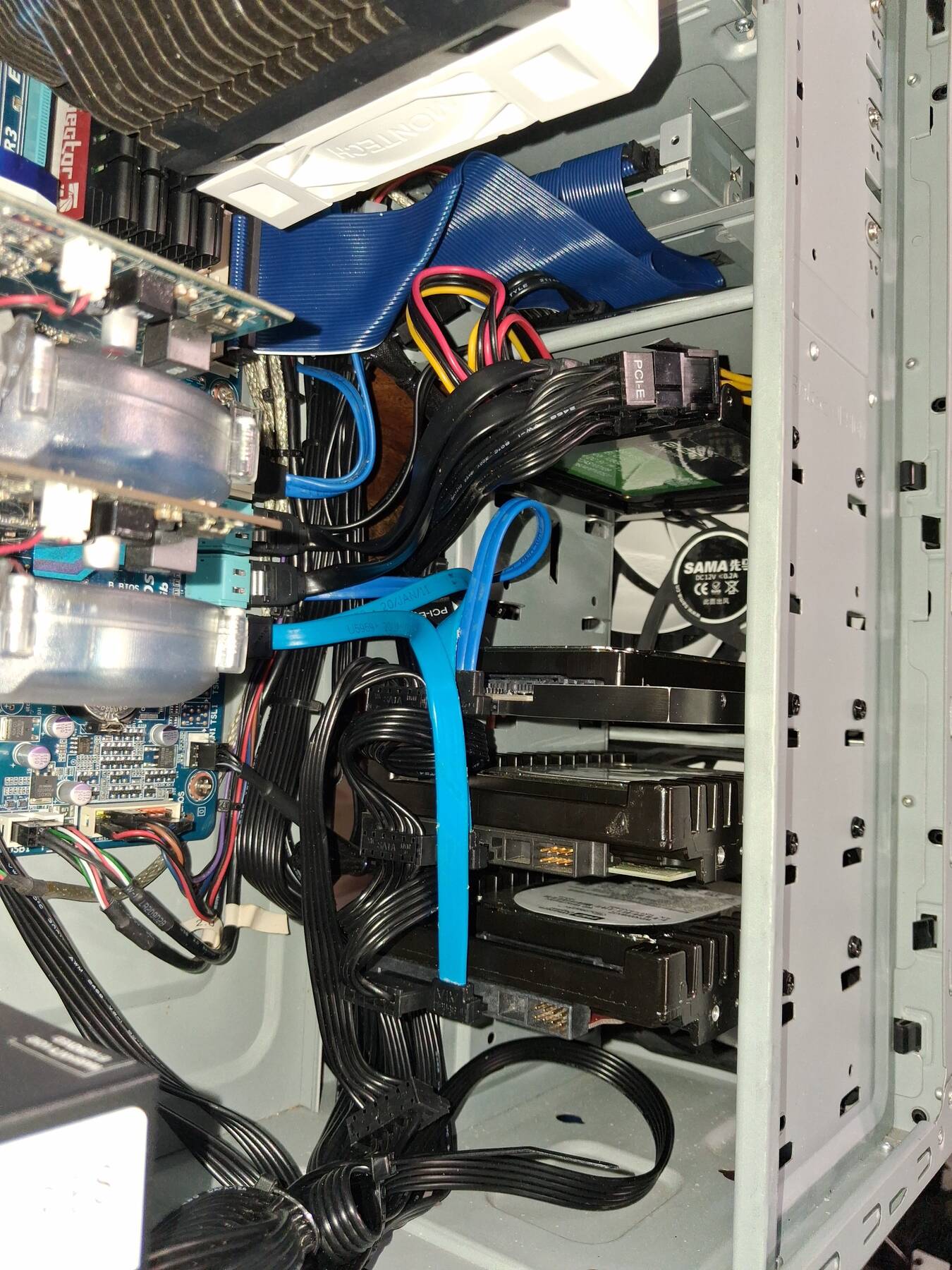
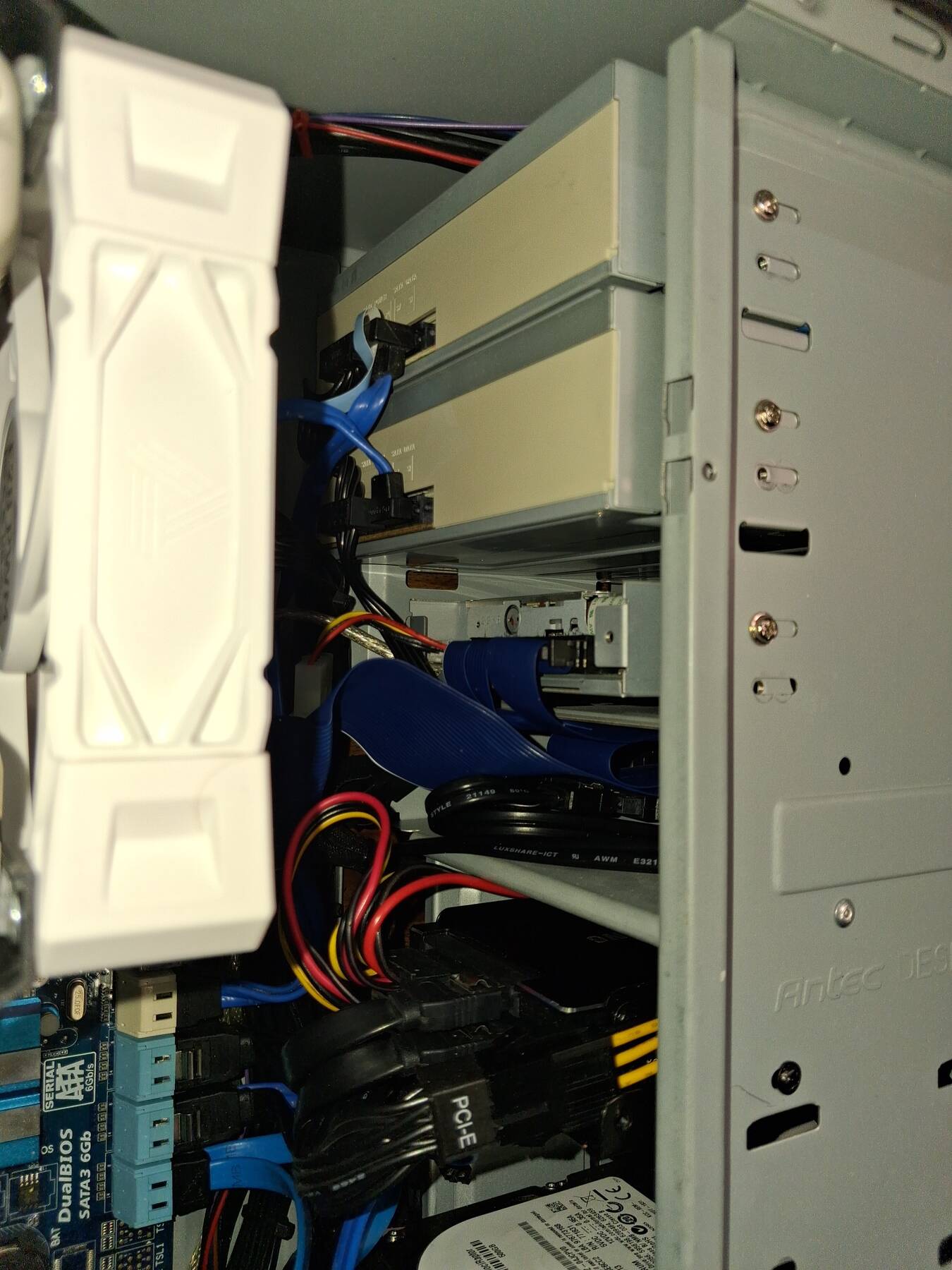
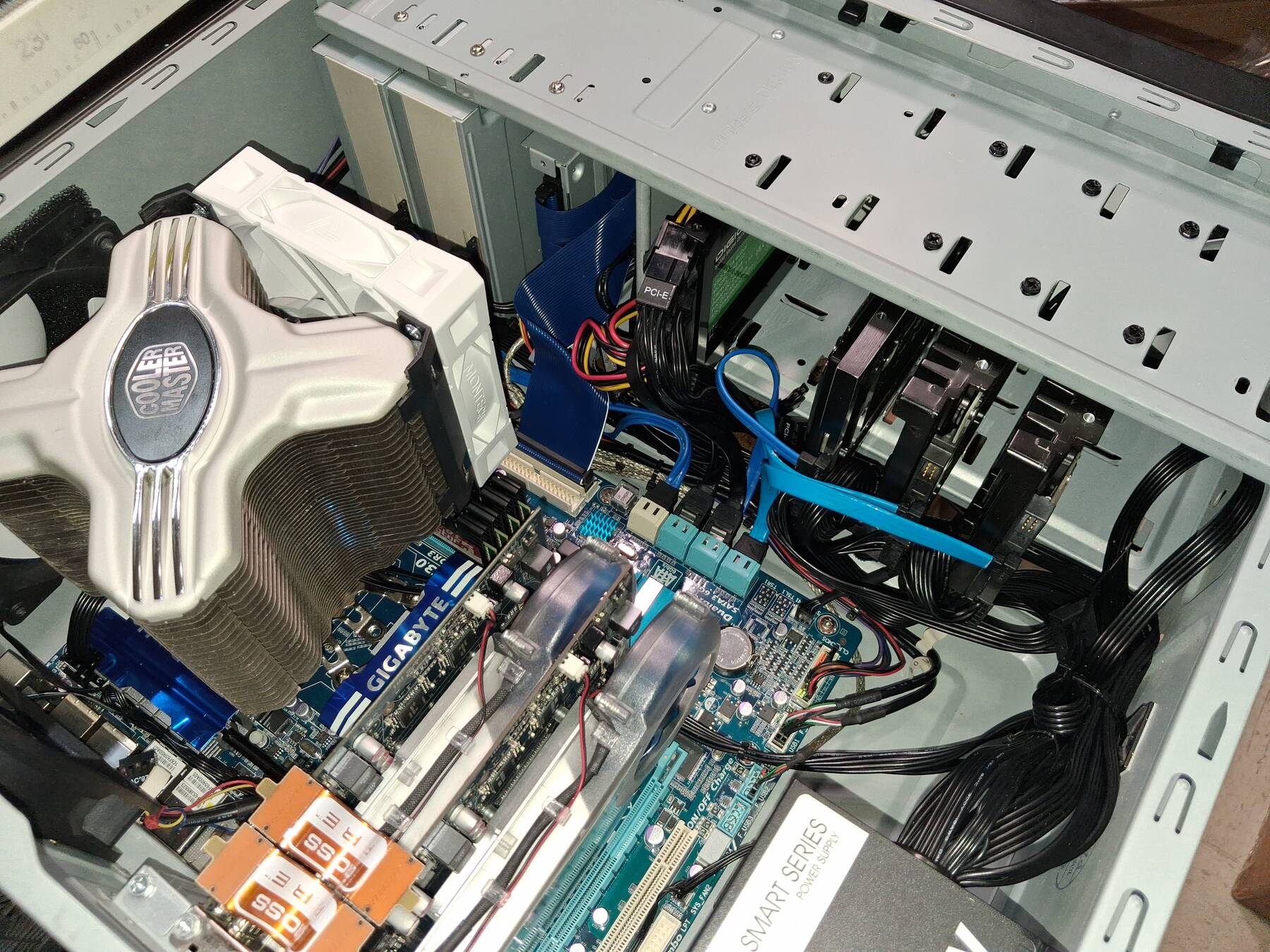
I ran into some PSU drive cable limitations, but recently managed to acquire the correct adapters to finish this build off.
For power adapters I used:
- Molex to floppy
- Molex to 3x SATA
- 6-pin PCIe to 2x SATA
I had to fit a SAS to SATA adapter to make the power cable reach the removable SATA SSD slot.
I didn't have a suitable 5.25" drive bay cover so I stuck with the two optical drives for now.
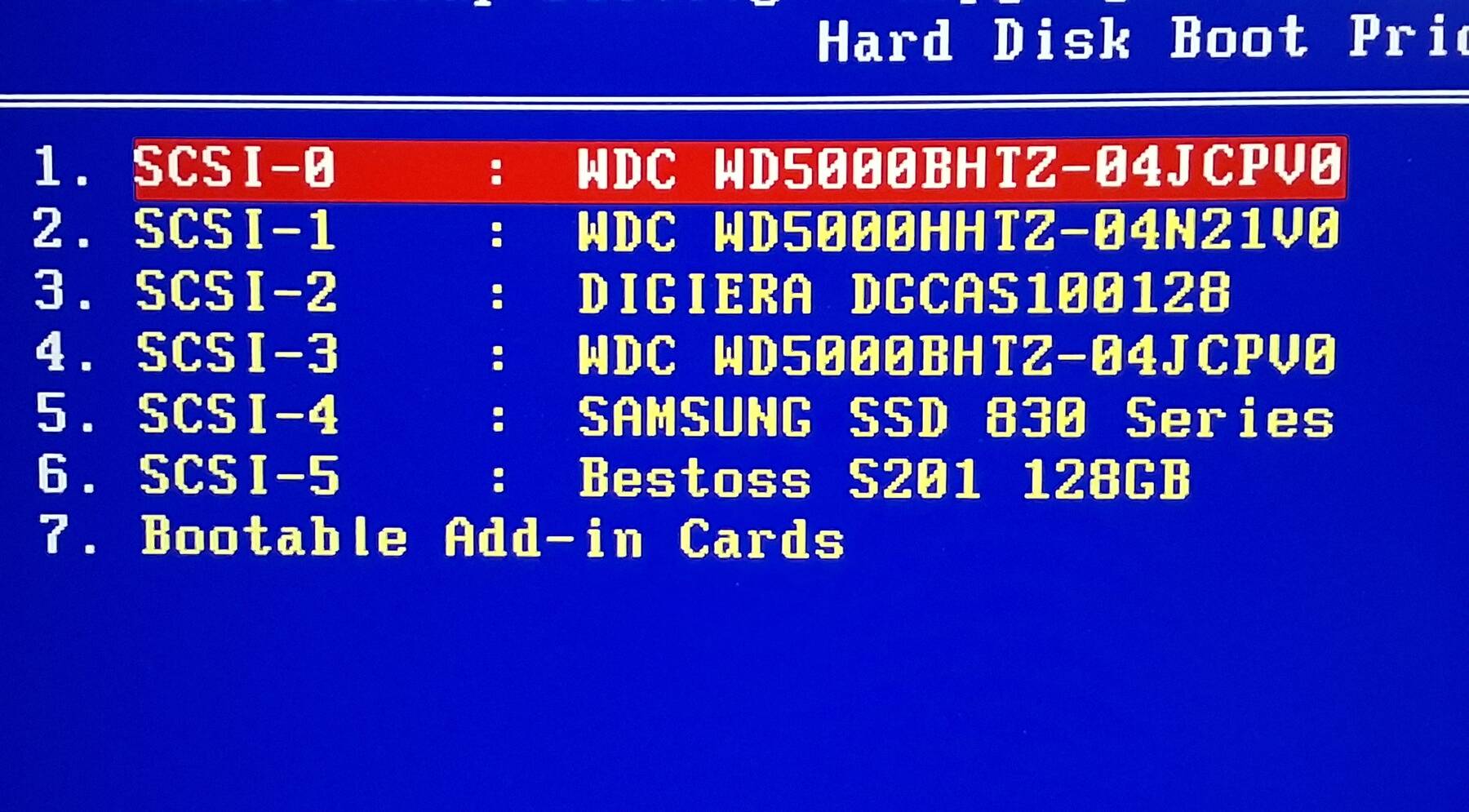
For drives I ended up with:
- 3x 500GB Western Digital VelociRaptor WD5000BHTZ
- 128GB Samsung 830 SATA SSD
- 128GB Digiera CAS100 SATA SSD
- Asus BW12B1ST 12X Blu-ray Burner
- HP bd340i 12X Blu-ray Burner
Windows, some games, and some software
I put Windows 7 Home Premium on it, and managed to activate it with the MS web page activator.
Everything with drivers and stability seemed to be going well so I started installing a bunch of games. Most I put on a velociraptor, but a few bigger ones went to an SSD.
Doom 3 managed 133 FPS in 1080p. Seems like the CrossFireX is functioning (was 73 FPS on Linux with a single card).
My neighbor gave me some boxed software. I put Nero 8, and Roxio Creator 10 on. I was hopeful for some Photoshop elements, but it looks like Adobe locks them to an account.
I ran into a little compatibility trouble before I realized I was missing SP1.
Need to install some slightly newer games, maybe 2013+, and see if it can still keep up. So far, Furmark was the only thing that made it sweat with just 18 FPS at 1080p.
Boot speed could be improved some. Maybe I can turn off IDE drive detection.