destroy (gaming)


Summary
Games.
Notes
Hardware
TODO update ports
| Make | Custom |
| Year | 2018 |
| Model | Asus ROG STRIX B350-F Gaming |
| Chassis | Zalman i4 Airflow ATX |
| Power Supply | 750W Antec TruePower 750 TP-750 |
| Processor | Ryzen 5 2600 |
| Memory | 16GB DDR4 3600 Crucial Ballistix BL2K8G36C16U4B (@3200) |
| Ports | PS/2 Combo Keyboard/Mouse |
| DVI | |
| VGA | |
| HDMI | |
| 2x USB A 2.0 | |
| 4x USB A 3.1 gen 1 | |
| RJ-45 LAN | |
| 3x 3.5mm Audio jacks | |
| Front USB A 3.0 | |
| Front USB A 2.0 | |
| 2x Front Audio jacks | |
| Graphics | MSI Radeon RX-580 Armor MK 2 8G |
| Storage | 256GB Samsung PCIe NVMe MZ-VLW2560 (x1 adapter) |
| 500GB Seagate Momentus XT ST95005620AS | |
| 256GB TeamGroup PCIe NVMe TM8FP6256G | |
| 256GB Samsung 840 PRO SSD | |
| 500GB SATA Samsung 840 | |
| 240GB Inland Professional 240GBM | |
| Display | 27" 1920x1080 Samsung S3 S39GD (LS27D396GANXZA) |
| Int. Peripherals | Realtek RTL8111GR Gigabit Ethernet |
| Realtek ALC887 Audio | |
| Ext. Peripherals | - |
| Dimensions | TODO |
| Length/Depth | cm |
| Width | cm |
| Height/Thickness | cm |
| Weight | kg (lbs) |
Software
| Operating System | Windows 10 |
| Unique applications | - |
Log
An SFF PC for the gaming fleet
Purchased built system on ebay. Added 500GB drive and peripherals. I think it was branded as a CUKUSA Axiom Gaming. It is a basic Ryzen 5 2400G system in a small case.
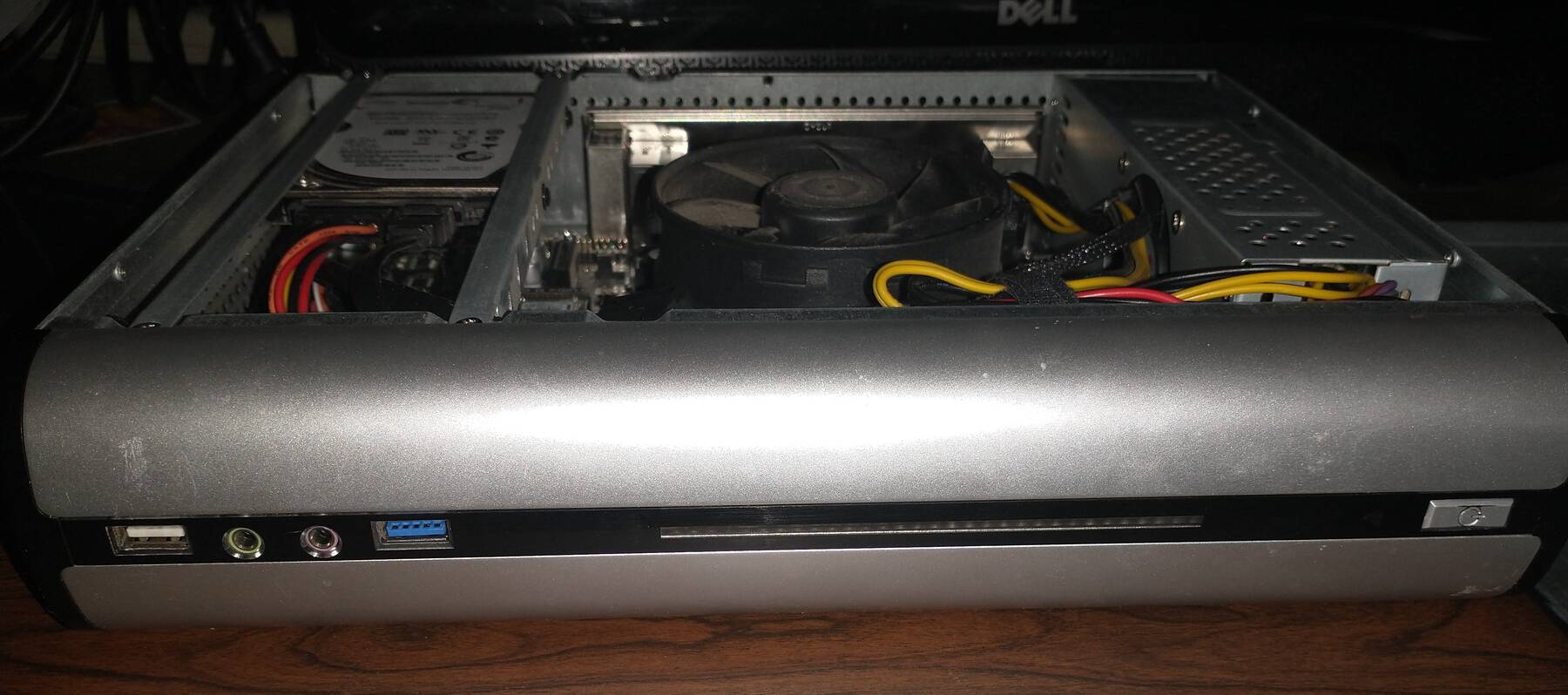
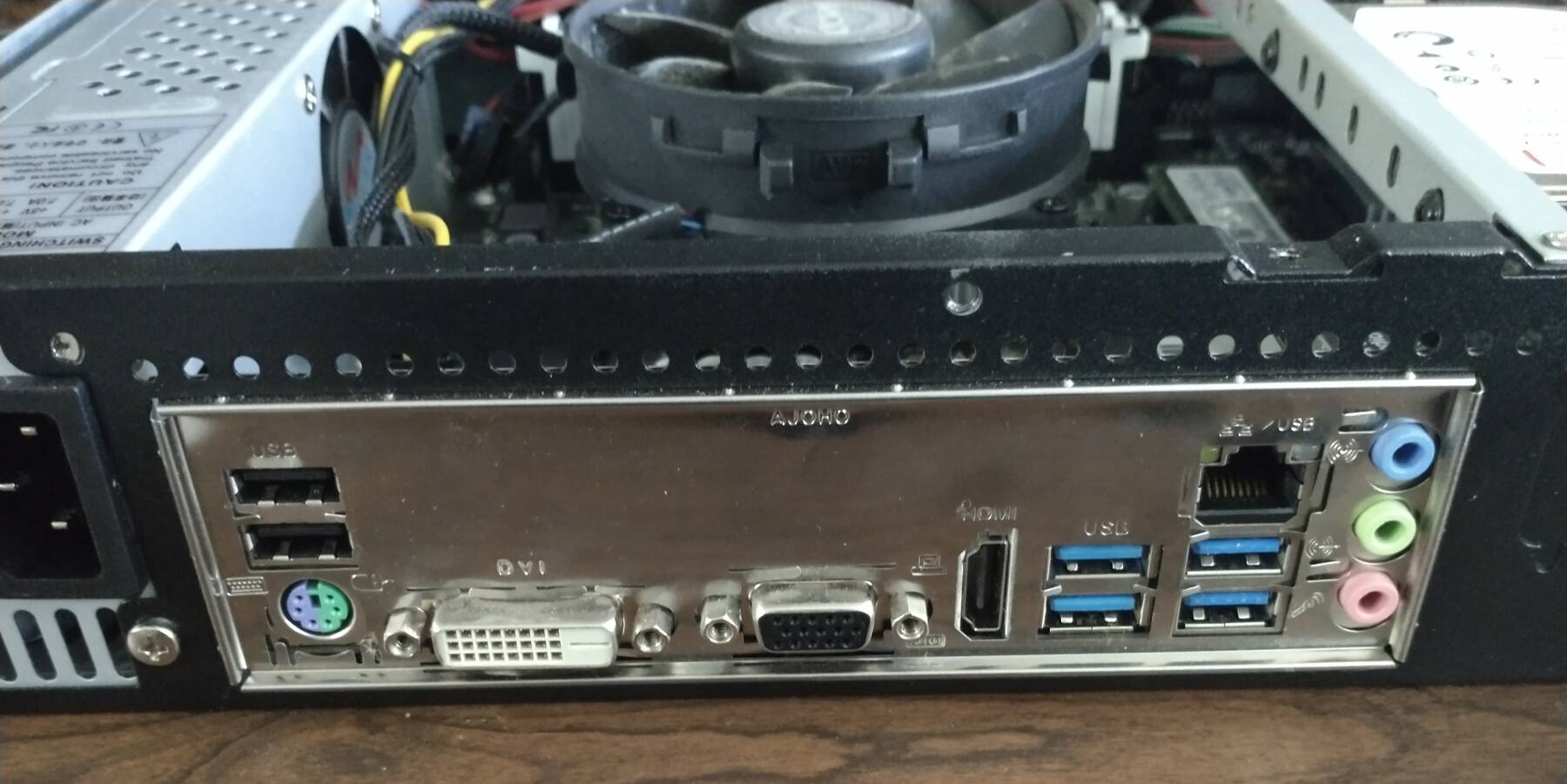
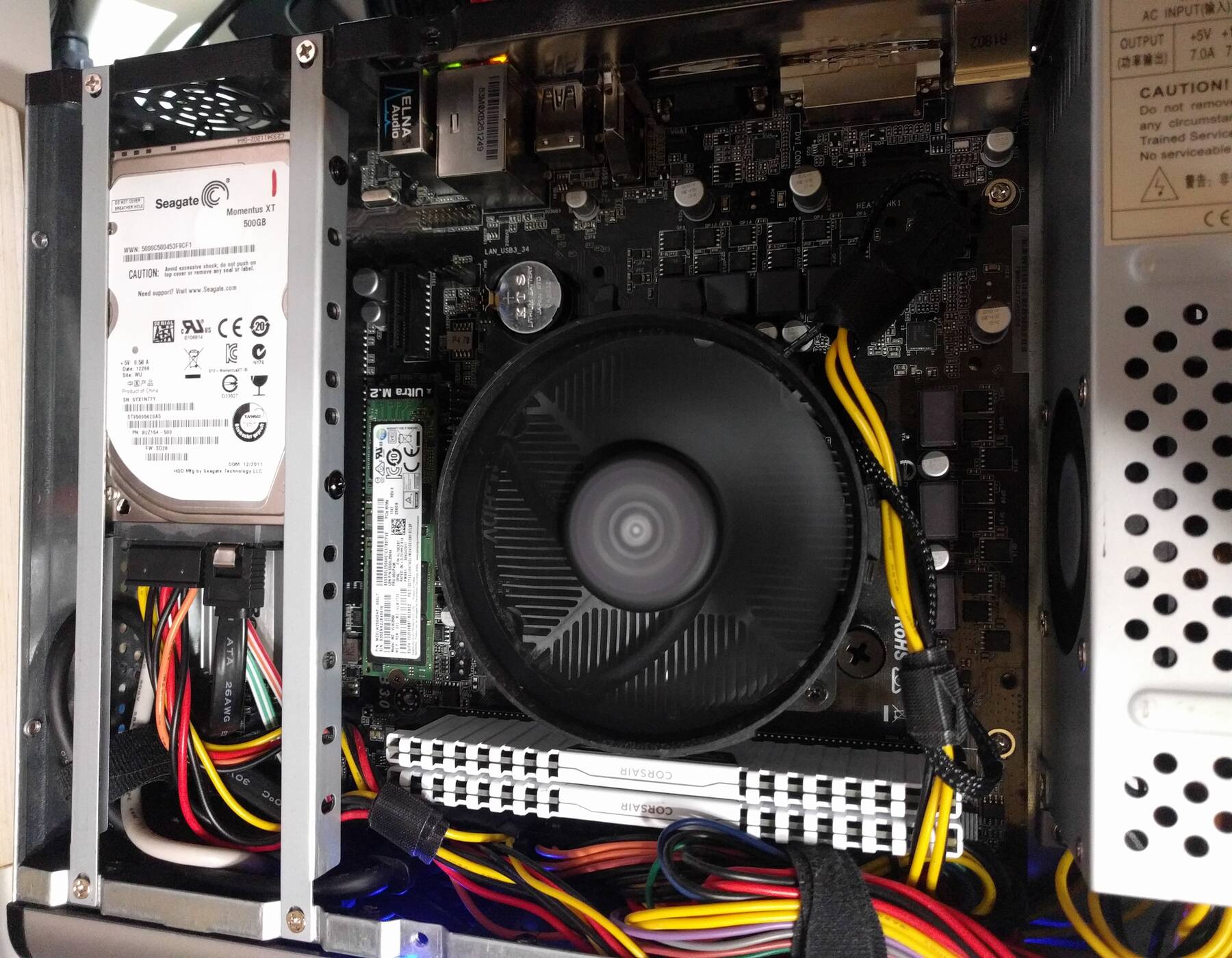
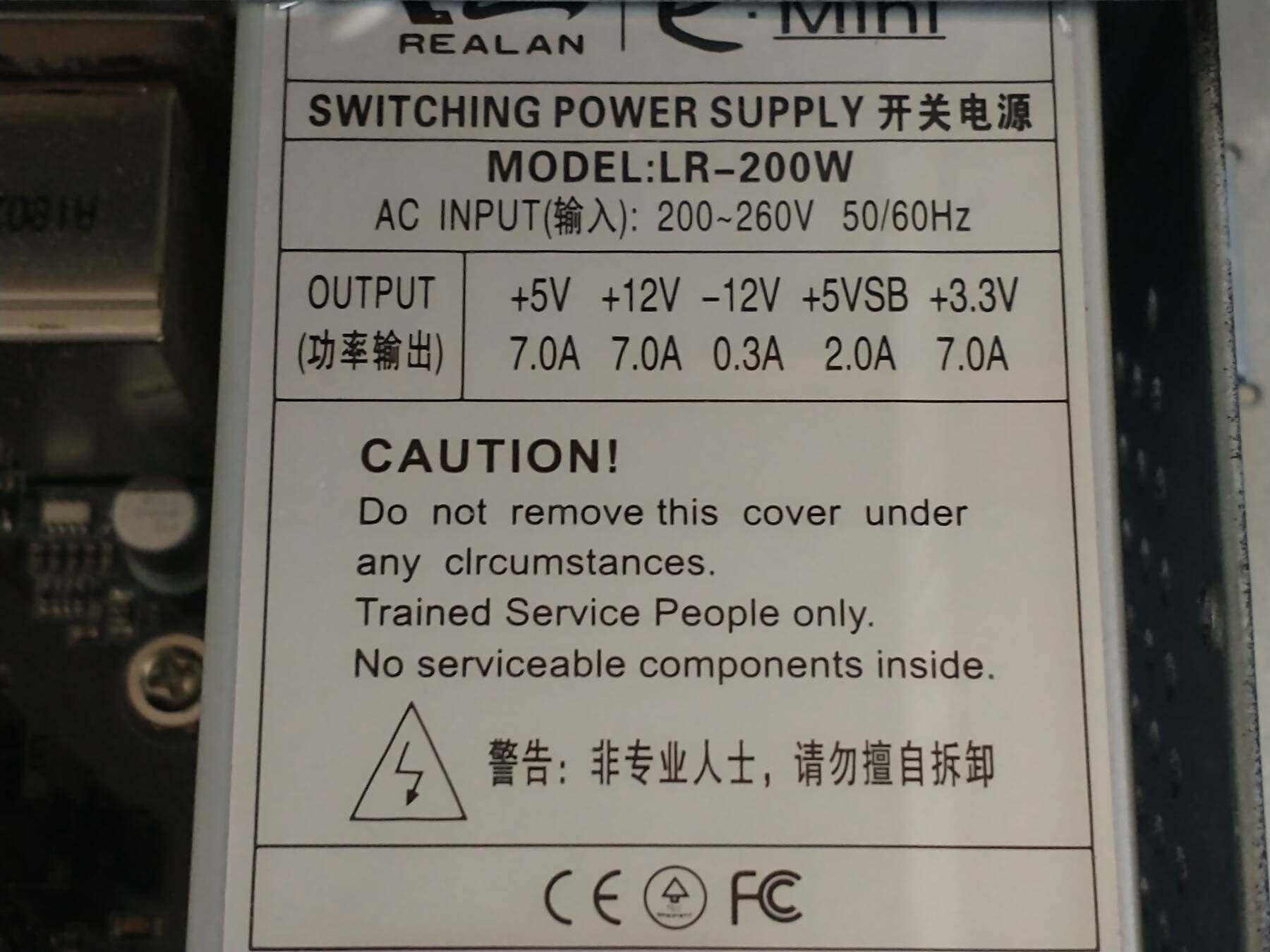
Little fixes
Noticed memory wasn't running full speed. Board wouldn't post with default XMP settings (3200). I upgraded bios to 5.50 then 5.90 (any newer claims to be incompatible with some CPU models). No change in post status. I settled on 3000 and it seems stable.
Also fixed the VRAM to be 2GB like my other 2400G system which might help performance a bit. I noticed, in Biomutant, when I auto-configured the graphics settings it bumped from low to medium, so maybe the VRAM makes a difference there.
New case, CPU, Video card
This is a cheap upgrade. These gaming machines are running pretty old hardware, but this should give them a little more pep. The goal is to give destroy, and stargazer similar specs.
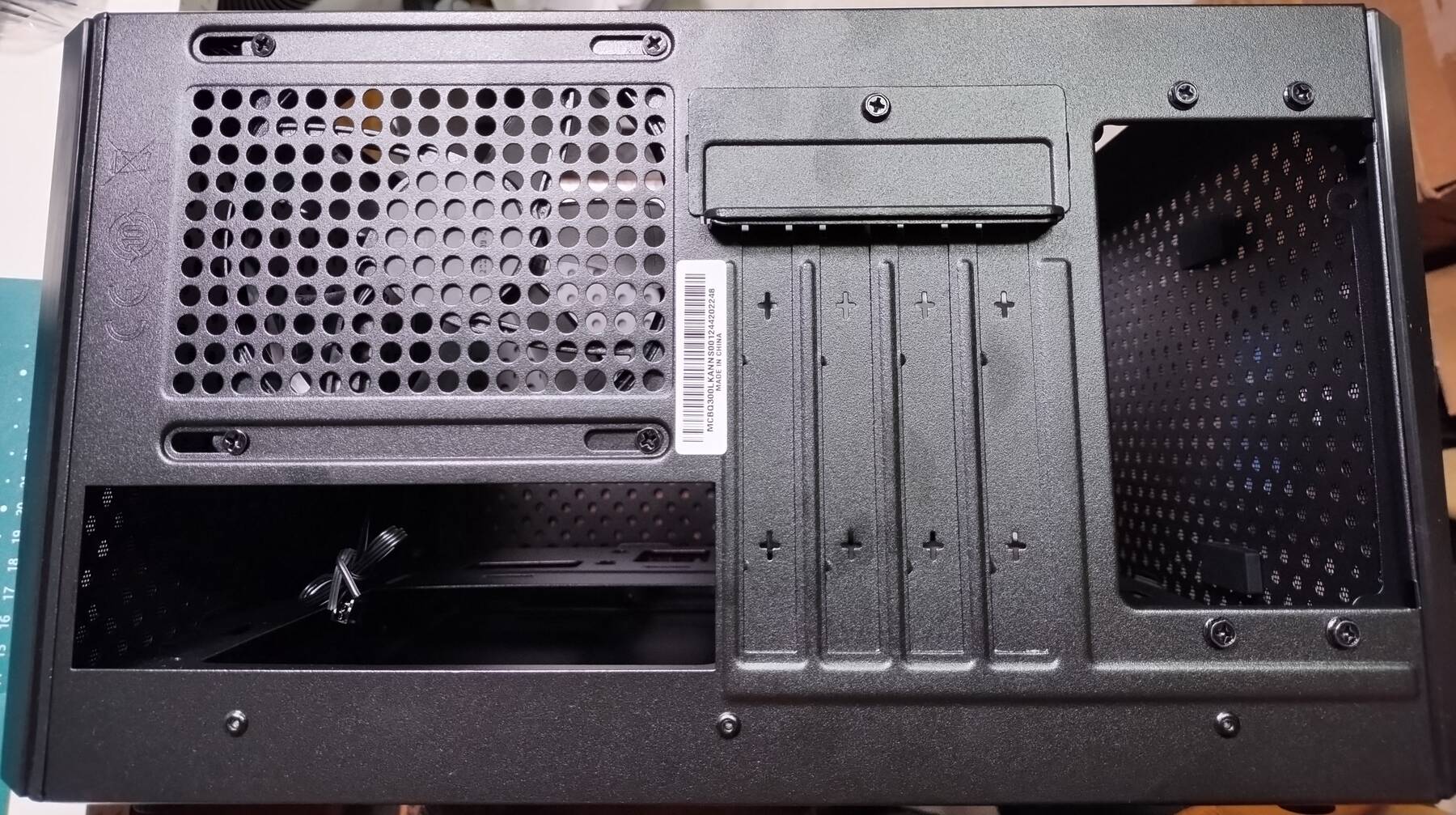
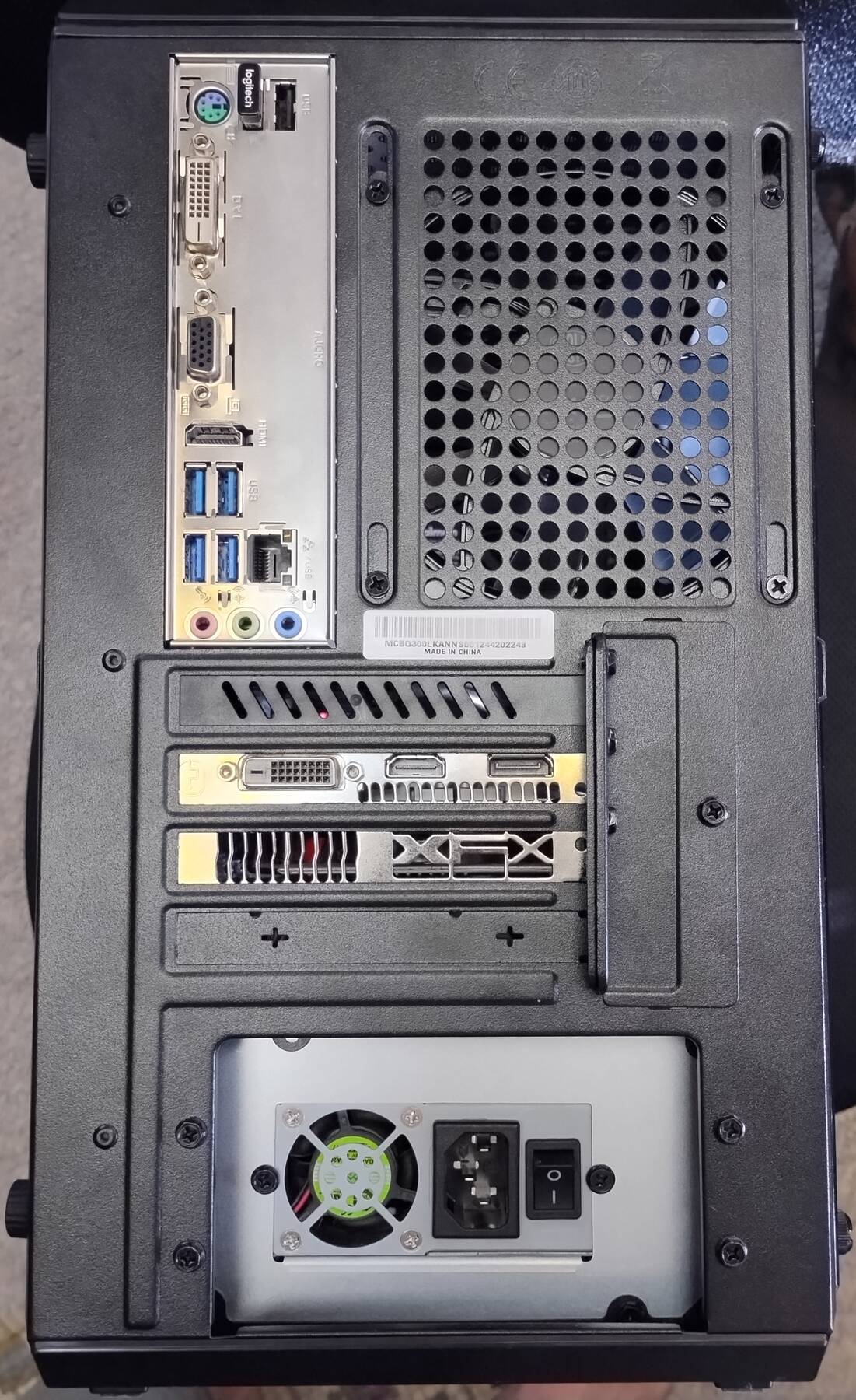
For destroy, I got a cheap mATX case (Cooler master MasterBox Q300L) to replace the Axiom TS Mini. The CPU will go from a Ryzen 2400G to 2600 (no iGPU). Finally strike's old GPU (RX 460) went into this machine.
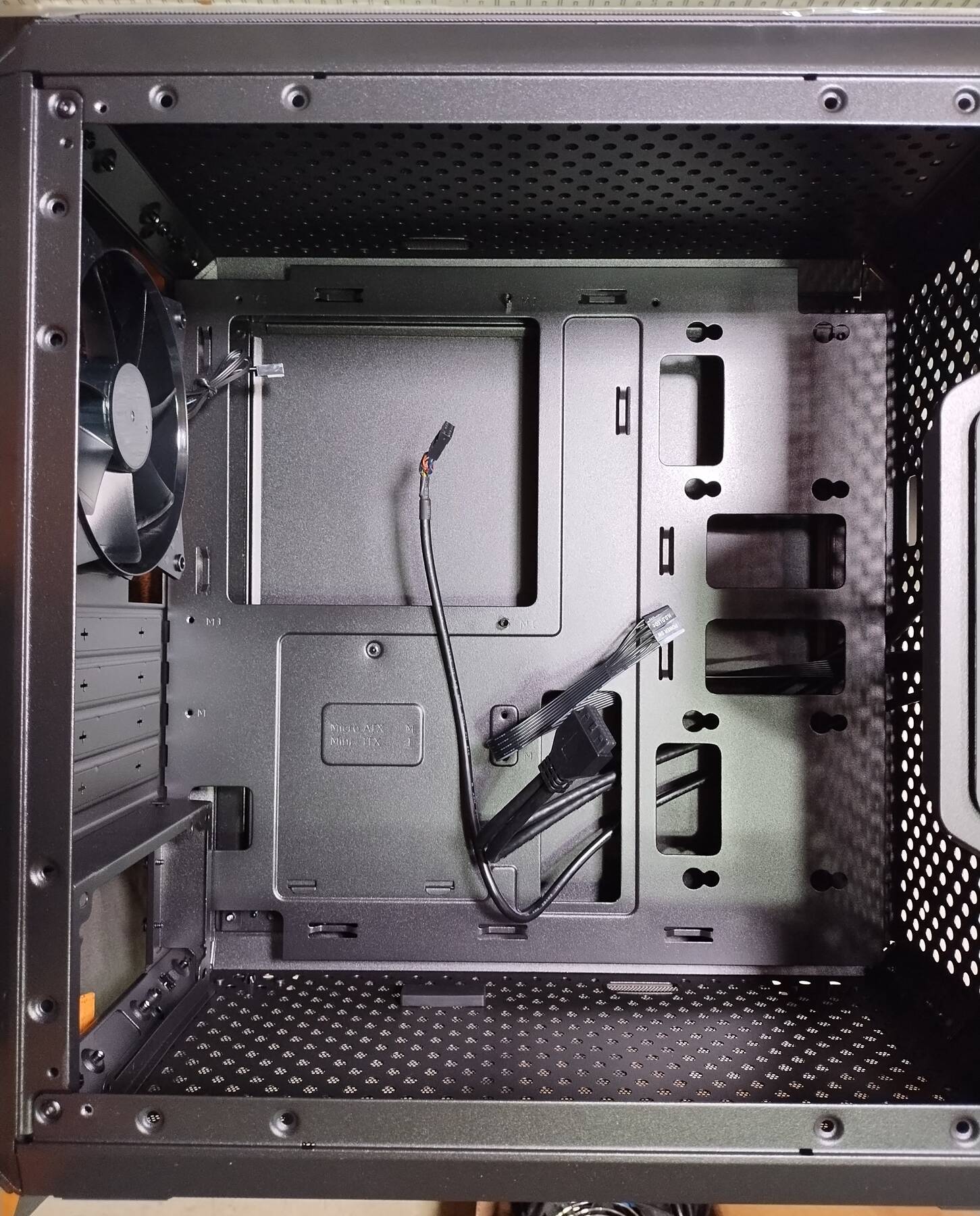
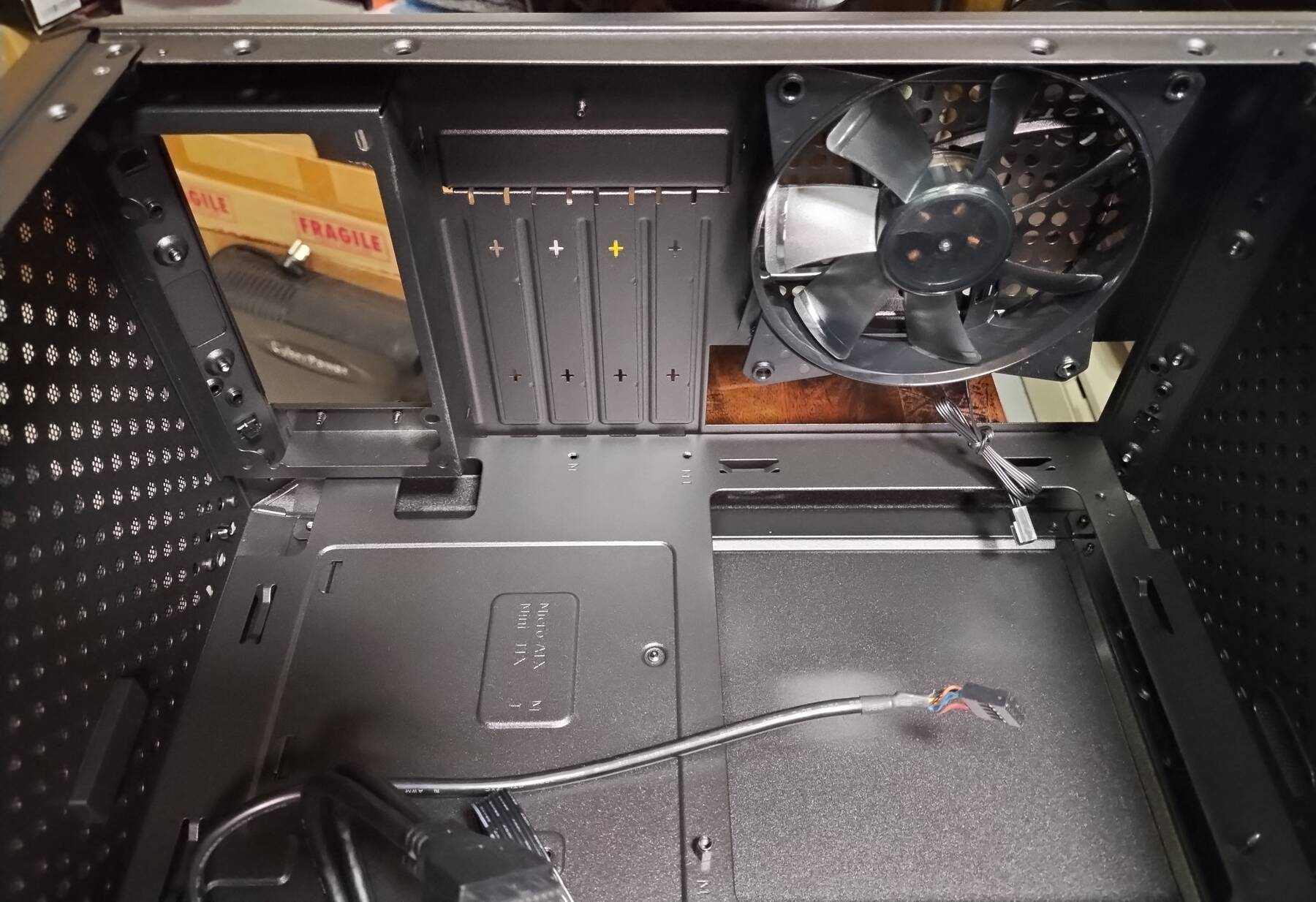
I also had to move one M.2 NVMe SSD to a x1 adapter card to free up the x16 slot for the GPU. I added an extra 120GB M.2 SATA SSD in a 2.5" adapter module for a little extra storage space.
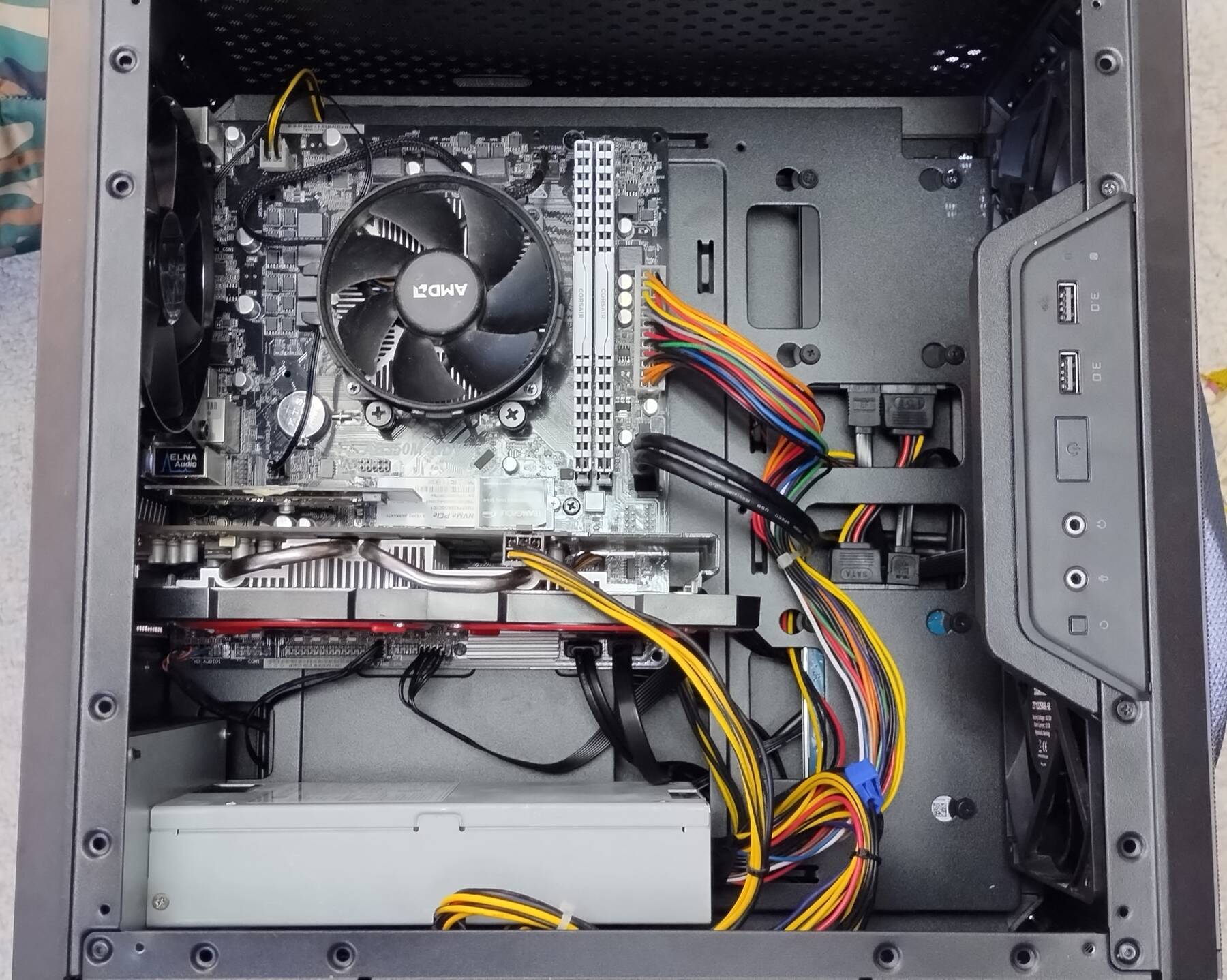
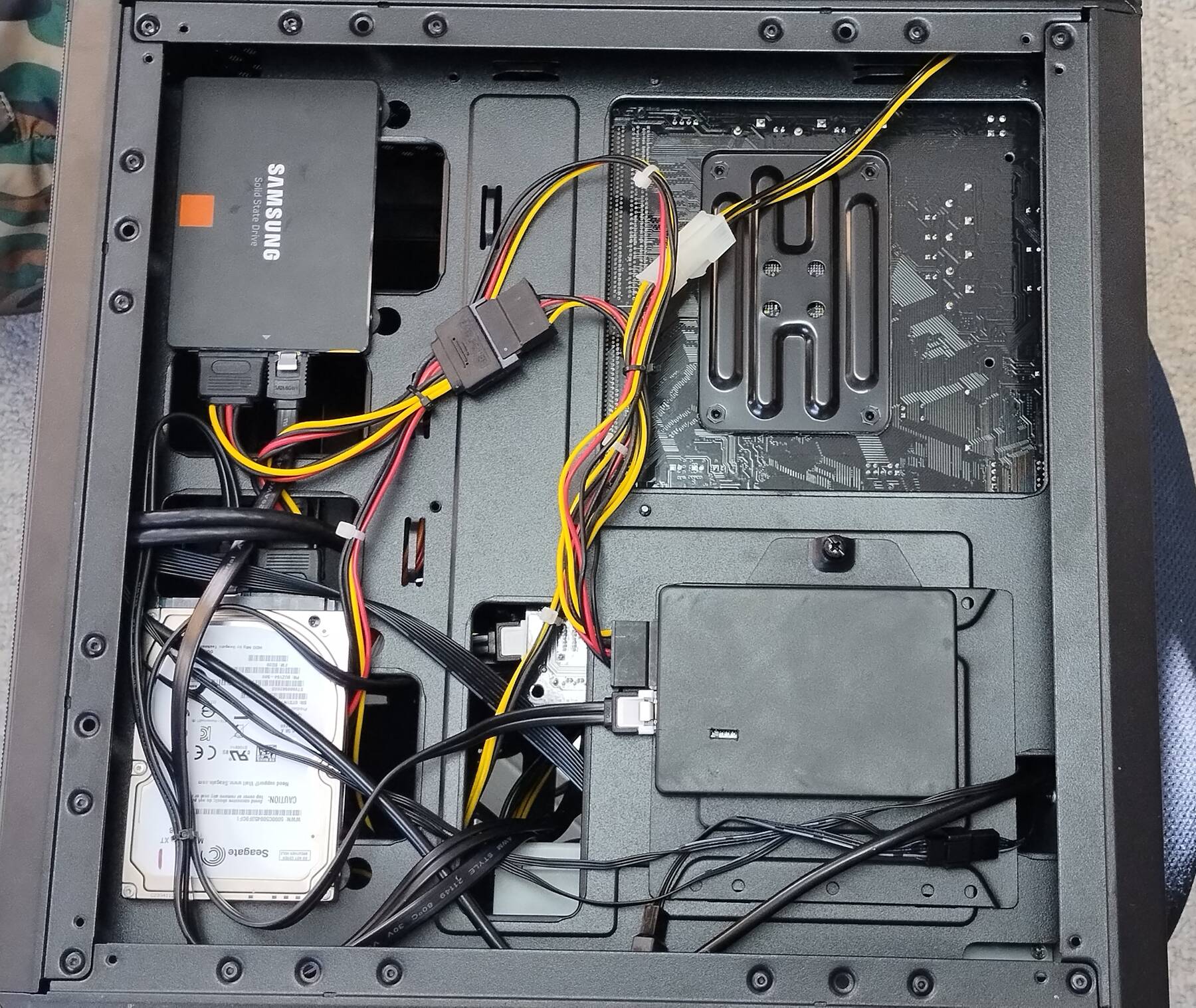
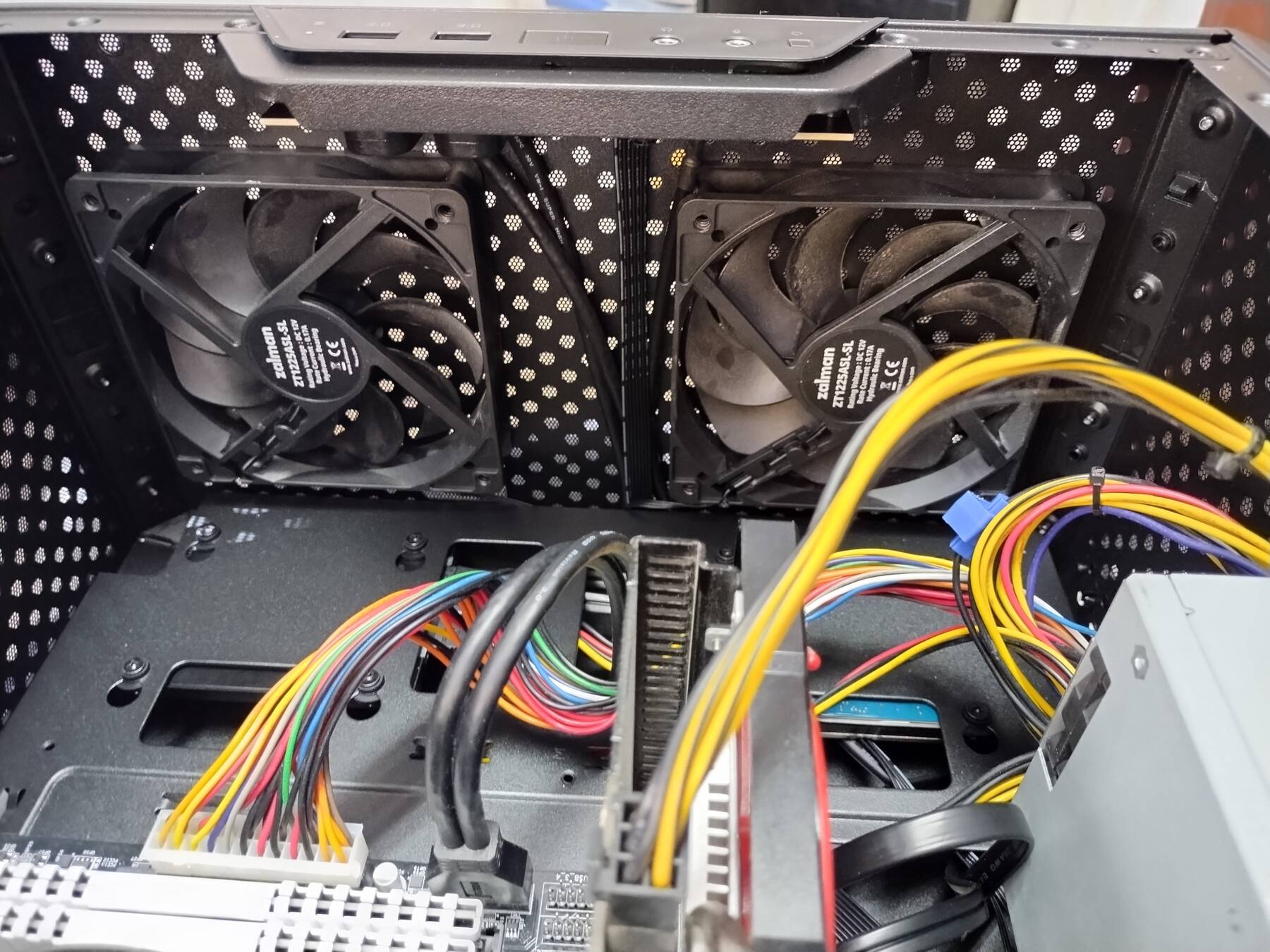
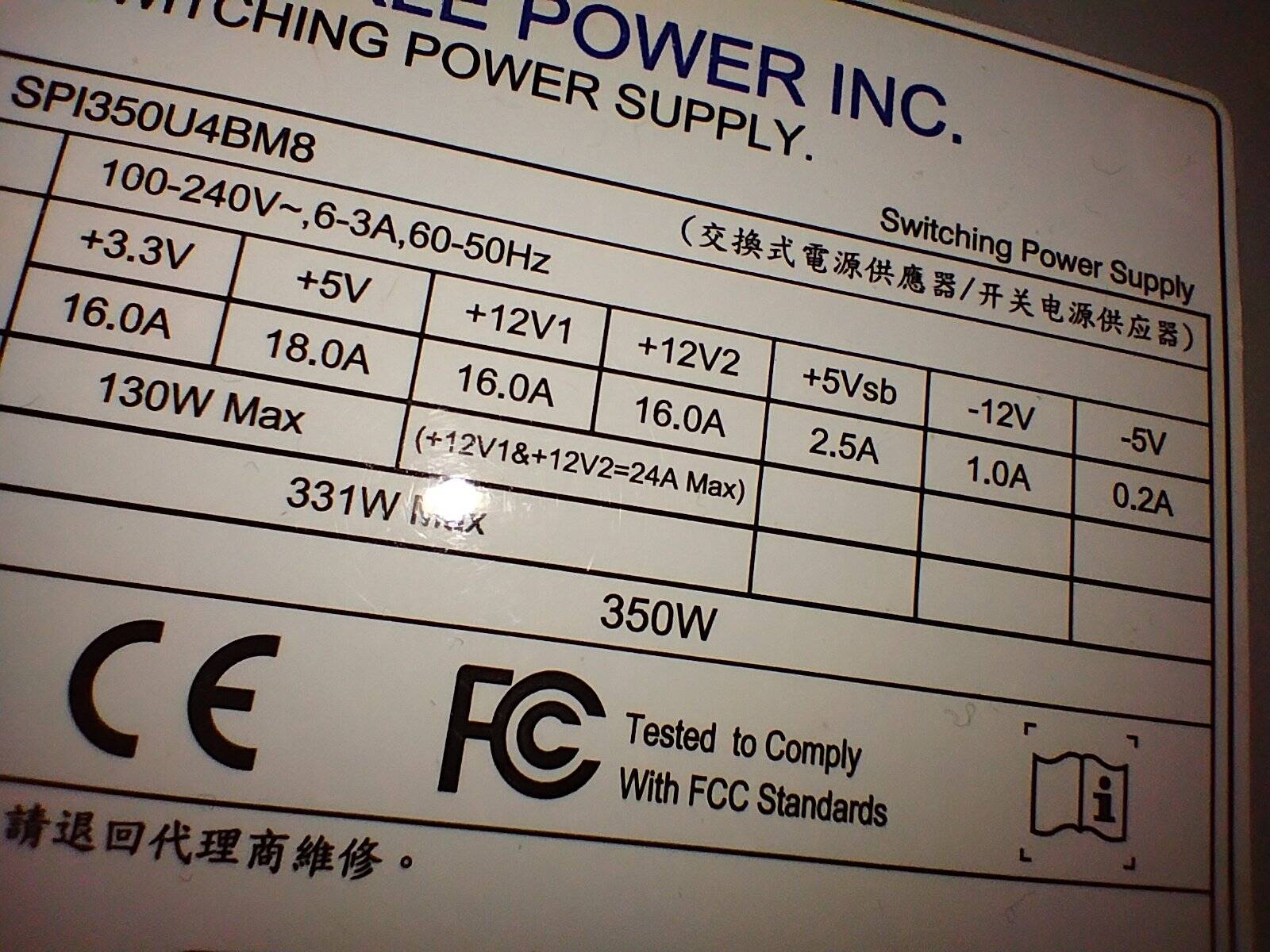
I didn't have a good ATX power supply spare, so I got an adapter plate for this 1U style PSU (Sparkle SPI350U4BM8).
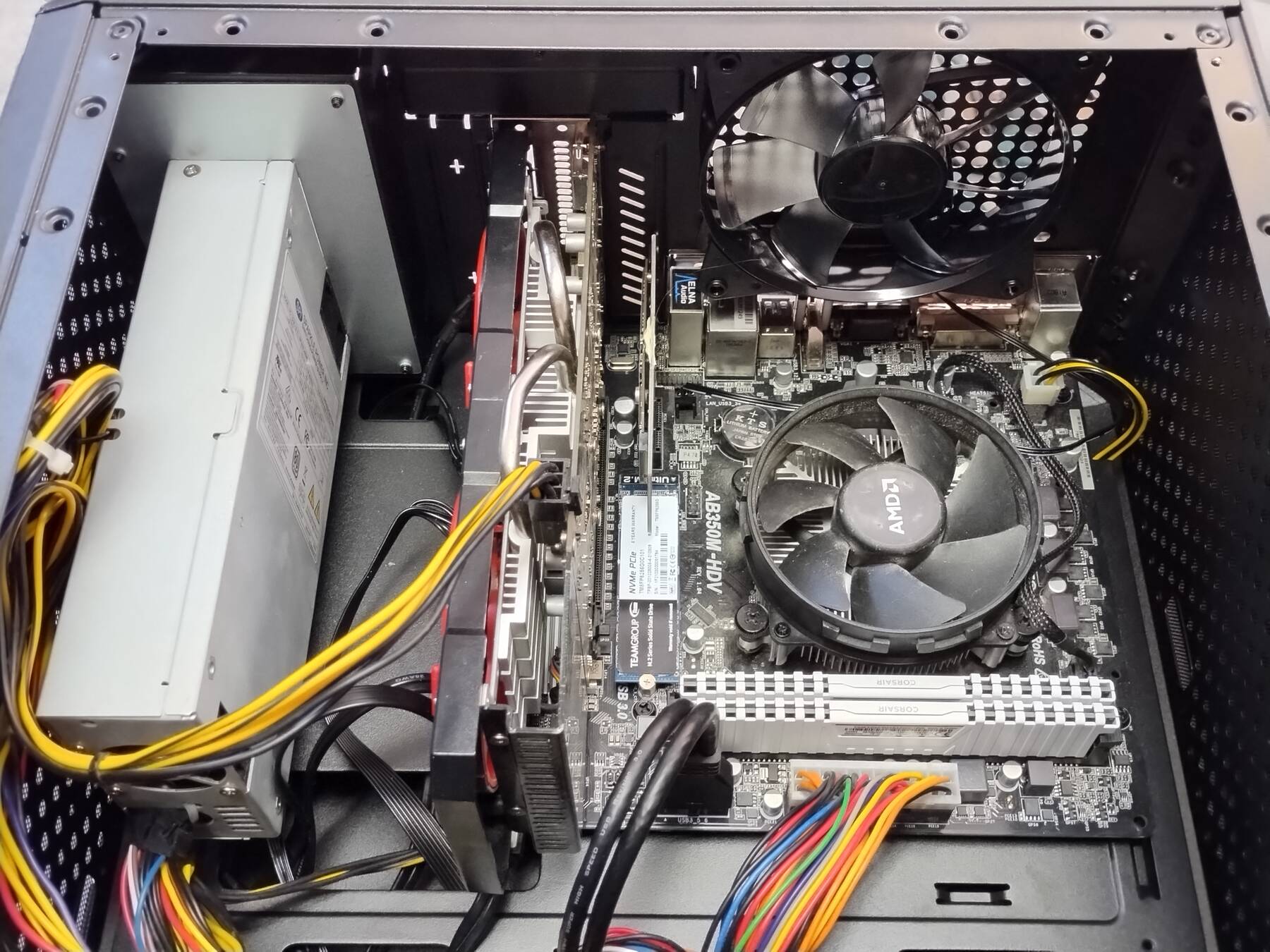
I tried to run the RAM at 3200 again. The board still won't post with this different CPU though so it is back to 3000.
I still need to get a slot fan bracket to give the GPU always on cooling.
New PSU
The machine was shutting off under load sometimes (based on user reports). Just grabbed the cheapest semi-reputable supply. It is a Thermaltake Smart 500W 80+ White PSU. Model is TMT-PSSPD0500NPCWUSW.
Almost went in without a hitch, but I snapped the SATA power connector on my M.2 to SATA adapter. Lucky to have a spare.
Things got a little more cramped with the extra fan I had pointed at the graphics card, but I just left it.
| Power Supply | +3.3V | +5V | +12V1 | +12V2 | +5Vsb | -12V | -5V |
|---|---|---|---|---|---|---|---|
| Sparkle SPI350U4BM8 | 16A | 18A | 16A | 16A | 2.5A | 1A | 0.2A |
| Thermaltake TMT-PSSPD0500NPCWUSW | 16A | 16A | 41.67A | - | 3A | 0.3A | - |
SSD swap
Needed some more space. Swapped my 500GB Samsung 840 SSD from justice for the 120GB Samsung 850 EVO (was in SATA 2.5" adapter).
GPU upgrade
I'm retiring justice as my gaming machine. The video card went into this machine. That moves it from a XFX Radeon RX 460 4GB, to an MSI Radeon RX-580 8GB.
Seems like a decent upgrade, 2-3x performance for up to 2.5x the power. (75W TDP -> 185W TDP). This is also a newer card that should allow for Windows MR to work, and therefore SteamVR, but I didn't set that up yet.
Parts shifting: Case, PSU, Motherboard, and Cooler
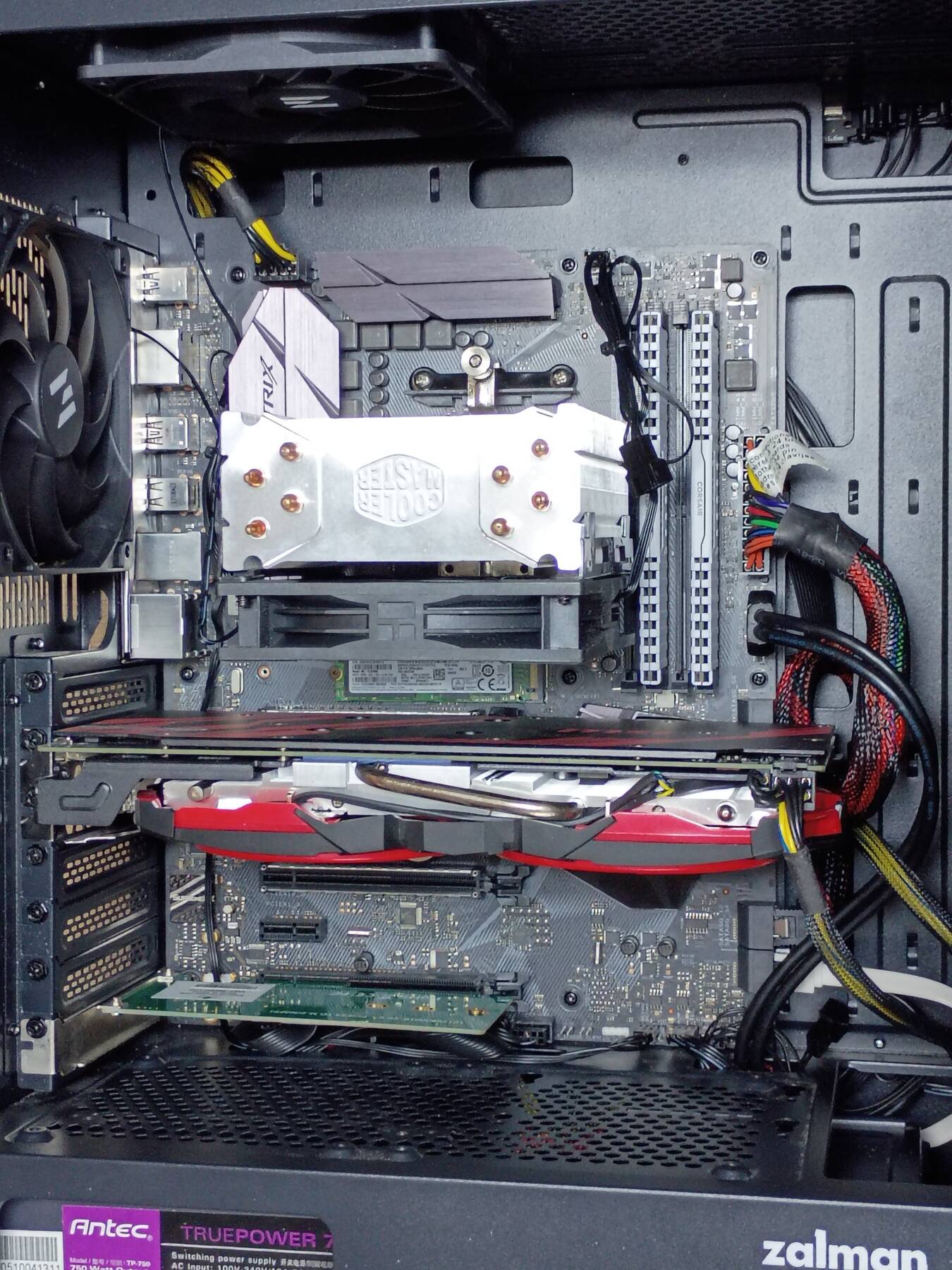
I rebuilt this machine after shifting some parts around with dreadnought, chaos, and justice (retired).
| Part | Old | New |
|---|---|---|
| Case | Cooler Master MasterBox Q300L | Zalman i4 Airflow ATX |
| PSU | 500W Thermaltake TMT-PSSPD0500NPCWUSW | 750W Antec TruePower 750 TP-750 |
| Motherboard | ASRock AB350M-HDV | Asus ROG STRIX B350-F Gaming |
| Cooler | AMD Wraith Stealth | Cooler Master Hyper 212 EVO |
| Memory | 16GB DDR4 3200 Corsair CMK32GX4M4B3200C16W | 16GB DDR4 3600 Crucial Ballistix BL2K8G36C16U4B |
I tried the Corsair RAM with the new board, but it failed to post at 3200. I put in my RAM from justice. It wouldn't pass Memtest86+ at 3600, but it does at 3200 so I'm going with that. It was paired with a 2600X before, and I'm pretty sure I ran it at 3600 then, but this board/CPU combo fails for whatever reason.
This served a few purposes:
- Get the i4 out of my way since I didn't have space to use a full ATX build.
- More power for the RX-580. Had some GPU resets that needed manual driver intervention, and I want to rule out power issues.
- B350-F has spare SATA and PCIe slots for storage expansion, even though the i4 case is lacking in drive mounts
- ASRock AB350M-HDV always had sound weirdness (foreign device driver names, sometimes crackling).
- OS drive gets a full 4x PCIe slot (was on 1x adapter before)
- I had to underclock the RAM for stability (3200 -> 3000) with the AB350M-HDV.
The Hyper 212 has poor orientation with the AM4 clip mount. Pulls air right off the back of the GPU. I reckon the bigger cooler is still a net win for the CPU, and the GPU needs any help it can get.
Under load (Furmark with CPU burner) CPU gets up around 62°C, and GPU up to 76°C.
Windows activation migration went swell this time. (Sign in with MS account, verify, swap parts, verify, switch back to local account). I guess I kept enough hardware to not trigger the invalidation.
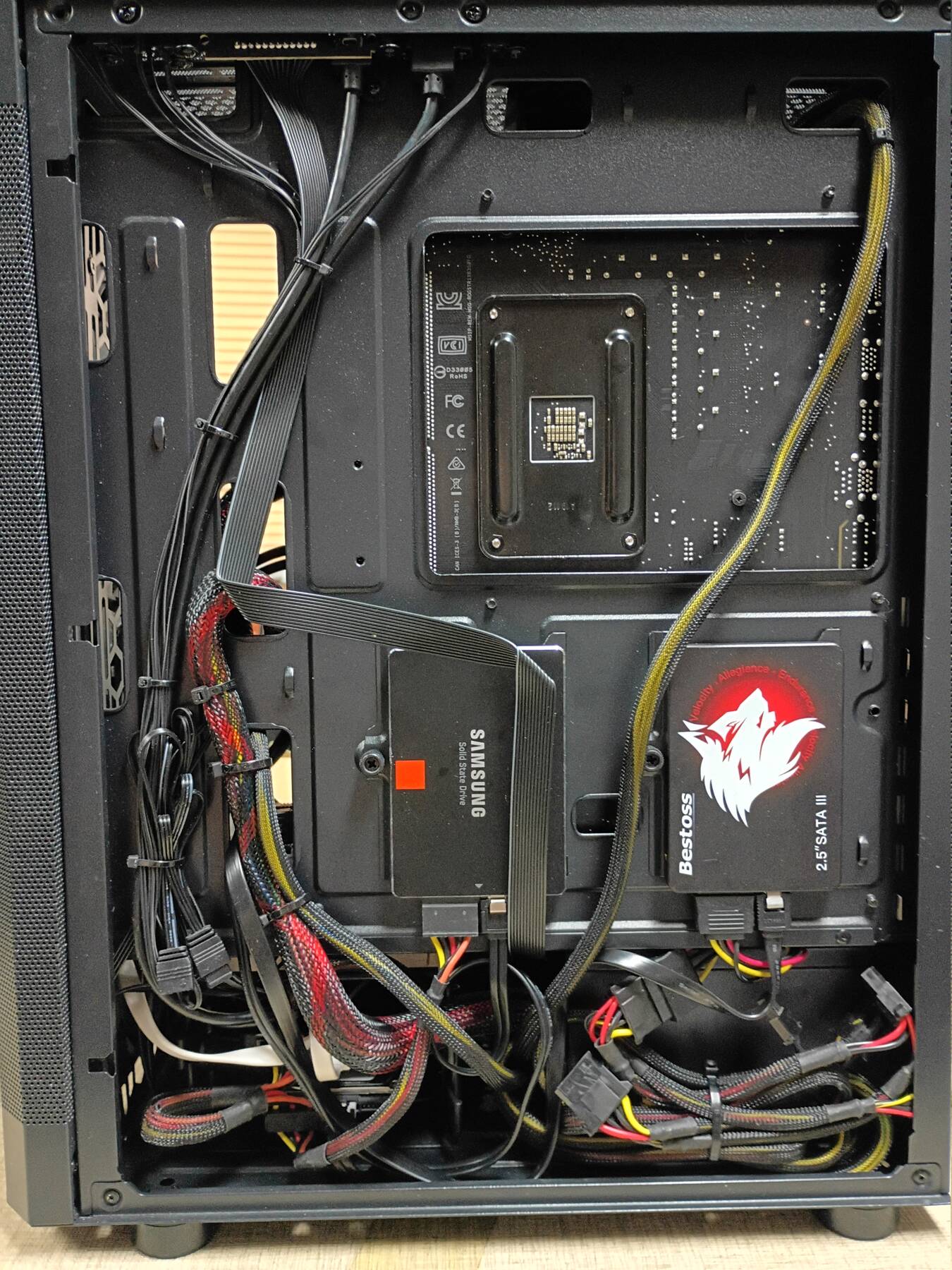
Molded SATA power adapter burns
I needed one more SATA connector when I set this up, and there was already a bunch of non-modular Molex plugs on the power supply. So I grabbed an adapter from my stash and everything was going fine.
15 days later something smells. I get called from the other room that a machine is burning. Get the power off. Drag it outside. Feeling in the motherboard area and power supply case. Nothing overly hot. Smell is mostly gone so I bring it back in, and pull opposite panel off. The connector and wires have gone melty, and there's some scorch marks up the drive.
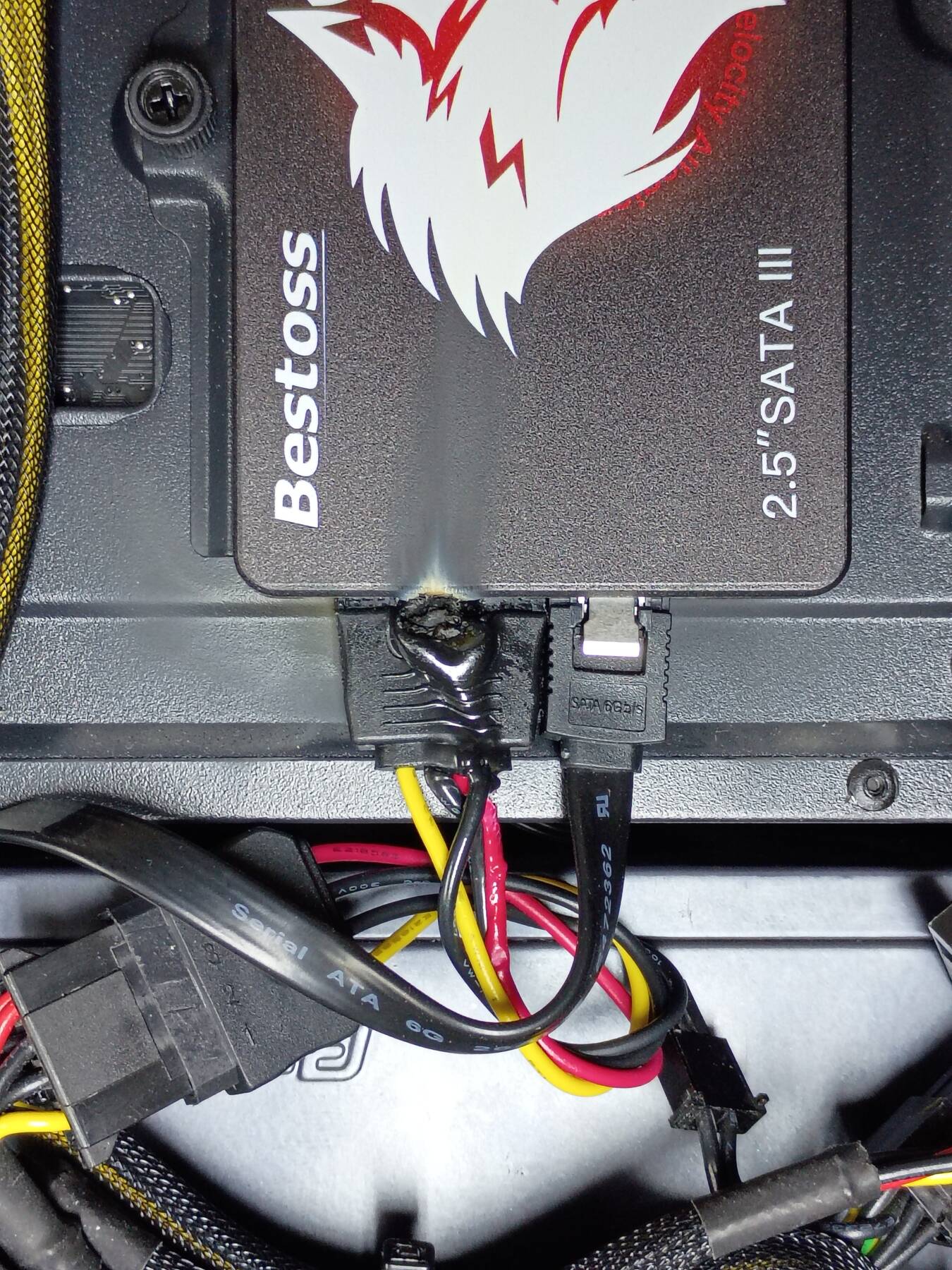
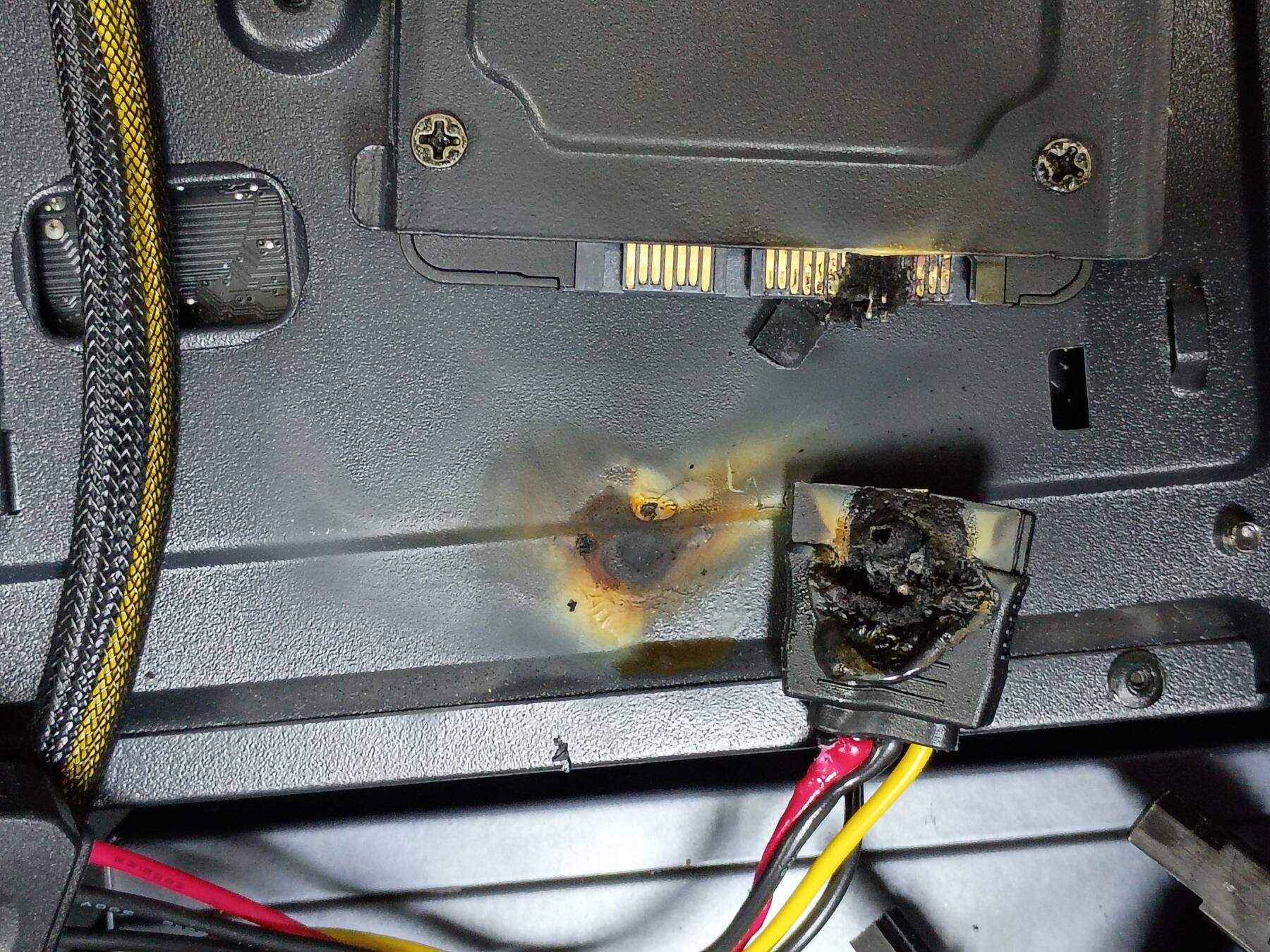
I got it pulled apart and cleaned up the drive's connector. It still works, but I'll swap it out. I started using an older 128GB Kingston, but the copy seemed slow so I switched to a 240GB Inland SSD.
I cut and threw out all my molded connectors. Then I went through machine photos and made a list of machines I need to remove them from.
New CPU cooler
I got a KINGCOOL Mikros 120mm tower cooler for review. I wanted it in this system because I couldn't mount the Hyper 212 EVO in the right orientation, but this mount allows that. The Mikros still is still a 4 heatpipe cooler. The heatpipes are spaced wider, and the fin stack is a bit less volume, but generally a pretty similar design. The Hyper 212 weighed 430g vs the Mikros 305g.
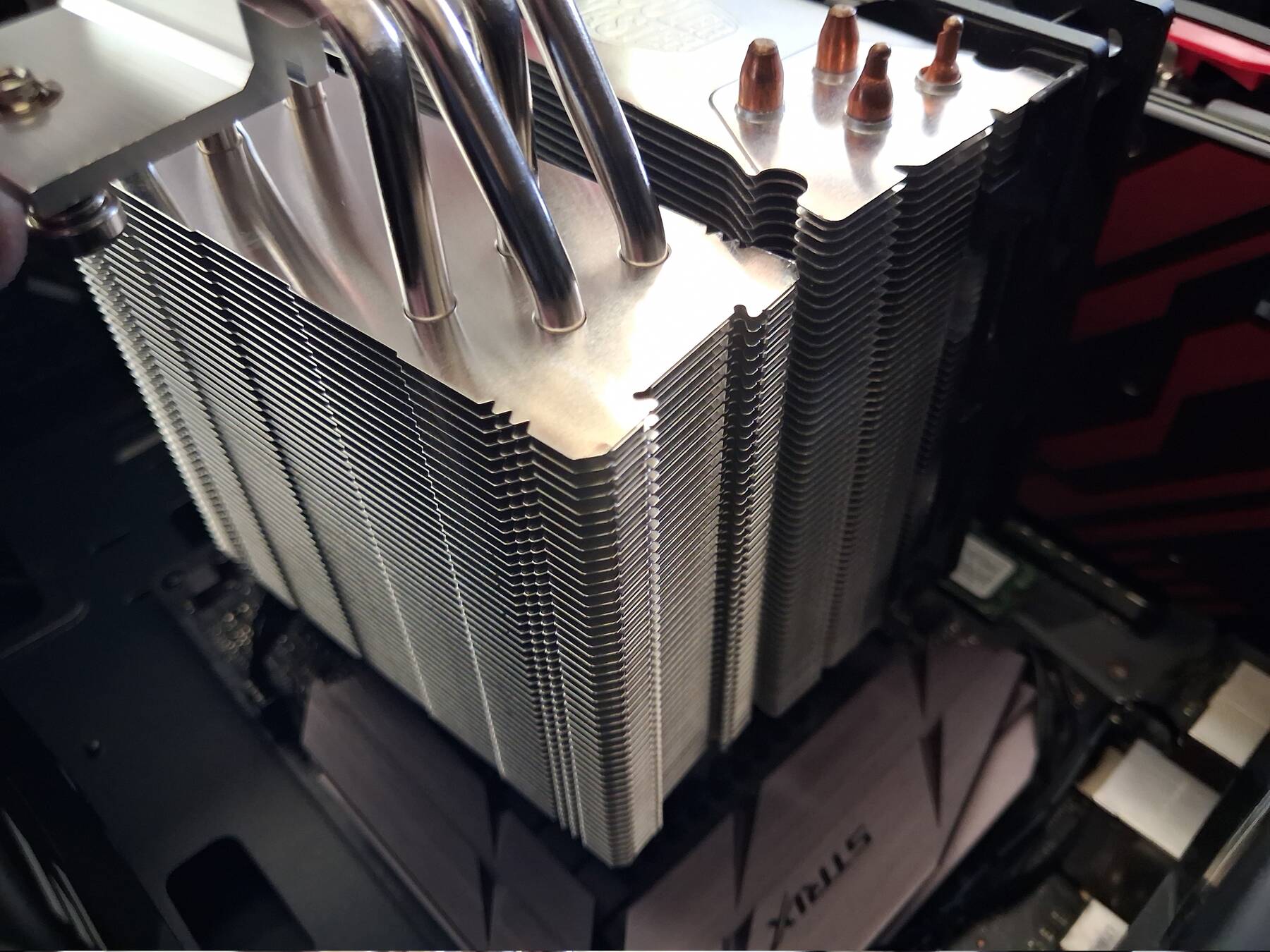
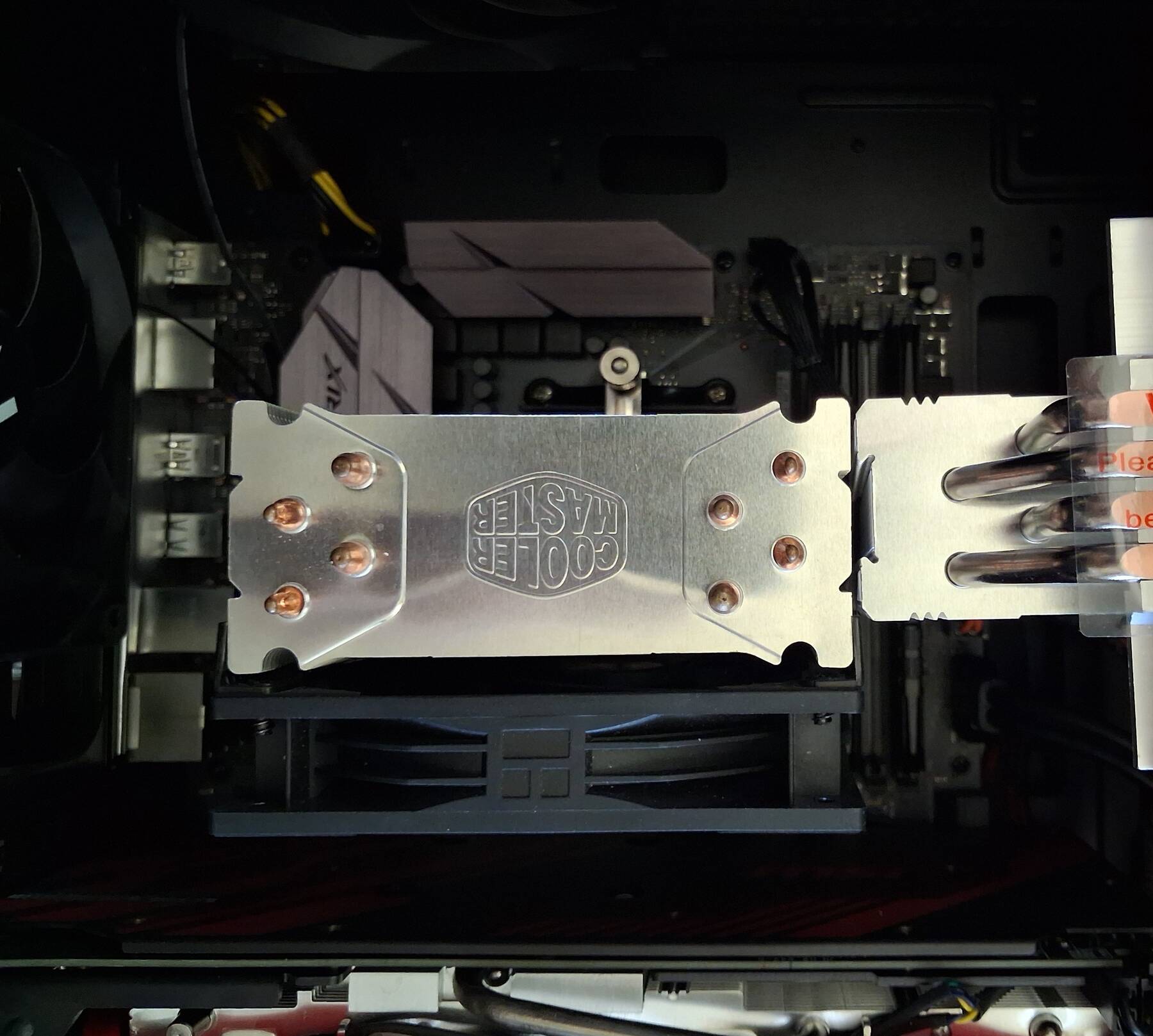
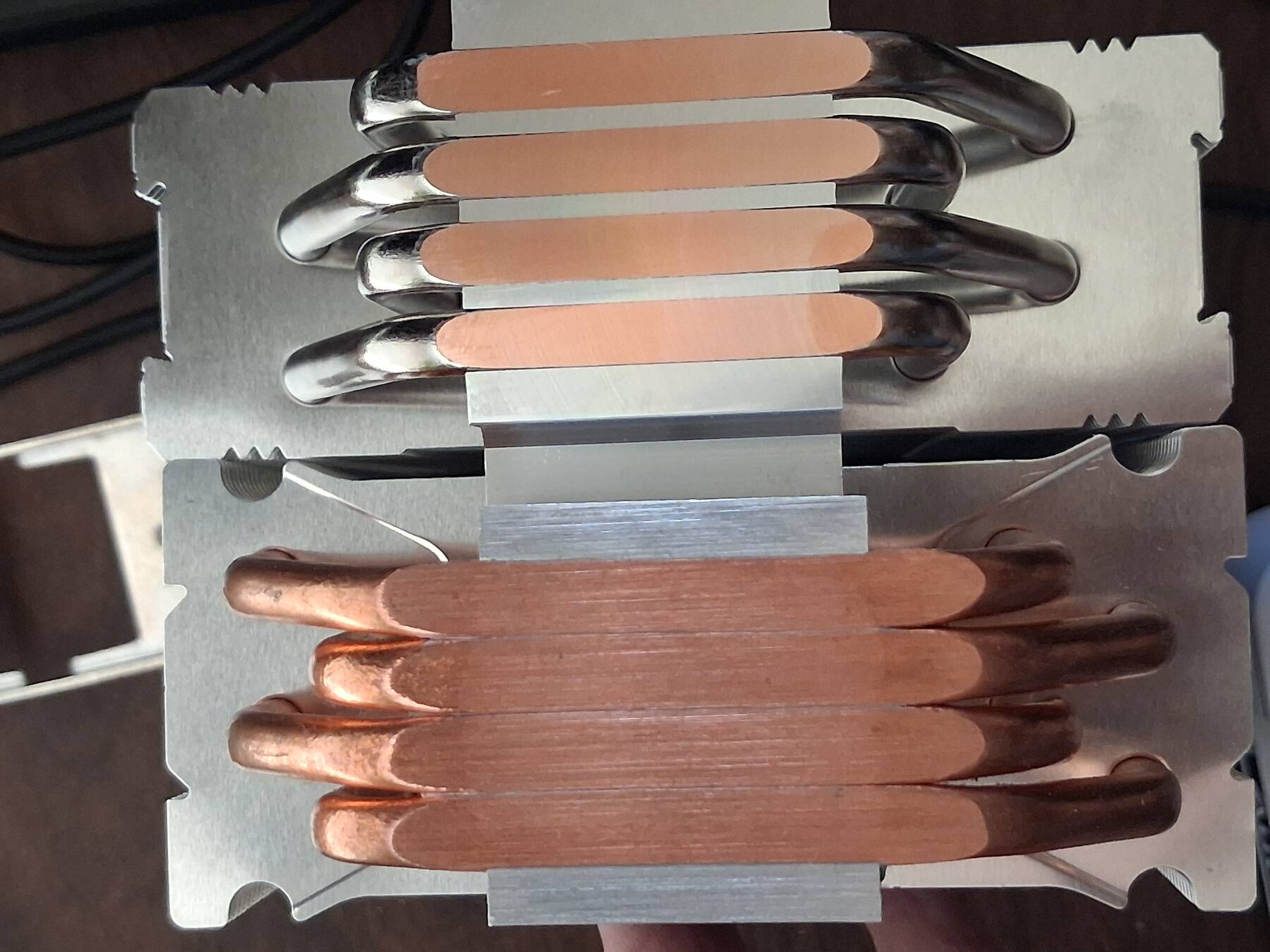
I dropped the Hyper 212's mounting bracket on the motherboard when removing it. I didn't see any damage. It was around the SSD M.2 screw area.
Mounting was pretty normal. Stock backplate, plastic spacers, two metal brackets with threaded studs. The Mikros' bracket is integral, and uses a pair of sprung nut screws. It doesn't make contact initially so you can tighten it evenly. Didn't seem like a lot of tension once the screws bottomed out, but it seems solid, and the initial temps are good.
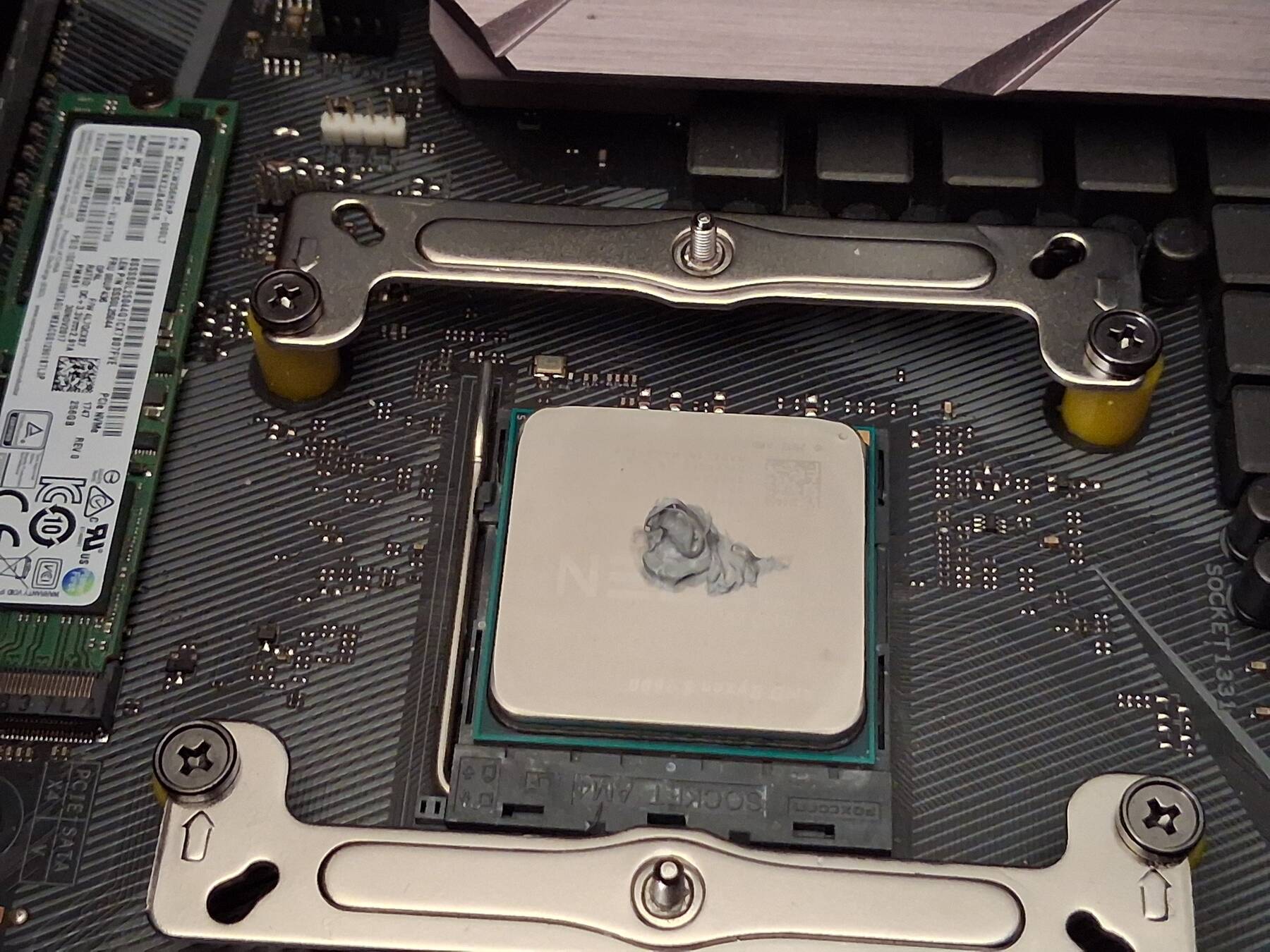
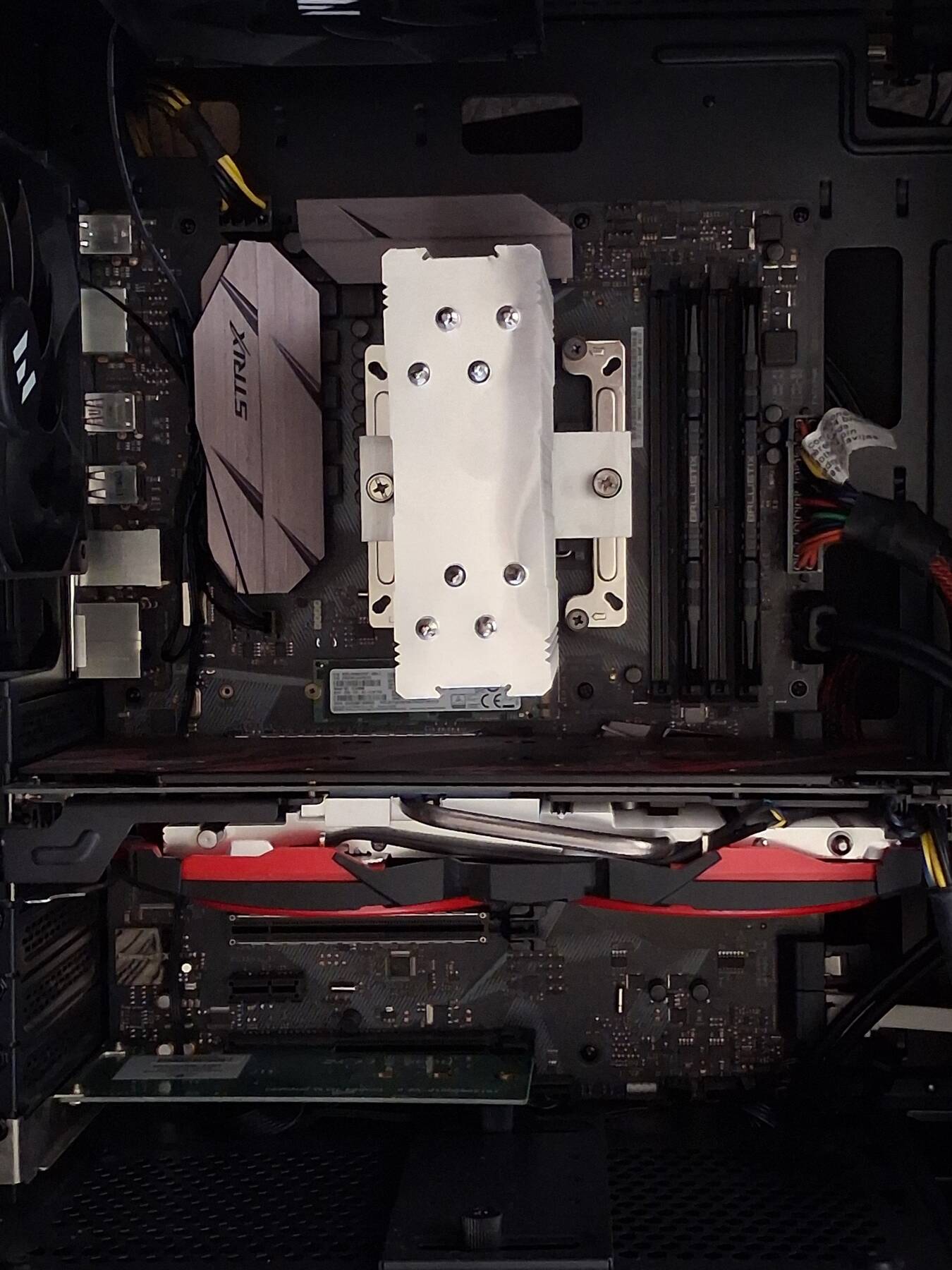
CPU load temps actually improved right after initial install (62°C to 56°C). Since this is a smaller heatsink I attribute that to the better orientation, and maybe fresh thermal paste. Idle was just 1°C cooler.