aerial (Acer Aspire Lite 14 AL14-11M-X8EN)

Summary
TODO
Notes
TODO
Hardware
| Make | Acer |
| Year | 2026 |
| Model | AL14-11M-X8EN |
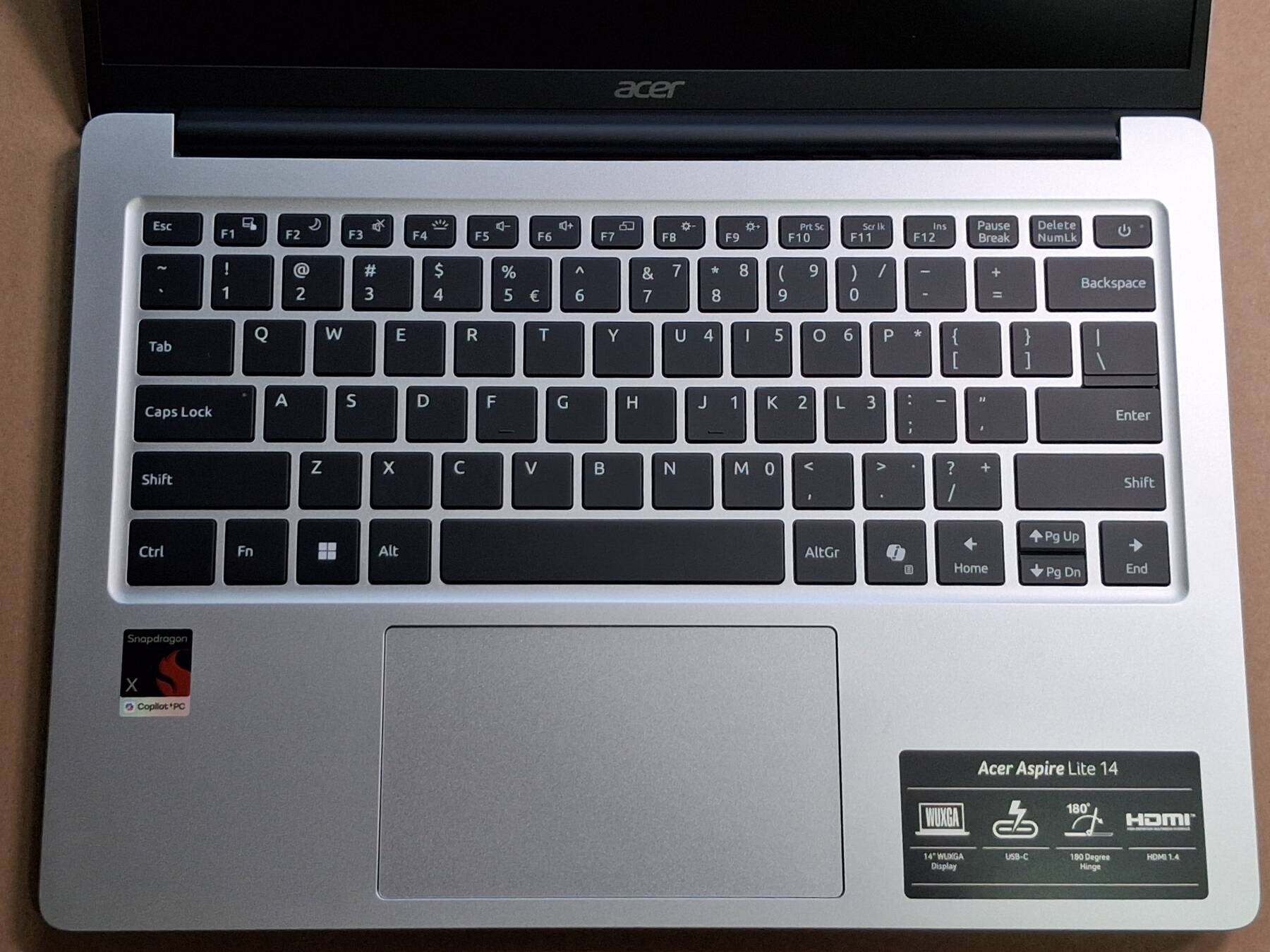
| Chassis | Acer Aspire Lite 14 |
| Power Supply | 65W USB C (Lite-On PA-1650-58) |
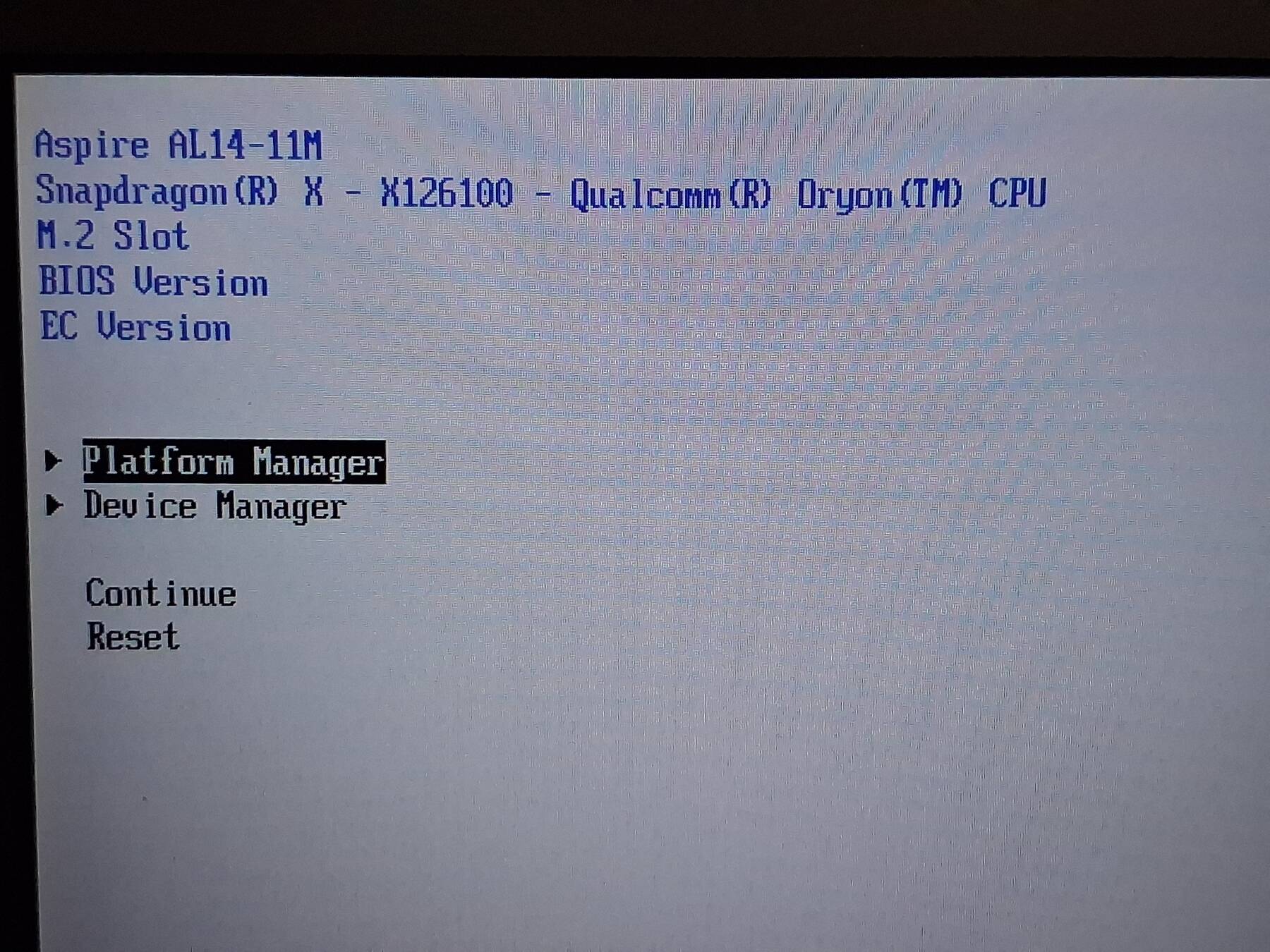
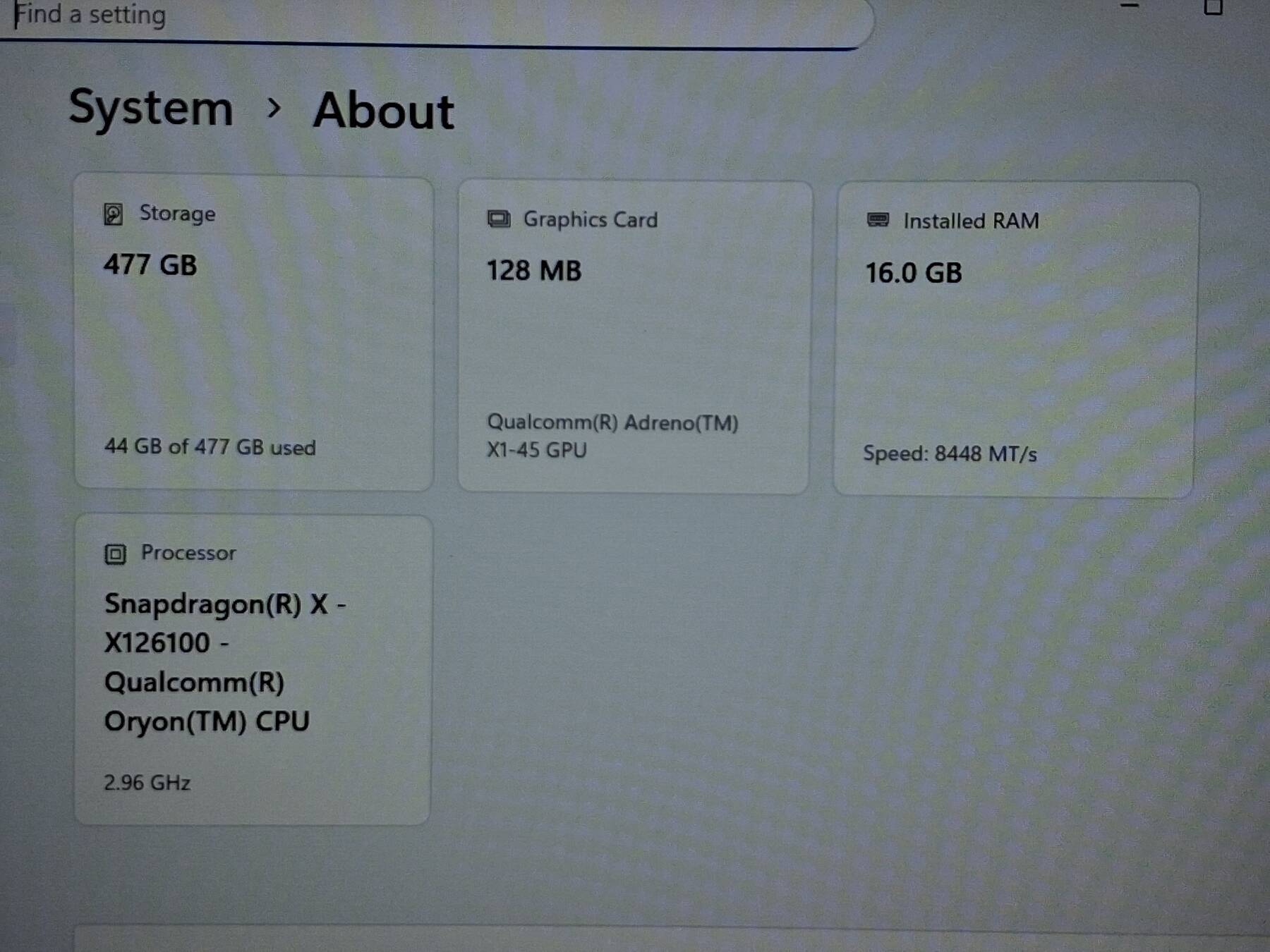
| Processor | Qualcomm Snapdragon X X1-26-100 |
| Memory | 16GB LPDDR5 |
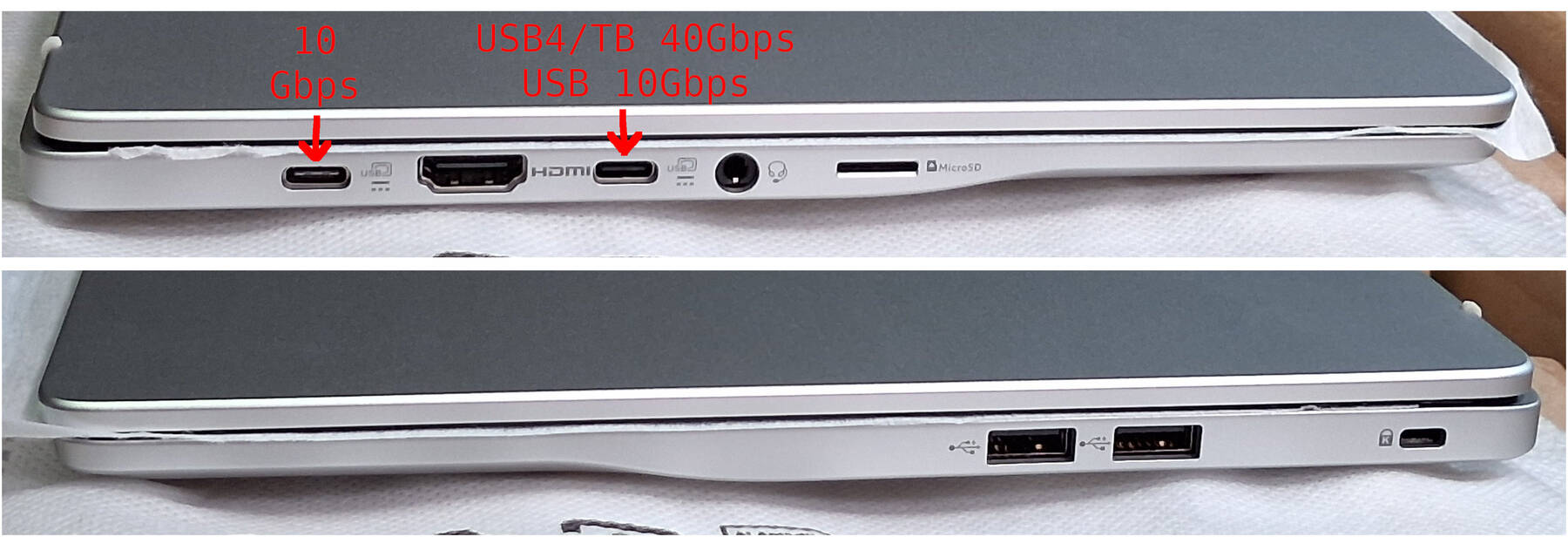
| Ports | USB C 3.2 Gen 2 |
| HDMI 1.4 | |
| USB4 | |
| 3.5mm Headset | |
| Micro SD | |
| 2x USB A 3.2 gen 1 | |
| Graphics | Qualcomm Adreno X1-45 |
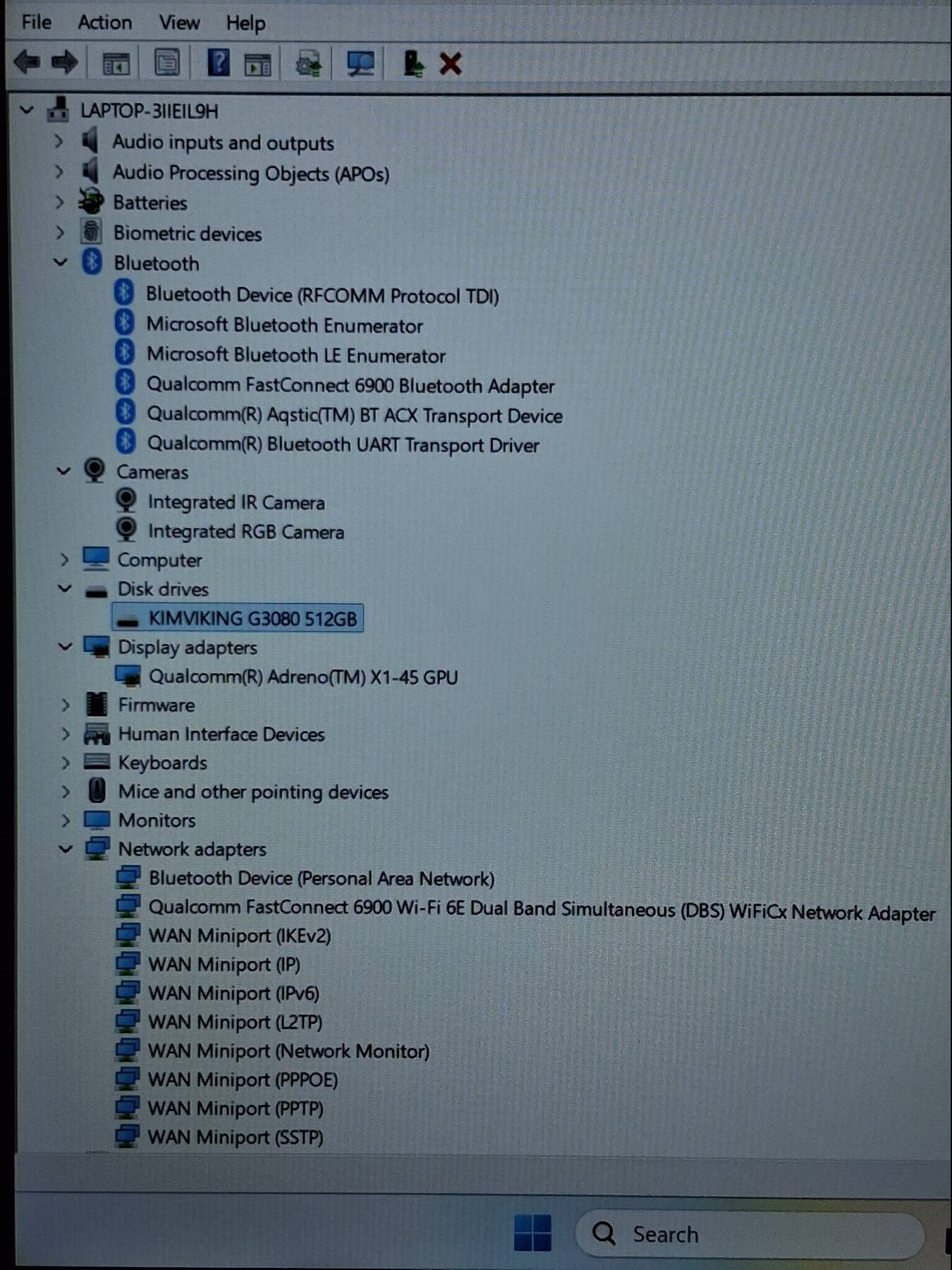
| Storage | 512GB KimViking G3080 PCIe Gen3 NVMe SSD (WG38512L32SQAGX2) |
| Display | 14" 1920x1200 |
| Int. Peripherals | Qualcomm QCNFA765 802.11ax Wi-Fi 6E |
| Ext. Peripherals | |
| Dimensions | |
| Length/Depth | 22.4 cm |
| Width | 31.3 cm |
| Height/Thickness | 2.1 cm |
| Weight | 1.13 kg (2 lbs 8 oz) |
Software
| Operating System | |
| Unique applications |
Log
Obtained for review
Here's the quick rundown:
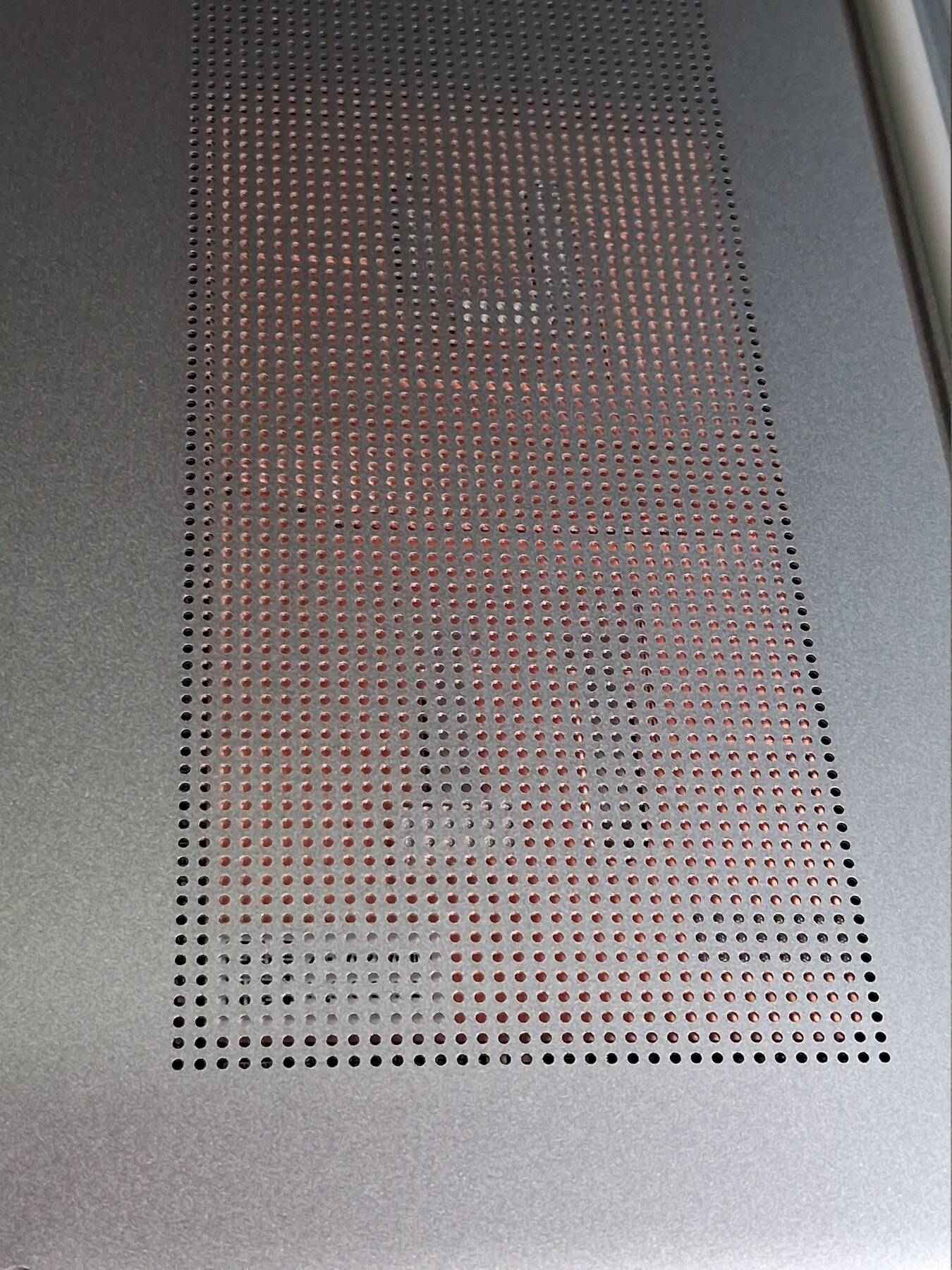
- Fan behavior at idle sucks. Constantly revving the fan for a couple seconds, shutting it off, then repeat every 10-15 seconds.
- Performs well, even running games from the last decade. x86 emulation impressed me.
- Display has some vertical color shift. Pretty basic, but 1920x1200 is fair.
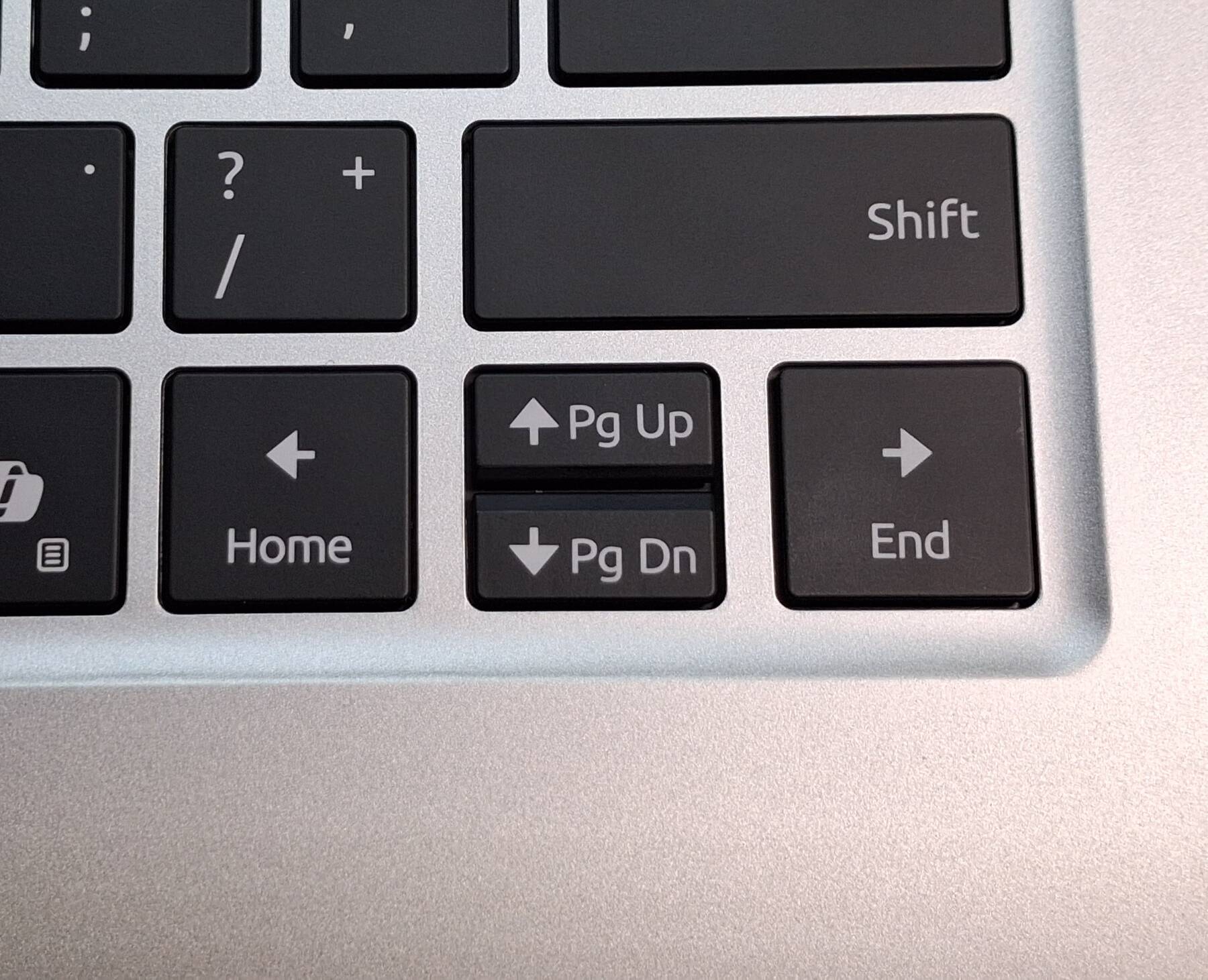
- Keyboard rattles a lot. Super light plastic caps.
- SSD was Gen3, not Gen4. 1193 write, 2187 read (MB/s) according to winsat
- Poor clip design lets the bottom panel flex and click in the middle.
- Only the USB C in the middle can do USB4 (Thunderbolt3/4), but thunderbolt devices are more likely to miss drivers (except generic storage stuff). For example, no drivers for Marvell AQC113 10GbE adapter.
- Up to 3 external displays. LCD makes for 4 displays.
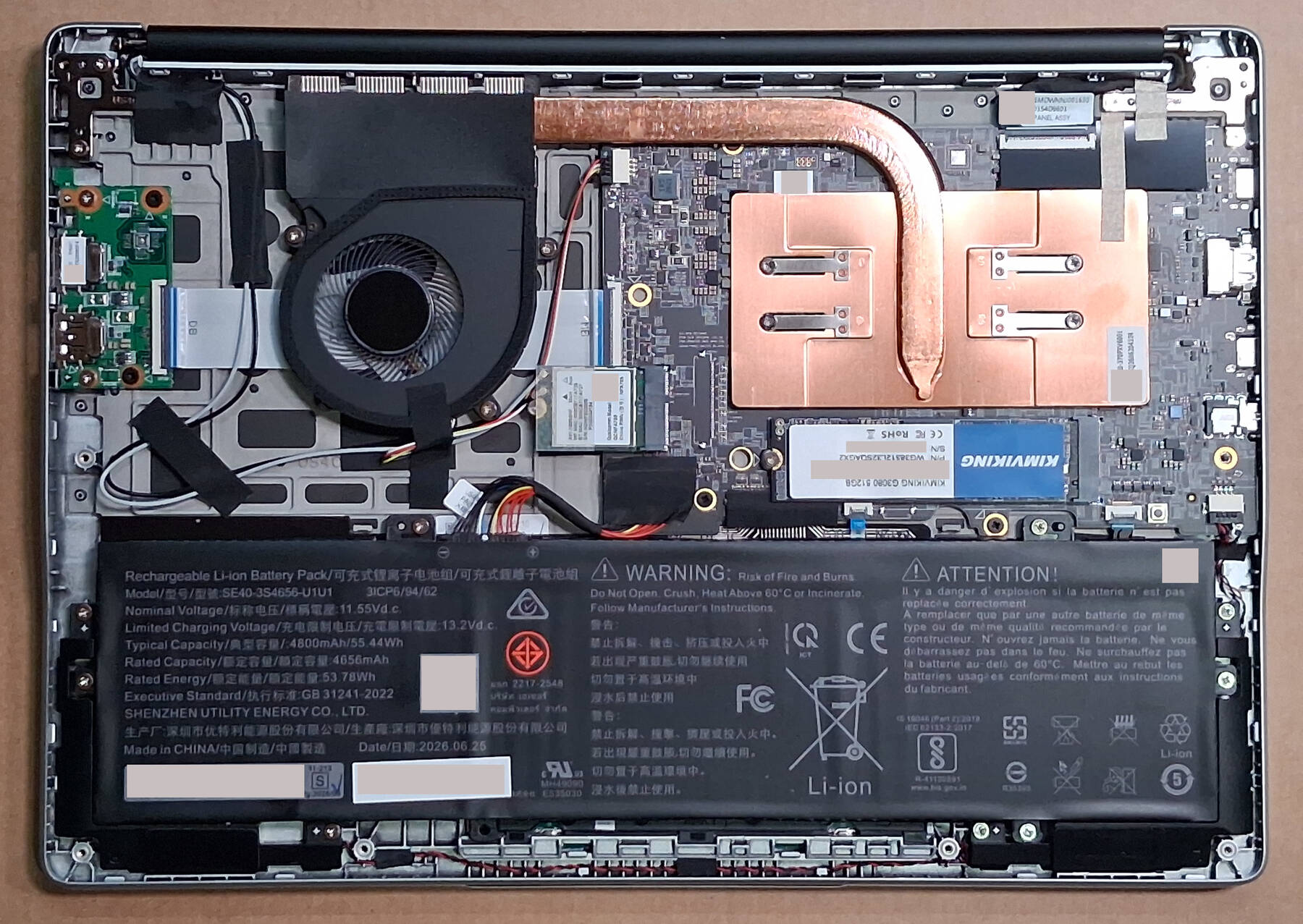
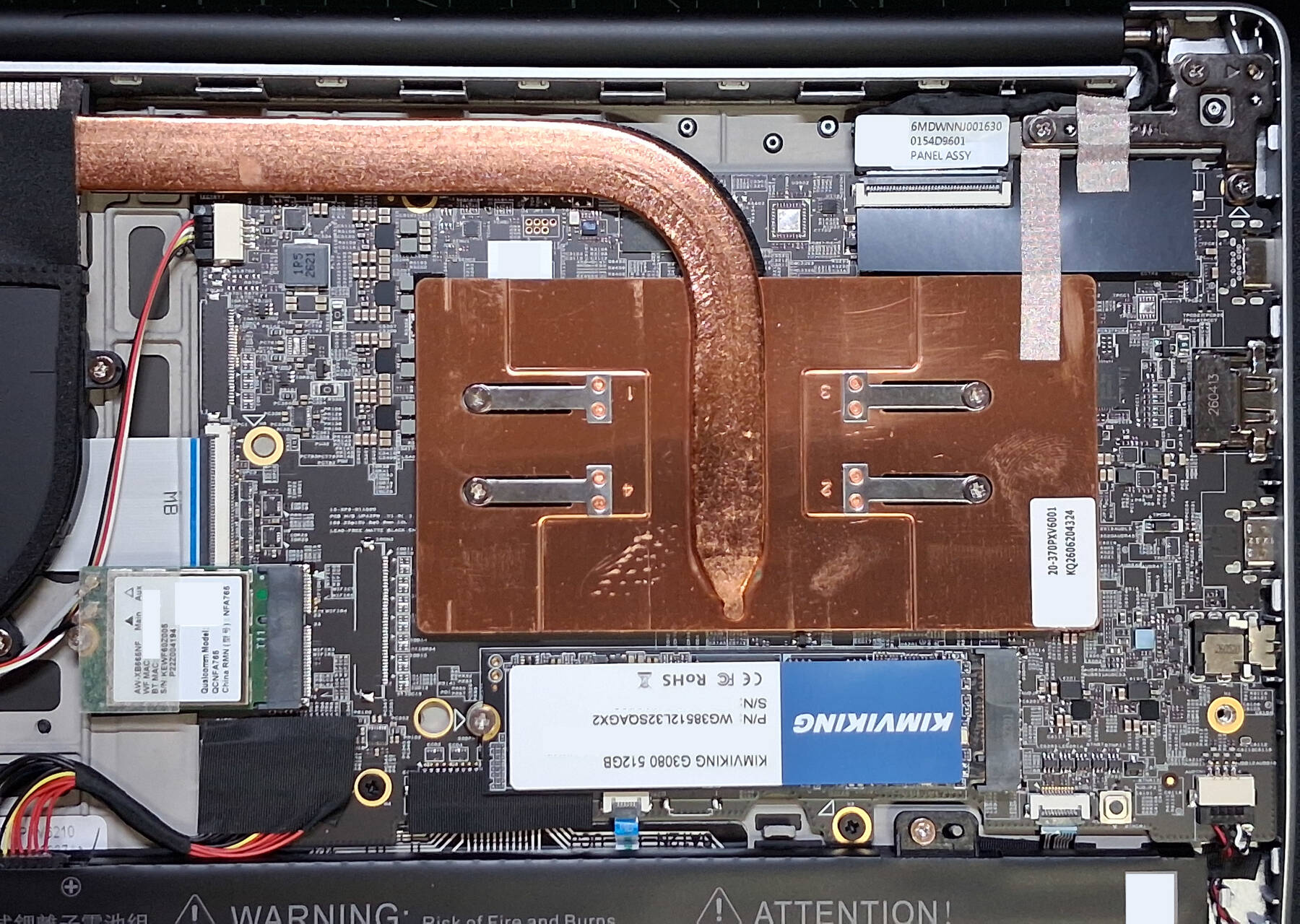
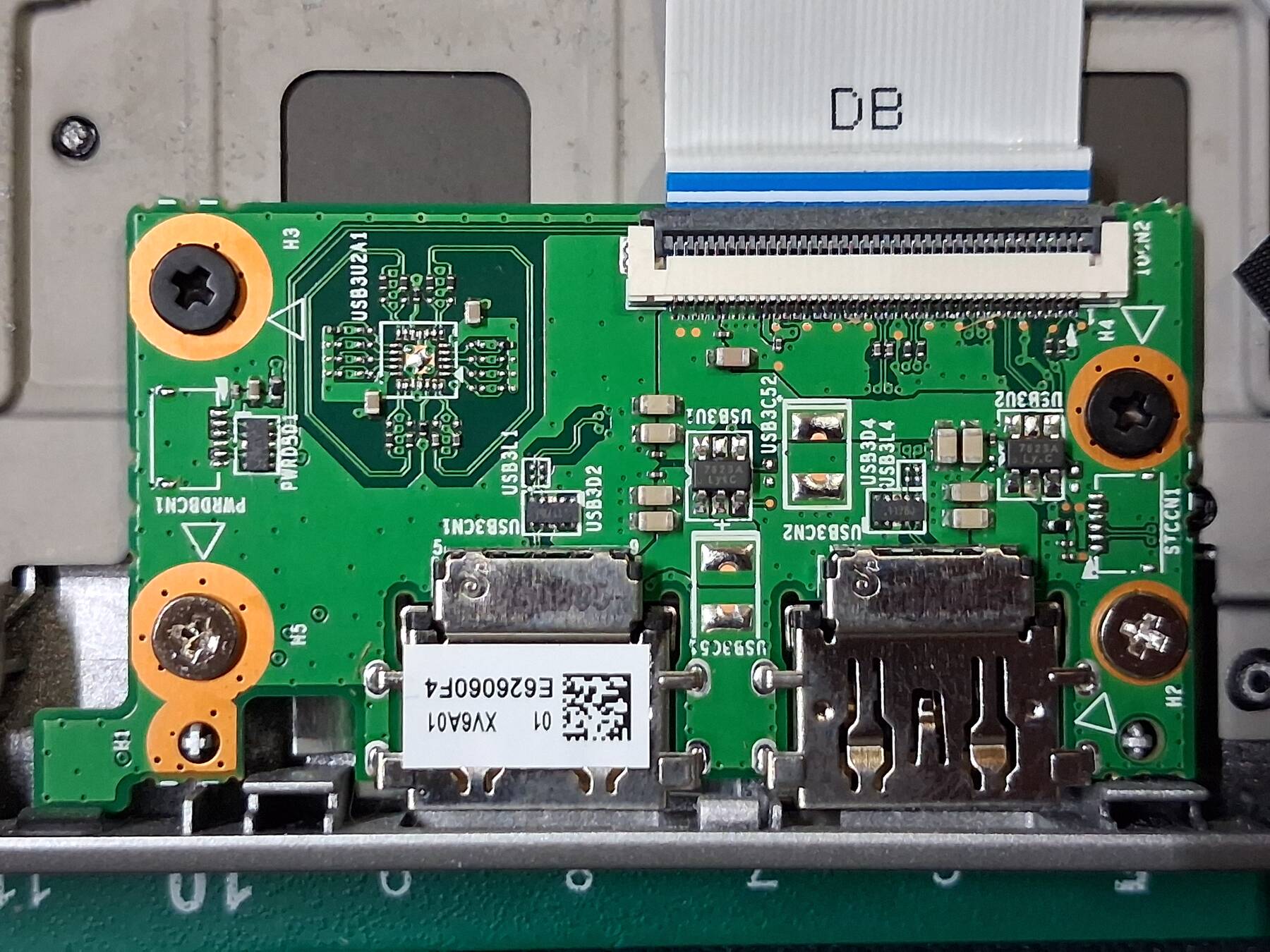
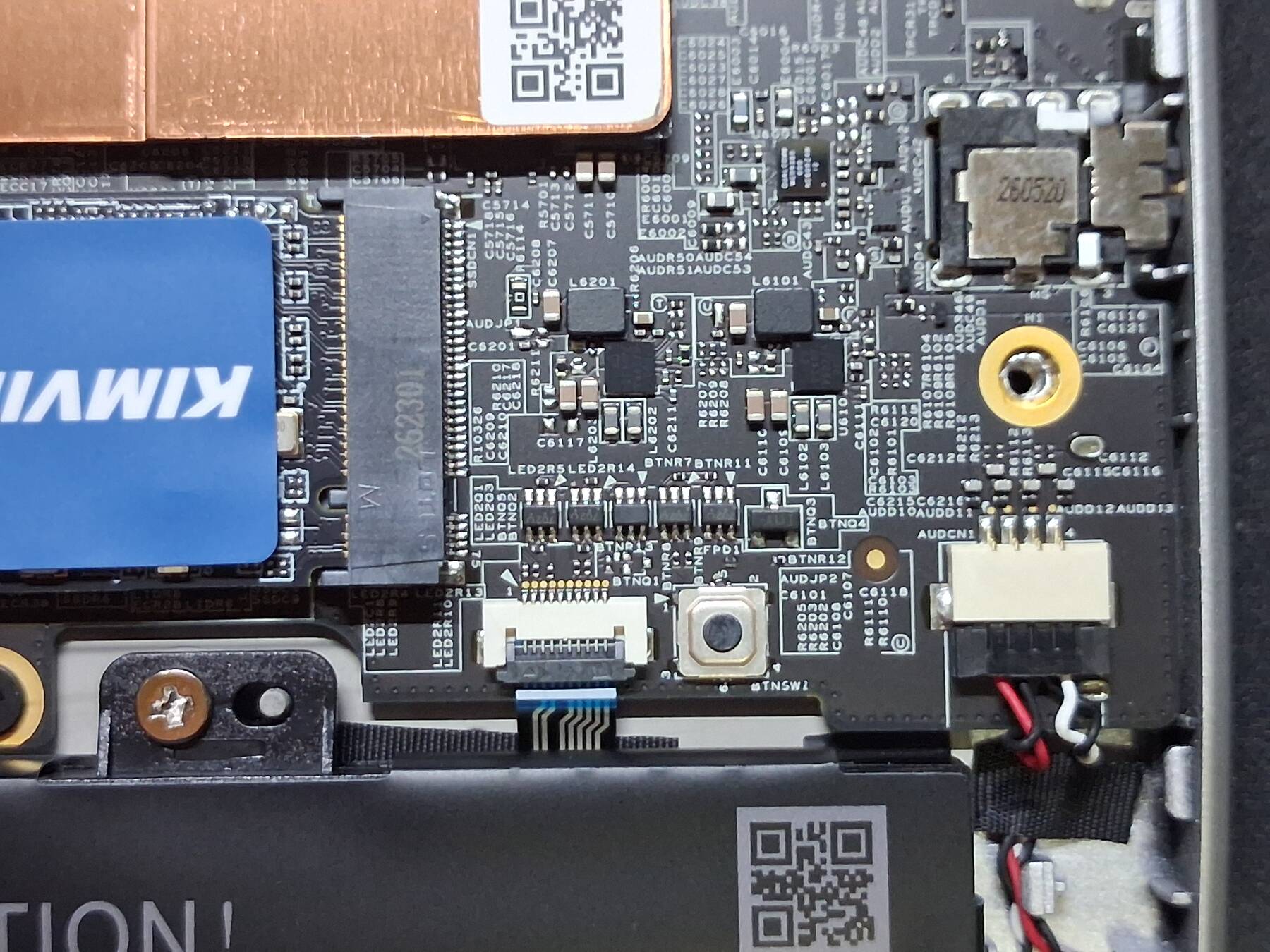
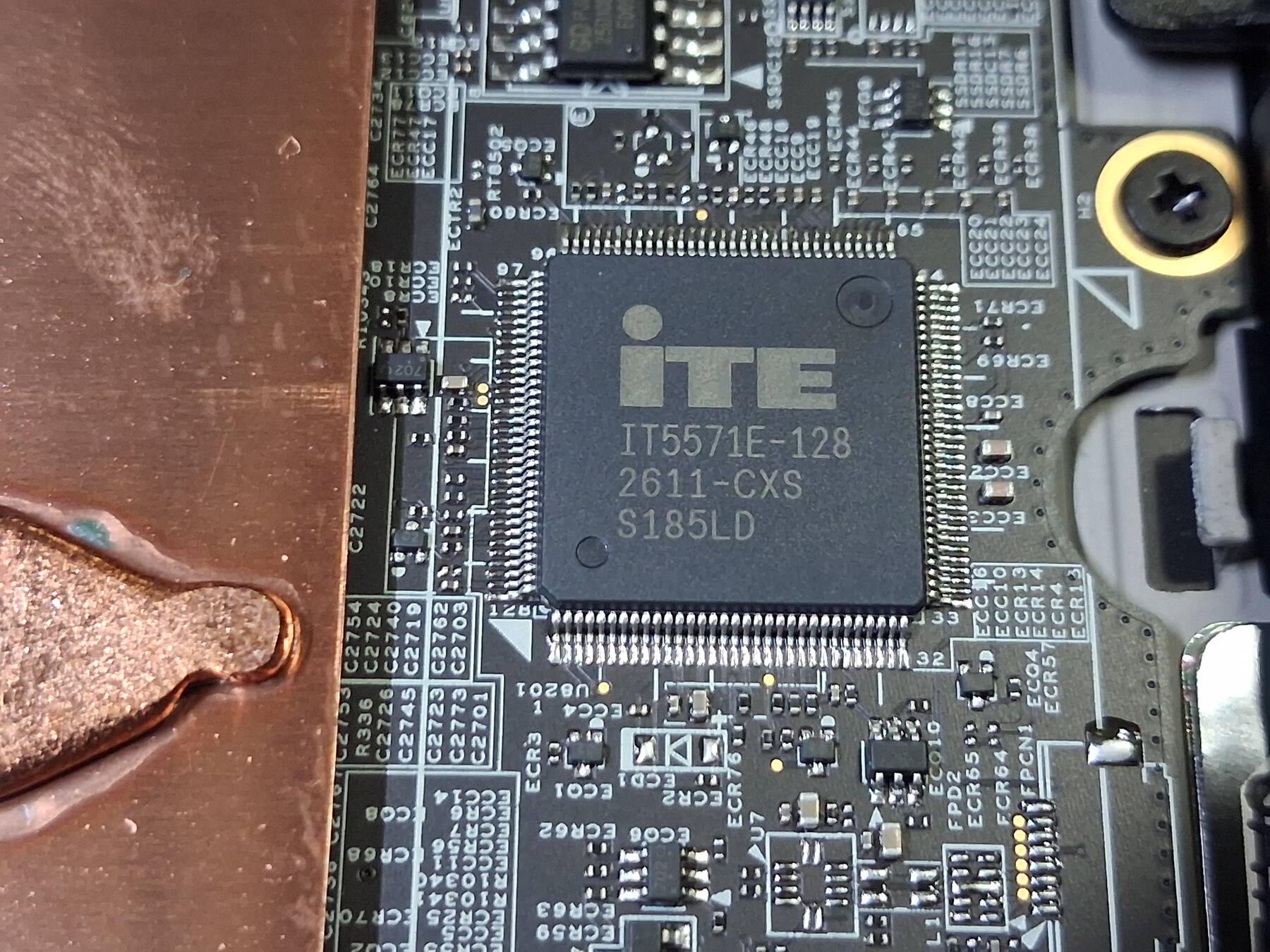
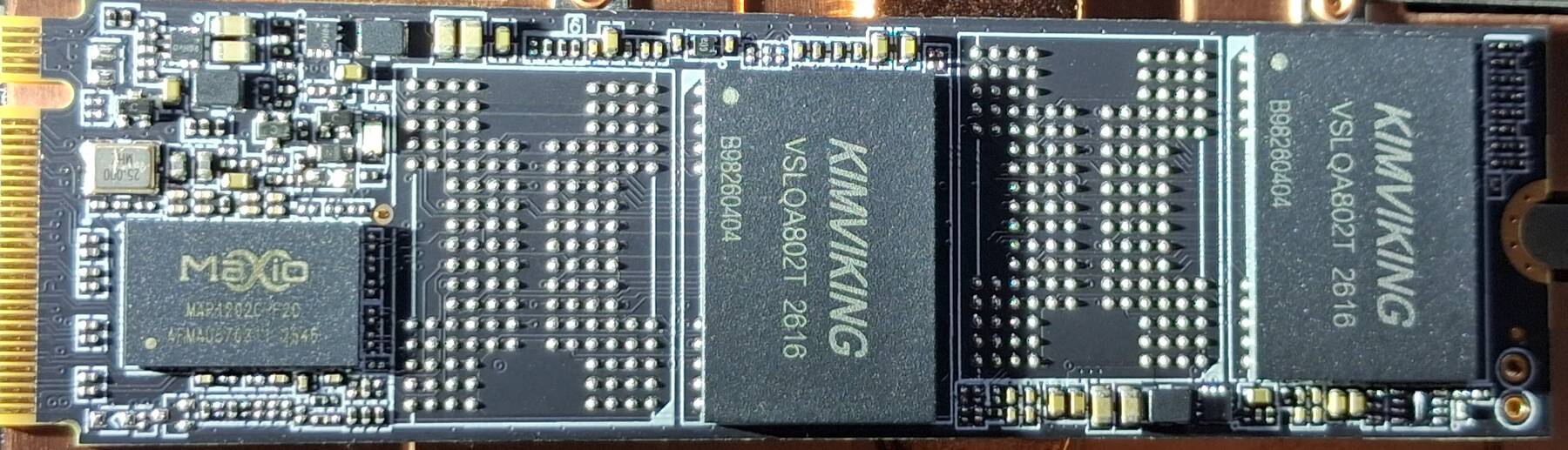
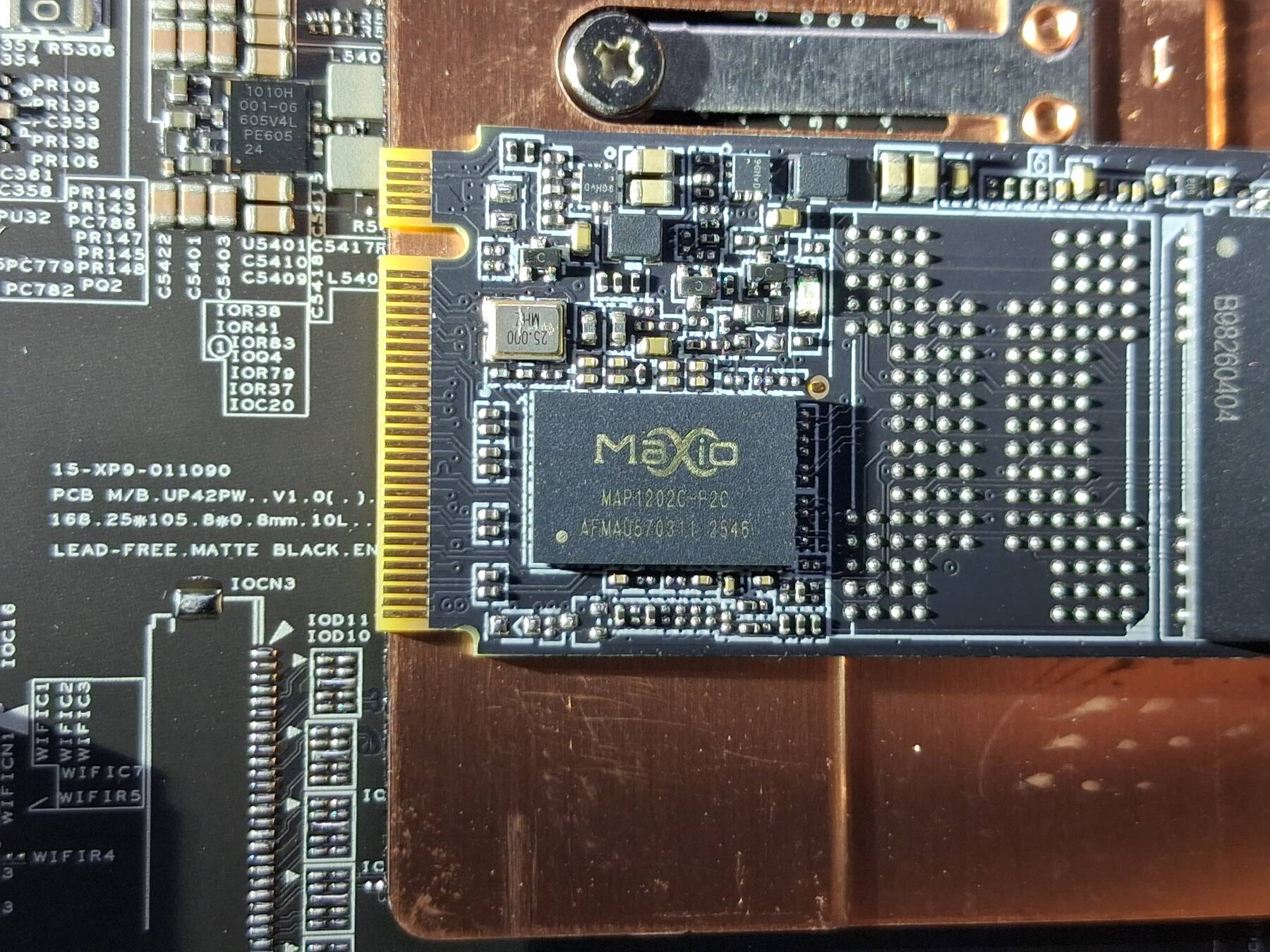
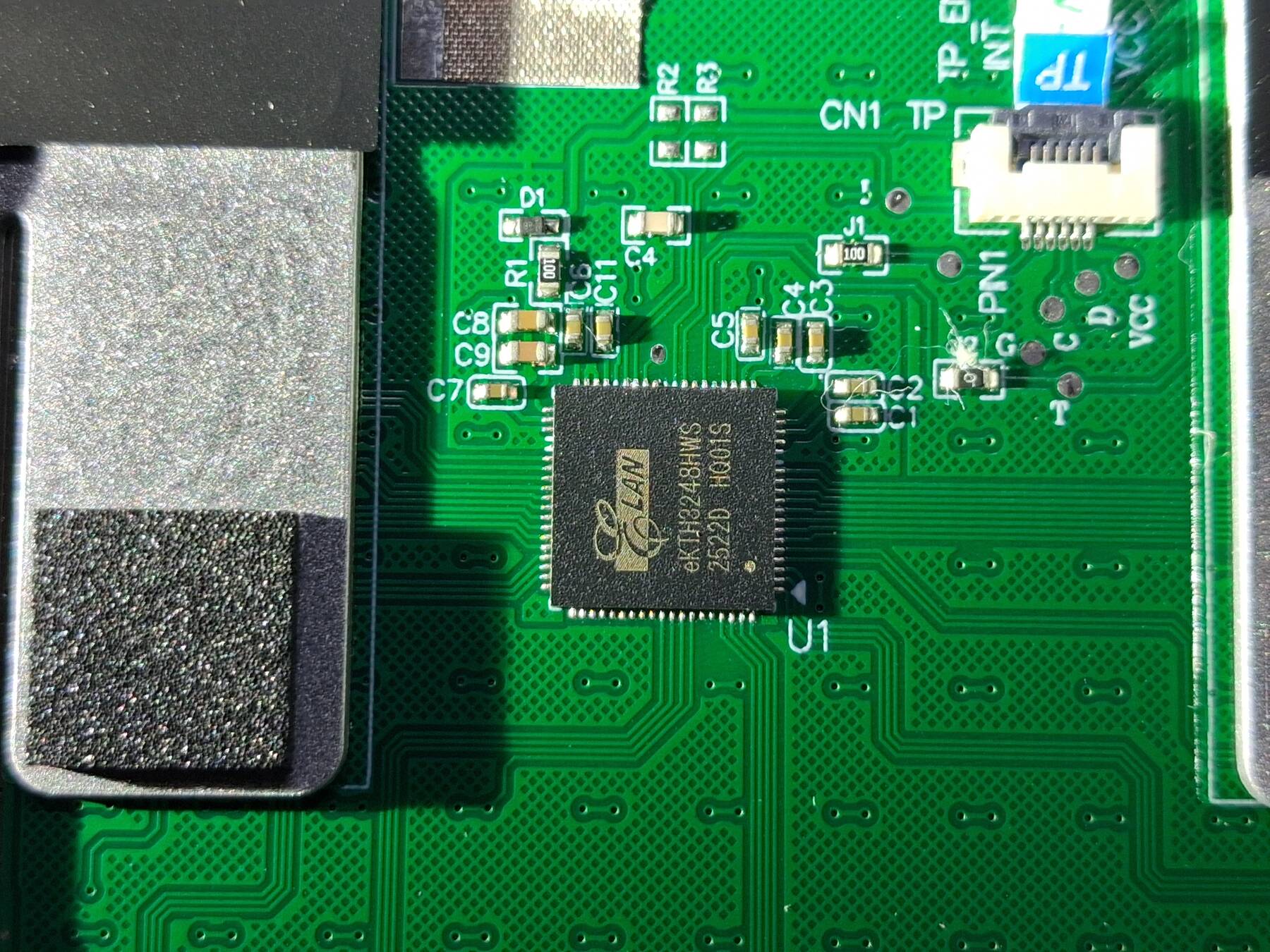
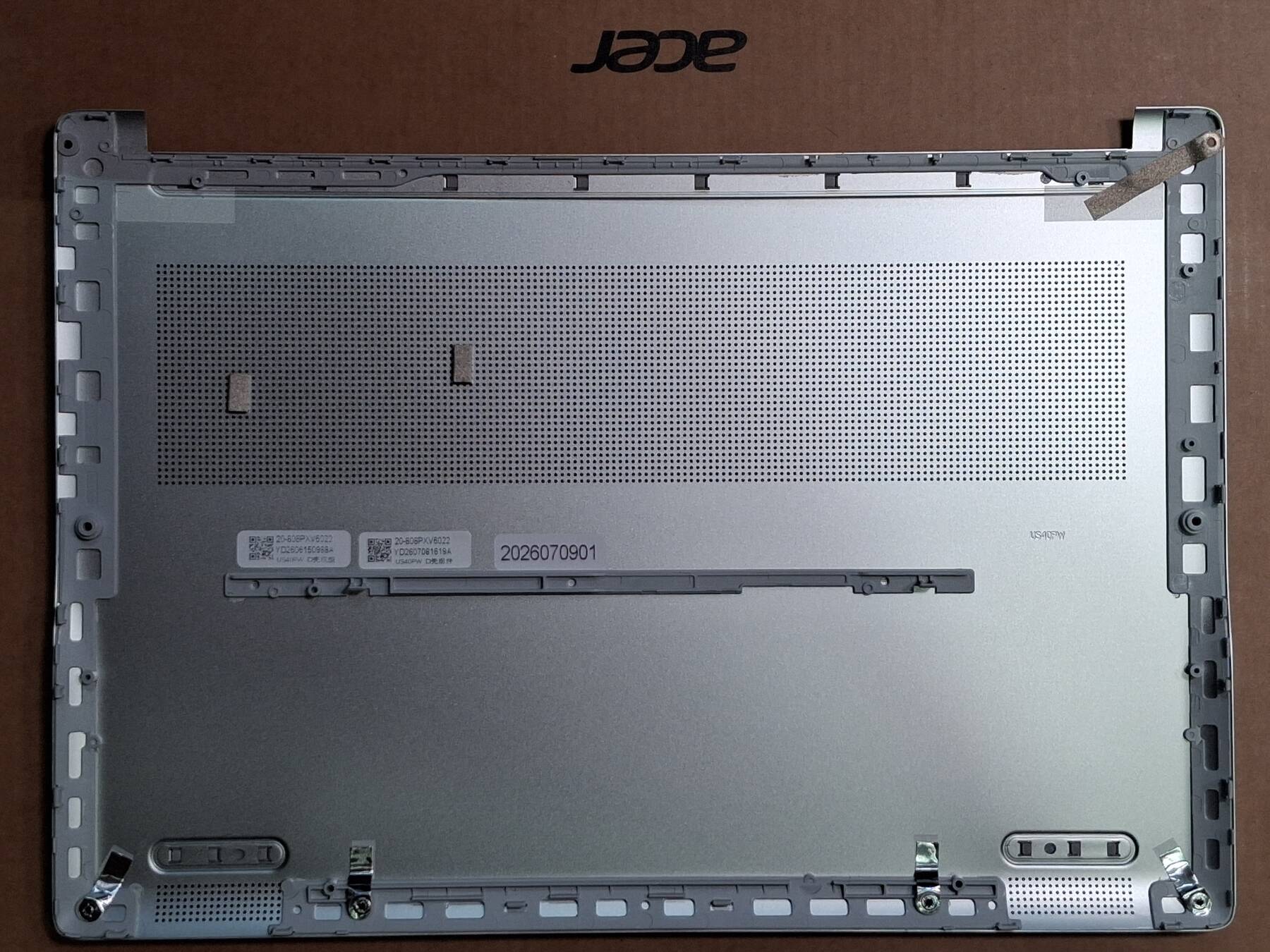
NPU fail
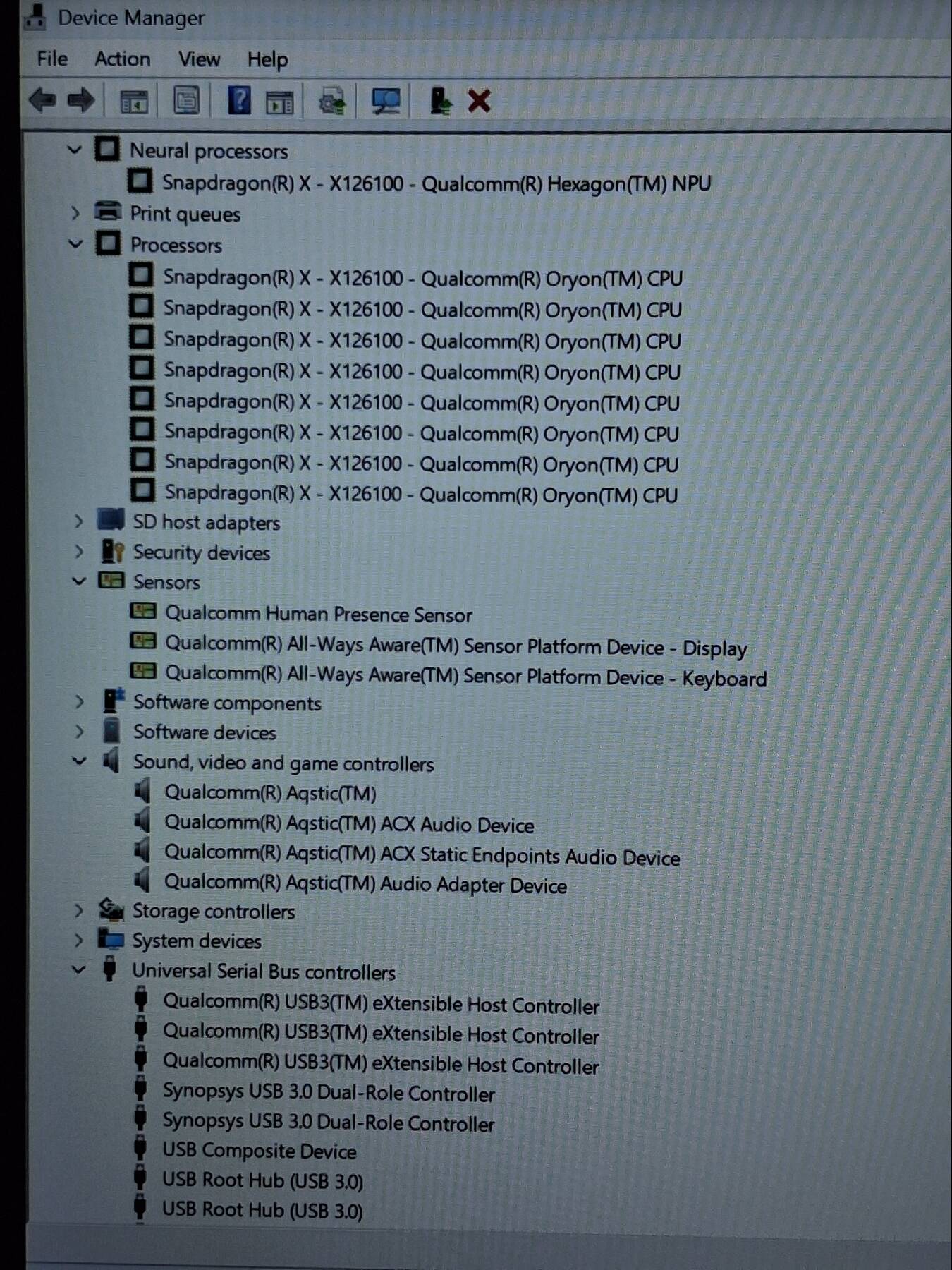
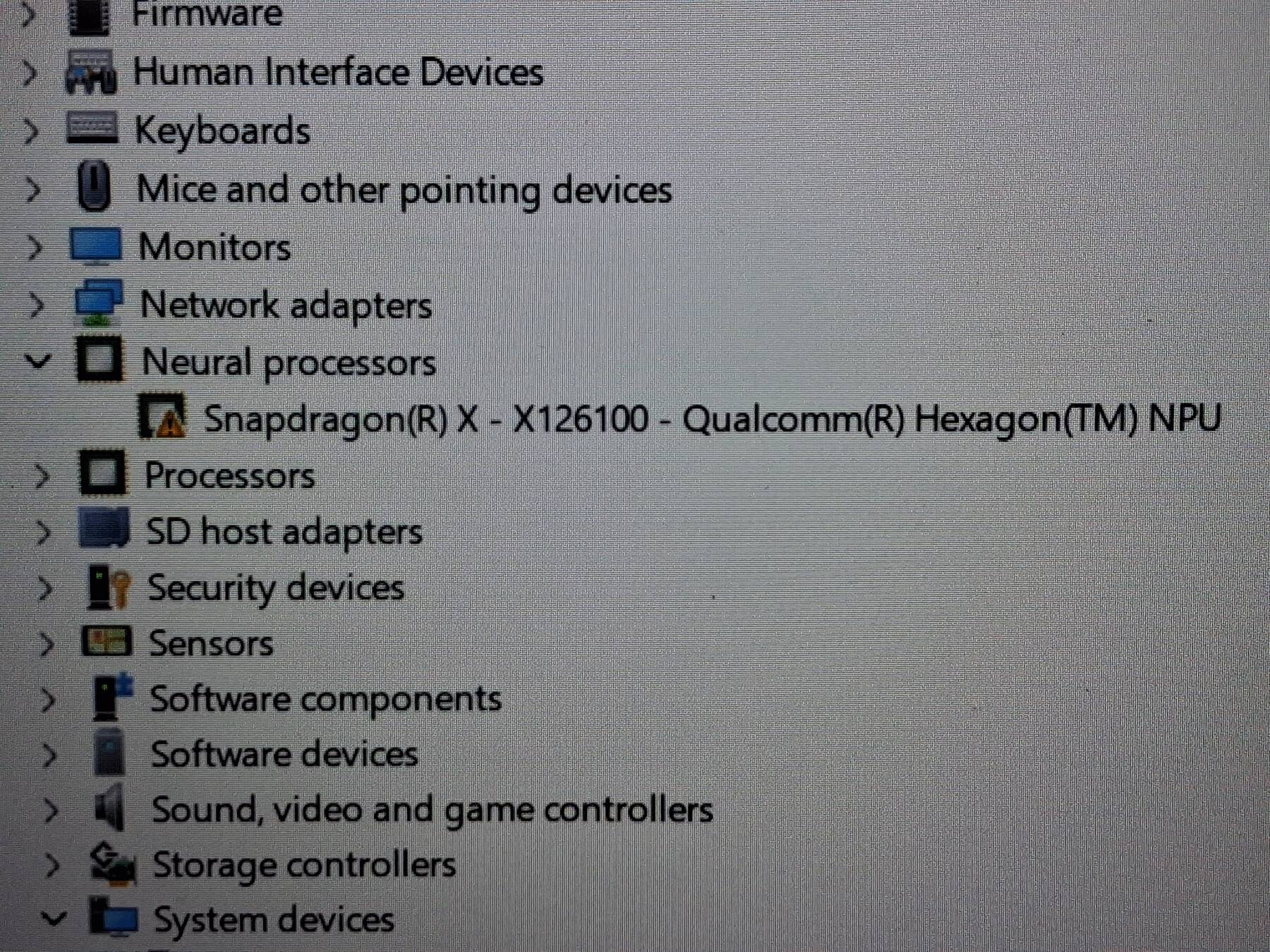
I couldn't find a compelling reason someone would buy this so I felt the need to play with the NPU. I loaded AnythingLLM, and ran a few bad queries (never done this before). Then it stopped working with SDKError, unable to load model or something.
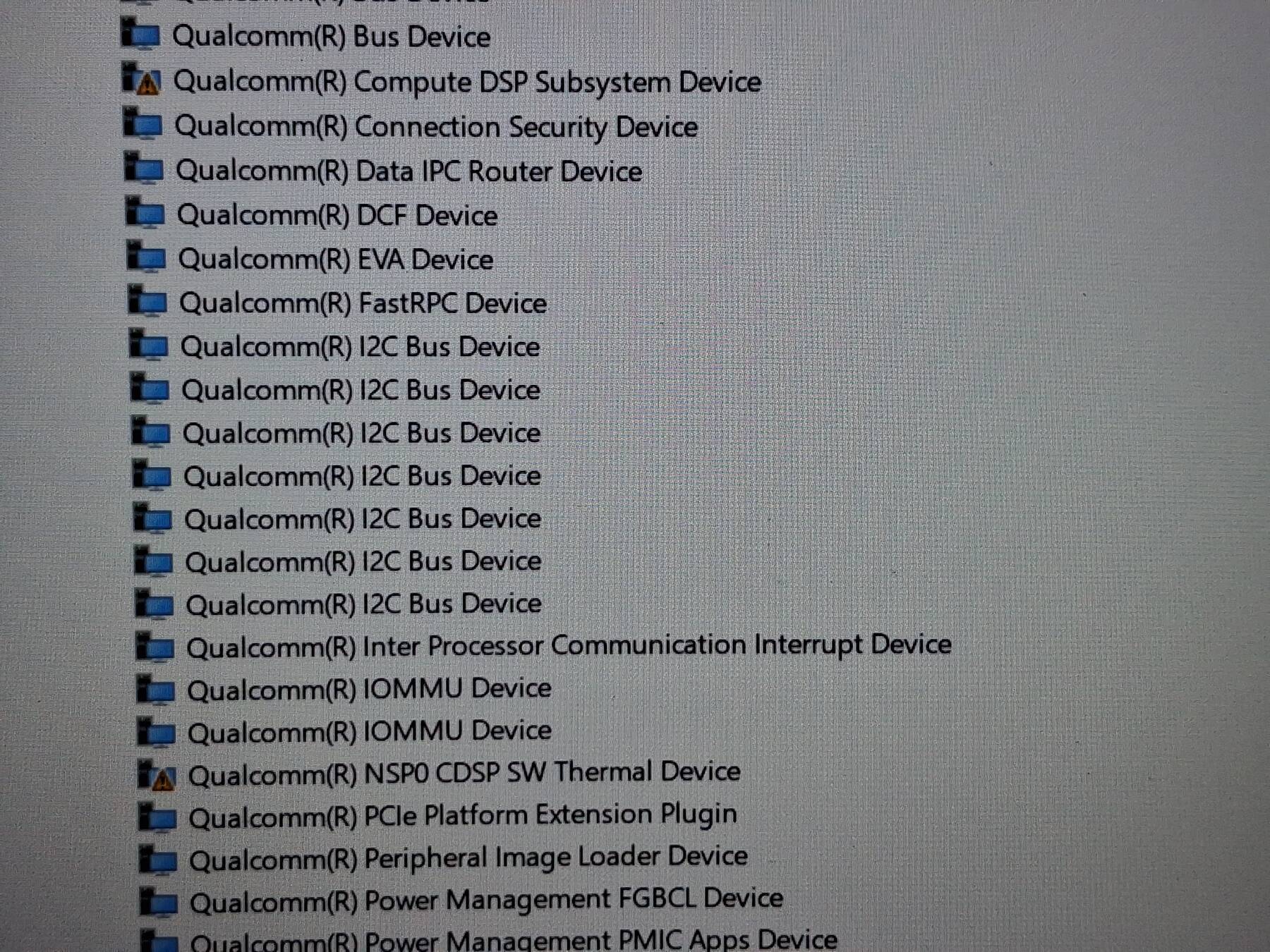
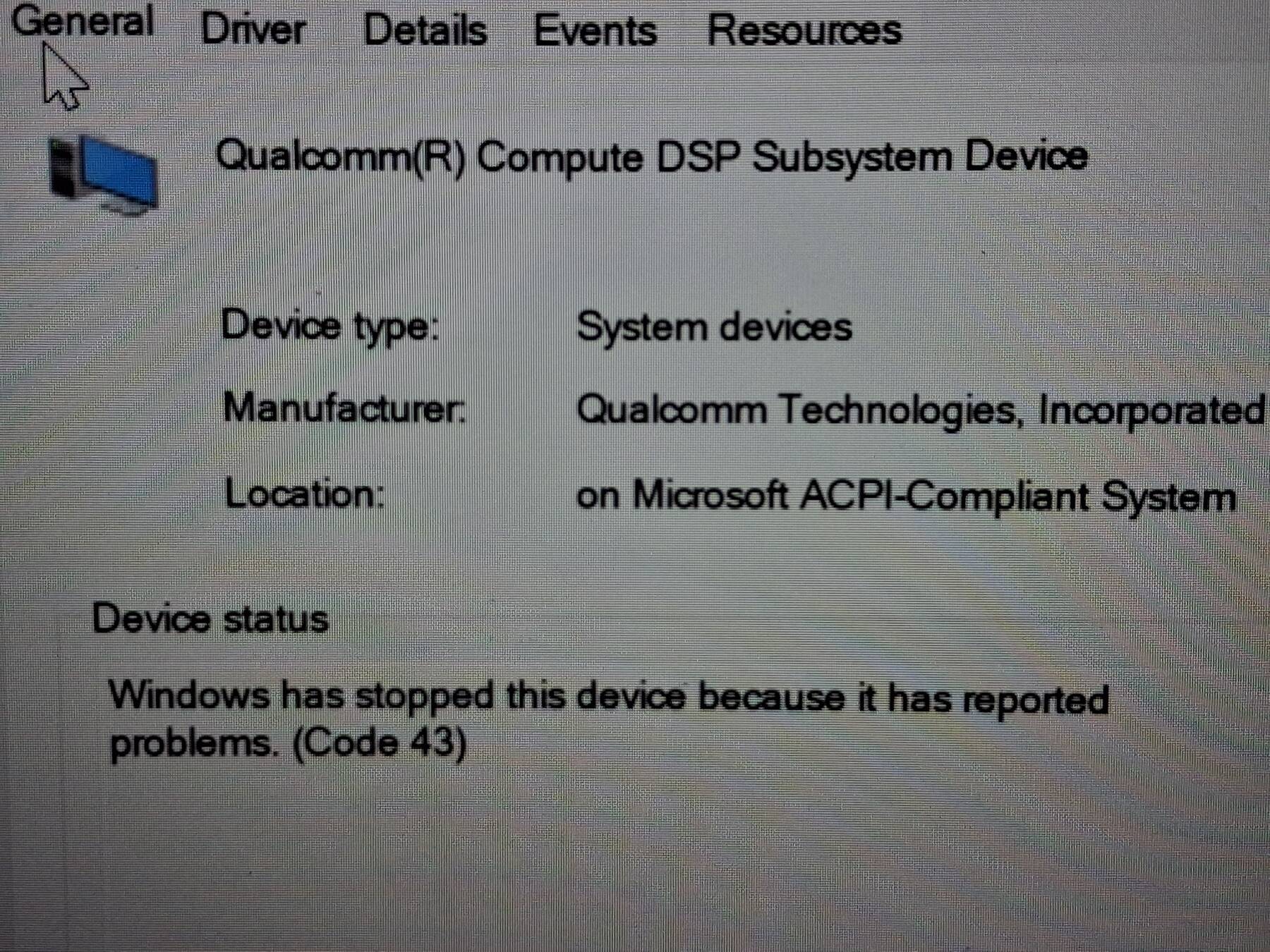
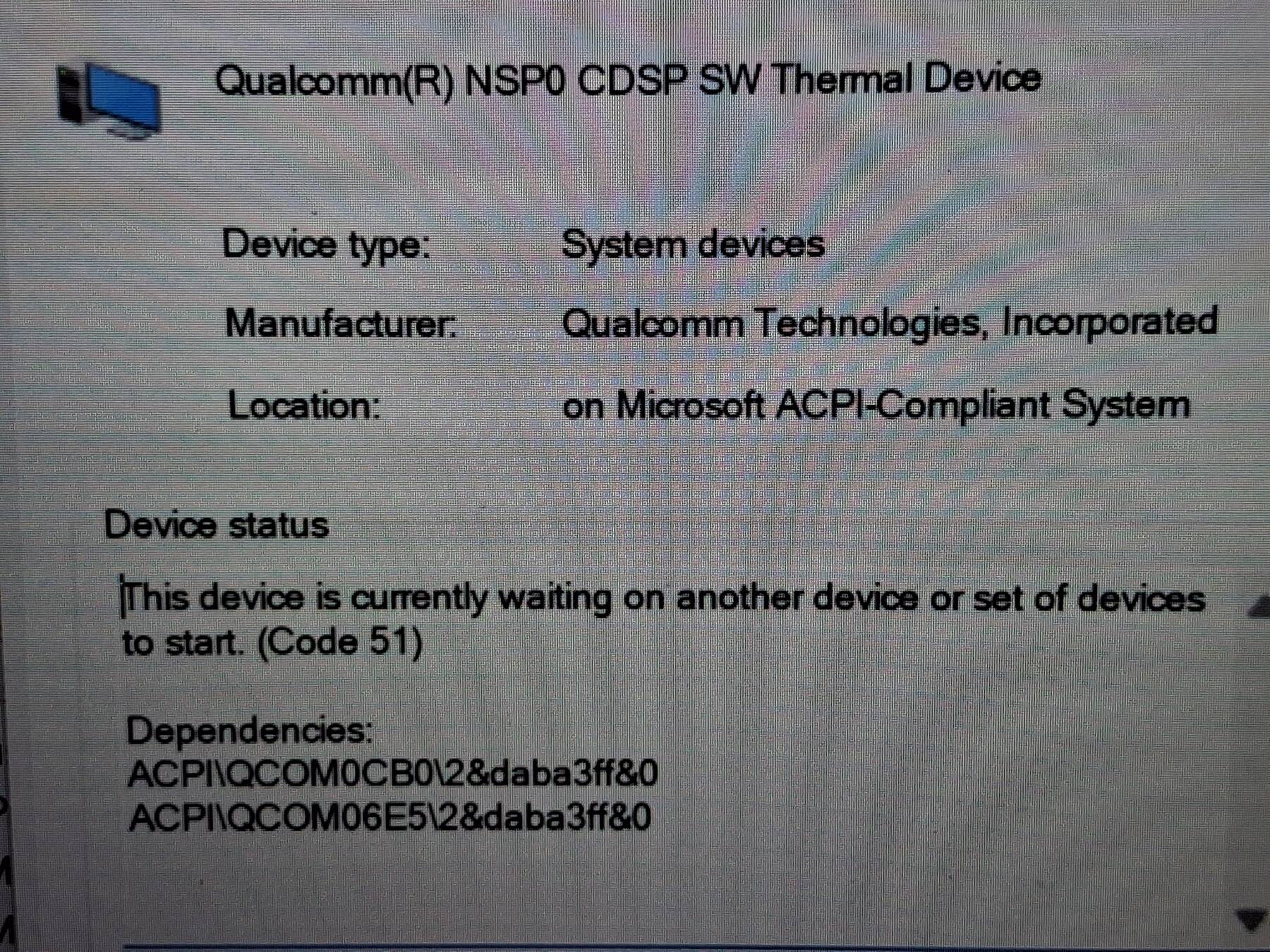
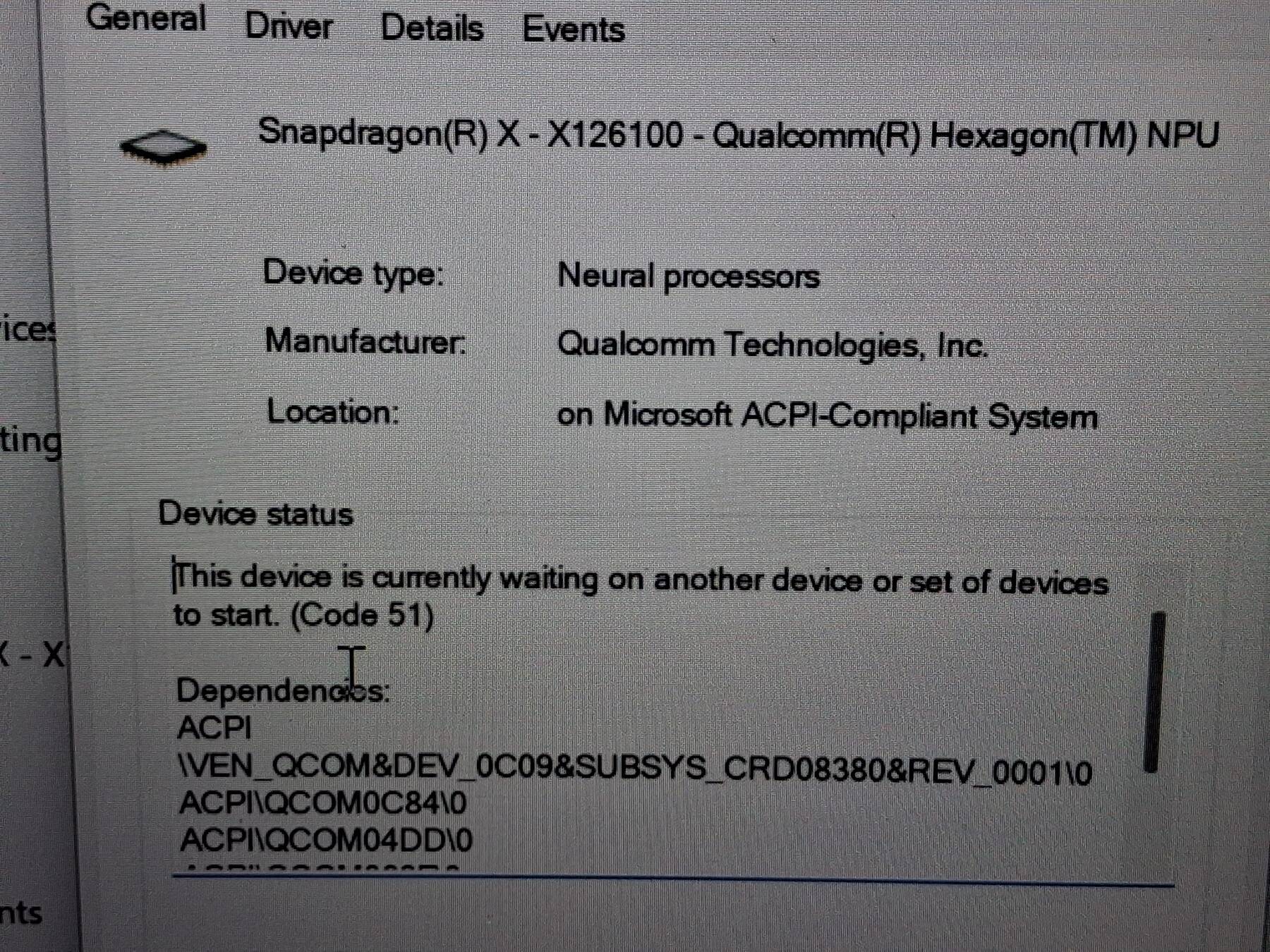
I poked around in device manager, and the NPU device has an error with a dependency on another module not starting. The primary problem seems to be the 'Qualcomm Compute DSP Subsystem', showing Code 43. I did some device and driver shuffling, and next thing I knew the NPU device has disappeared completely.
I did a fresh windows 11 install on a spare SSD (see next entry). This restored the NPU device, but the errors persist.
Fresh Windows 11 install
Earlier reports indicated ARM re-installs being a mess. There were reports on 2024 machines of having to manually export your machine's drivers, and slip them into the install image to get a working installer. Google's LLM led me on a wild goose chase pursuing install media that could boot with Secure Boot enabled. It turned out to be much simpler with this machine.
I put in my spare M.2 NVMe SSD. I disabled secure boot, and used the stock Microsoft Win 11 ARM iso. Due to the previous failures, at this point I was using my IODD 2531 (USB optical drive emulator), but I think it would have worked with a flash drive too.
Tap F12 during boot to load from removable media. Install was very normal. Acer's download list has complete drivers, and none are necessary during the install. I re-enabled secure boot after, and Windows activated automatically.